




 here!
here!
I’m your shopping assistant for PC builds, upgrades, and everything tech.
Got questions? Ask away!
Start a conversation
here!
I’m your shopping assistant for PC builds, upgrades, and everything tech.
Got questions? Ask away!
Start a conversation

In Internal SSDs
Our most popular products, based on sales and updated frequently.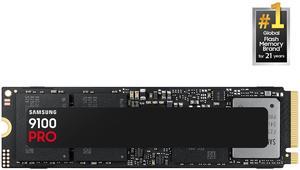
Excellent speed and quality with ease of install.
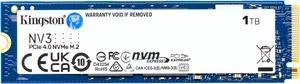
The Kingston M.2 ssd is fast and reliable, at a fraction of the price you would pay for the top tier Samsung and WD brands. This model does not come with a heat sink, since my motherboard has one built in, but I would recommend you use a heat sink with any M.2 you use that runs fast like this. Otherwise it does slow itself down on big transfers when it gets hot.
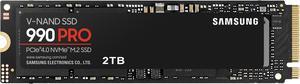
Perfect, nothing to say otherwise... I must order this SSD before
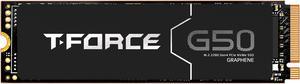
Loads fast. Easy install. Was free!
- Performance - Temps - Value
Low cost, fast speeds
Actually obtains speeds of 7000 and 6800 using Atto to bench check!

I have used three of these to upgrade laptops, and they work well in that regard, maintaining one or two years of read/write speeds even after time. I use a 2 TB of the same model in my PC, which is about two years old, with zero reduction in speed.
Great speeds (7100 MB/s) and good capacity (2TB). Comes with a heatsink already installed on it to keep it cool. Great for desktop PCs....
Fast deliver, works great.
Running this for almost a year as my main drive. Very fast and tons of space for installing recently released space hog games. Good price for the size. Installation and setup of Win11 was a snap.
I got this drive on sale and I am very happy with its performance.
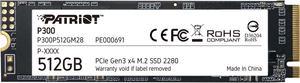
So first and foremost this my first time using an nvme drive since it came out in the earlies, I always watch these youtube pc building videos and saw the guys using these drives. The price I got it at was very good so I bought two and when it arrived slotting them in was a bit scary I didn't want to break it on my first try but eventually I got around that fear and installation was very easy. I installed linux mint OS on one and used the other for steam games and. Booting the desktop and launching steam games was just a few seconds operating temperature was normal. Also its quit small and cute for it size.
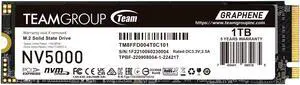
I replaced my sshd. With this one in my 2018 Asus FX504, and what a difference!!!! Very happy so far!!!
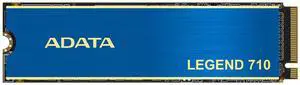
Given the current price of storage devices, this was a fair deal.
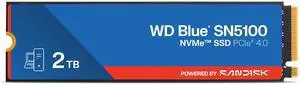
Fell right into place loaded windows great, no hiccups.
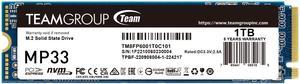
This is a great boot drive. Blazing fast read/write and functions perfectly.
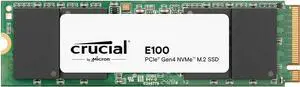
The drive arrived well packaged, working well as expected
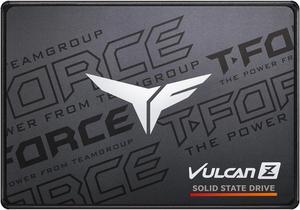
Works well. Good value for price paid.


