




 here!
here!
I’m your shopping assistant for PC builds, upgrades, and everything tech.
Got questions? Ask away!
Start a conversation
here!
I’m your shopping assistant for PC builds, upgrades, and everything tech.
Got questions? Ask away!
Start a conversation

In External SSDs
Our most popular products, based on sales and updated frequently.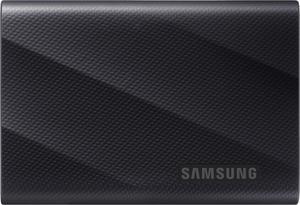
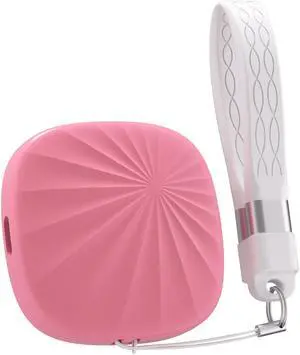
Performs well, doesn't seem to get hot. Keeps in the 300 Mbps range and a little higher when writing to the drive used in a 3.2 Gen 2 connection (I don't need trailblazing speed). Got it when it was $80 (two months ago), so made good sense. It has a basic plastic housing which is see-through enough to see the LED when it is in action.
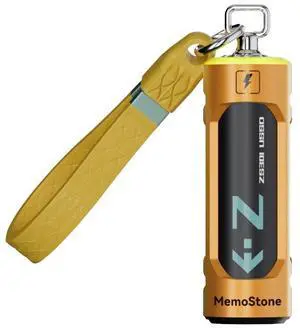
So I got the drive, hooked it up to my Thunderbolt on my motherboard, and I transferred some files to my C drive, and I got a two-gig transfer speed. The Reading speed is great
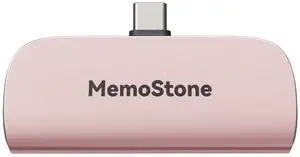
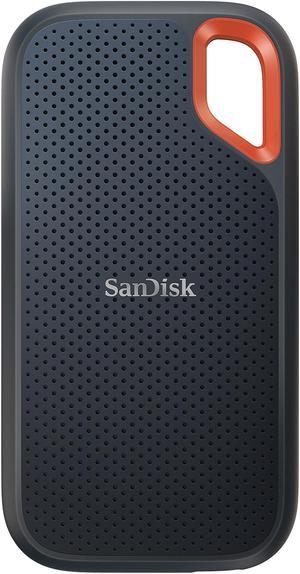
Very easy to install. Nice and fast, also.
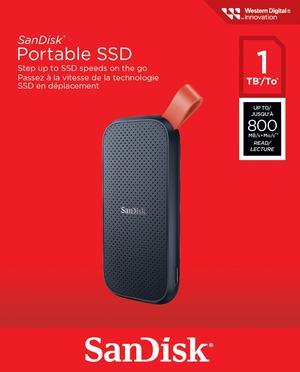
Fast Backups using with Time machine
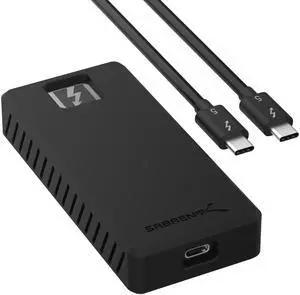

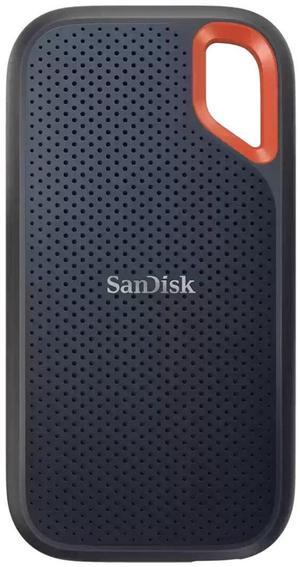

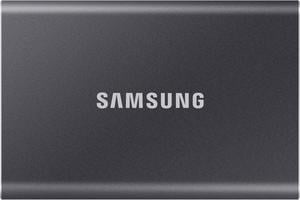
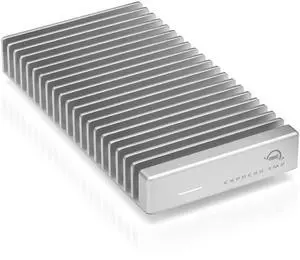
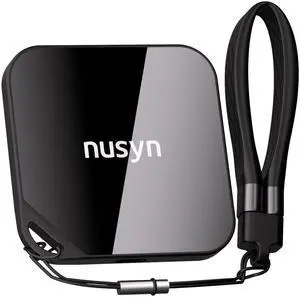
Fast enough for large file transfers, premium feel, compact. Come with a magnetic ring to support older generation phones.
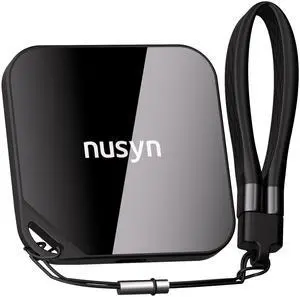
Light weight, easy to carry, and plenty space to save information
I did a full Windows 11 backup and noticed it was a little warmer than most SSDs but it was pretty fast.. If it lasts then I'll be a happy buyer.

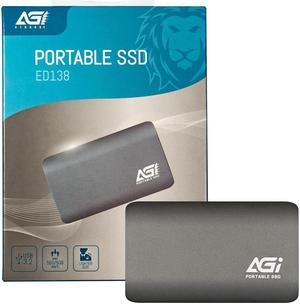
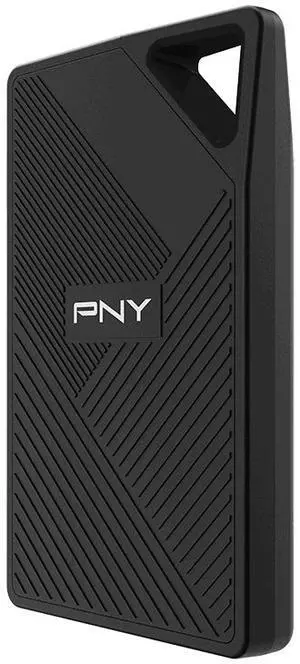
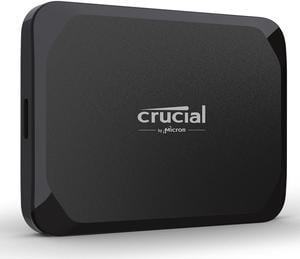
Super fast. Gets very close to the 1050MB/s as advertised. Great for gaming on the go but must be connect to USB-C. Small and light, pocket size. Many AAA games that require 100+GB installs for storage can benefit from and sometimes demand the speeds of SSDs. The Crucial X9 will meet and satisfy the demand. Nowadays gaming storage libraries easily exceed 1 terabyte or more. The 2TB on the Crucial X9 is plenty of storage for on-the-go gaming, especially Steam libraries since they are easily transferable from one computer to another.
Works fine on my iMac 2017, going through an old Belkin USB-C "hub" (fans out 1 USB-C port to 2, plus a couple other ports). I needed to replace an aging HDD used for my photos and other occassionally-written files.


