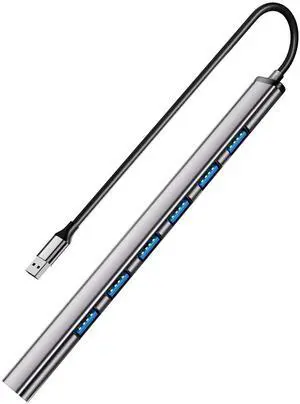
Solve not enough usb issues while allowing to charge multiple devices while not connect to computer.


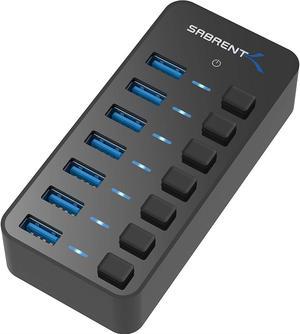
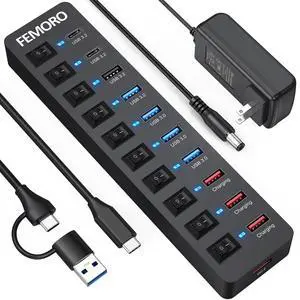
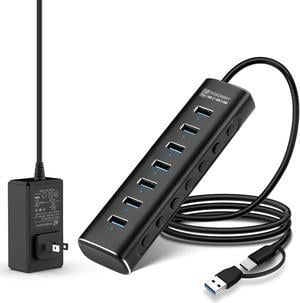
I recently bought a system from newegg. It had three USB sockets on the bottom. Not enough and a little low for where I mounted my system. I double-sided stuck this USB hub to the side of my desk. Perfect! Then I found out that the USB sockets stay active even when the system power is off. Having each new USB port switched on-off is great! I have five USB devices plugged in, but I only switch-on the one I'm using! Perfect plus!!! (my cell phone and all my other USB components say Thank You)
![Powered USB Hub 3.0,AUBEAMTO 7-Port USB 3.0 Hub [Durable Aluminum] 7 Data Transfer Ports+ 4 Smart Charging Ports with Individual On/Off Switches, USB Hub 3.0 Powered with Power Adapter for Laptop PC Powered USB Hub 3.0,AUBEAMTO 7-Port USB 3.0 Hub [Durable Aluminum] 7 Data Transfer Ports+ 4 Smart Charging Ports with Individual On/Off Switches, USB Hub 3.0 Powered with Power Adapter for Laptop PC](https://c1.neweggimages.com/productimage/nb300/BFMPS2312210NWCF9E0.jpg)
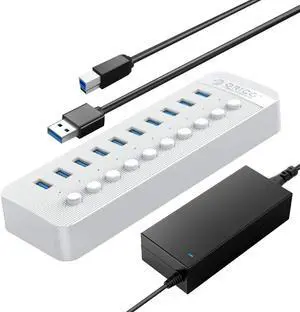
USB C Port speed seems good, I was only able to test with a M.2 USB C SSD enclosure I had laying around. Got read speeds up to 880 Megabytes per second (around 7000 Megabits per second)
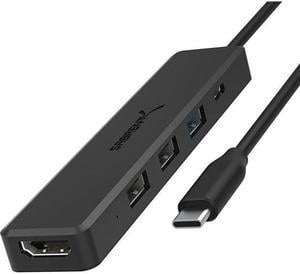
![SABRENT Premium 3 Port Aluminum Mini USB 3.0 Hub [90°/180° Degree Rotatable] (HB-R3MB) SABRENT Premium 3 Port Aluminum Mini USB 3.0 Hub [90°/180° Degree Rotatable] (HB-R3MB)](https://c1.neweggimages.com/productimage/nb300/ADV2D200905HI7KB.jpg)
Flawless reliability. Solid hubs. Highly suggest. Love them.


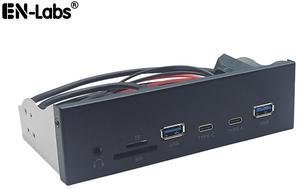
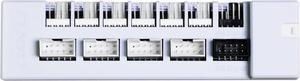
Easy to setup on an older computer case with a floppy bay. You will get USB 3.0 ports provided the motherboard has the onboard USB 3.0 connector. If the motherboard has no such connector you can use a PCI-e card expansion adapter card for USB 3.0 connector.


Very good & useful