




 here!
here!
I’m your shopping assistant for PC builds, upgrades, and everything tech.
Got questions? Ask away!
Start a conversation
here!
I’m your shopping assistant for PC builds, upgrades, and everything tech.
Got questions? Ask away!
Start a conversation

In Intel Motherboards
Our most popular products, based on sales and updated frequently.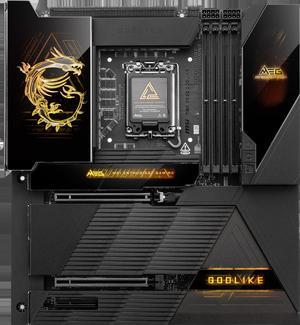
This is Godlike motherboard.Very easy to set up.
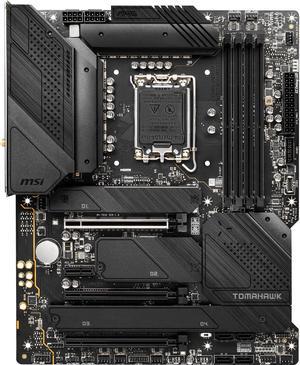
- Ample amount of M.2 slots with heat sinks for all four - All black aesthetic - Available quickly after Alder Lake released
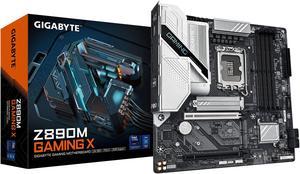
I am pretty sure this is a pretty amazing motherboard, just the fact that it has an error code reader for a sub $500 motherboard is a plus. I wish other manufacturers would take note as this use to be a normal thing even with the budget motherboards.
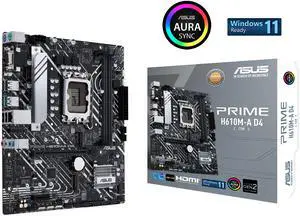
Actual 6600 m.2 read speeds w/ a Crucial P5 Plus m.2 4.0x4 very good usb port array
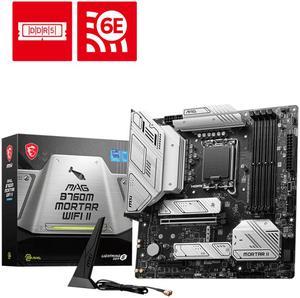
- Very easy to setup - Very clean and slick aesthetic - Dual M.2 Thermal Shields :D - BIOS is very intuitive and easy to use - USB M-Flash makes BIOS updates very easy to install
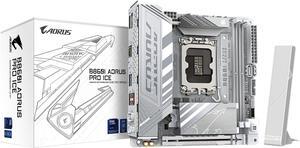
Nice board
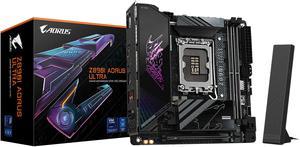
- Worked flawlessly out-of-box - Nice design/asthetics - Easy BIOS UI - XMP working fine (DDR5 7600) - Quiet, no coil whine
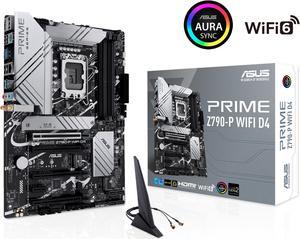
Arrived in 2 days after ordering. All packaging was perfect no issues installing it.
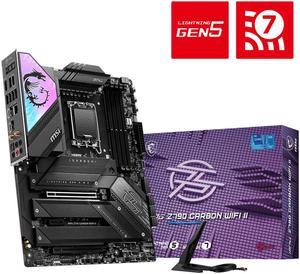
Solidly Built Feature Packed MSI BIOS Looks Awesome
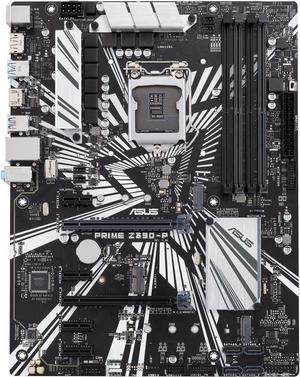
Low price, good functionality, sturdy, easy-to-use bios, good documentation
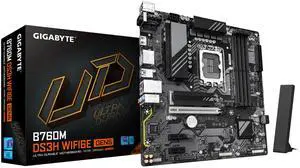
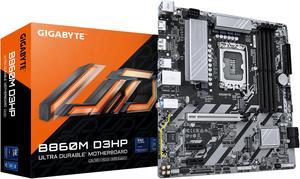
Easy to install. Not a large Motherboard compared to a z series. gigabyte is easy and straight forward to update BIOS extremely easy
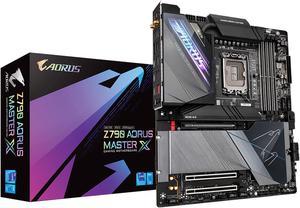
-Most important at this price, FANTASTIC PERFORMANCE!!! Temps are great, no coil whine from the chipset. -USB Ports - There are so many on the back. Allows for Up to 4 USB 3.2 Type A ports in the front with a USB C 3.2 port. -4x NVME Drives if you don't want to cut off PCIE lanes to the GPU with the PCIE 5 Slot -Latch less NVME covers and drive clips. Super easy for installation. -So many fan headers and they're all over the motherboard so its easier to remember which fans are where in your system. -New BIOS is good, still not up there with ASUS, but I appreciate Gigabyte's default voltage settings vs ASUS -Solid build quality. Thick board with a metal back plate. Reinforced GPU bracket, metal covered 24 pin connectors are a nice touch.
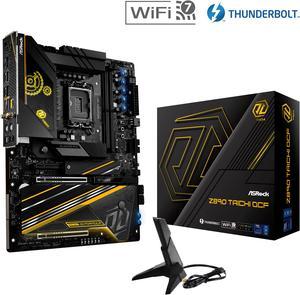
very nice mobo has 6 m.2 slots and a proper igpu lane which is why i wanted to upgrade from the z790 apex encore other than for cudimm ram OC. Im glad theres finally an XOC mobo with a proper igpu lane that ill use with tb4 unlike last gen where i didnt have the option
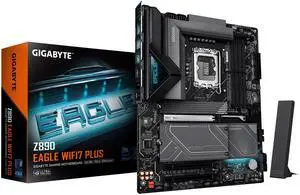
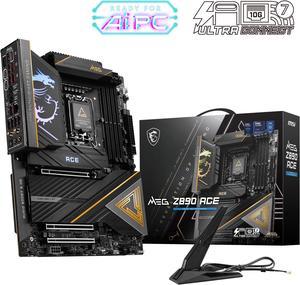
Wow! This board is solid, heavy, feels very well built and clearly with quality in mind. The architecture is attractive, and the layout is super practical. Very clean looking too.
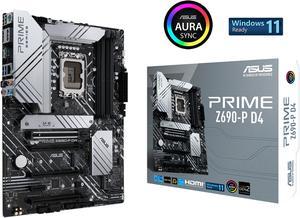
Great feature and cheap Z690 board


