here!
here!
I’m your shopping assistant for PC builds, upgrades, and everything tech.
Got questions? Ask away!
Start a conversation
here!
I’m your shopping assistant for PC builds, upgrades, and everything tech.
Got questions? Ask away!
Start a conversation

In KVM Switch
Our most popular products, based on sales and updated frequently.
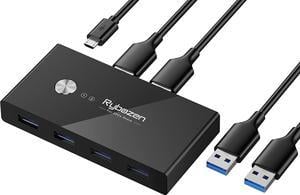
Easy to set up, works great with my work laptop and gaming PC.
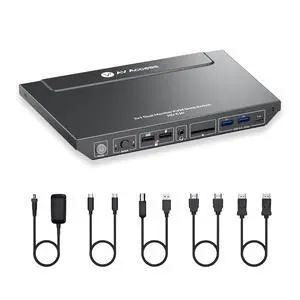
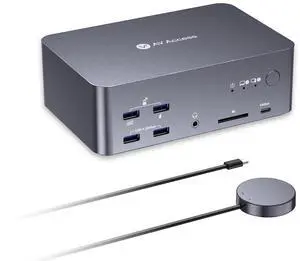
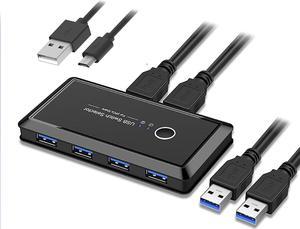
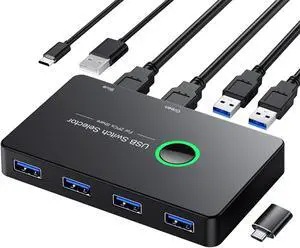
4 usb 3.0 ports Lights arent annoyingly bright
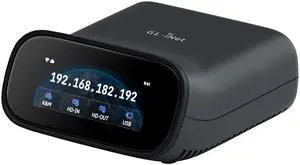
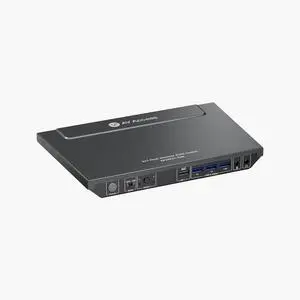

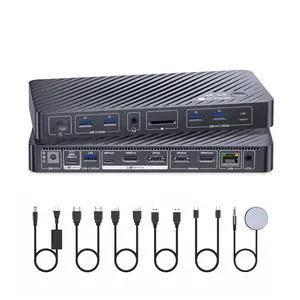
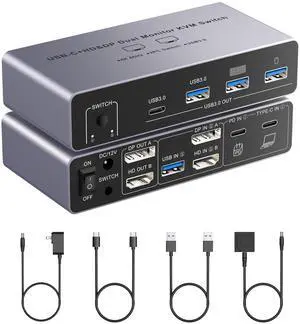
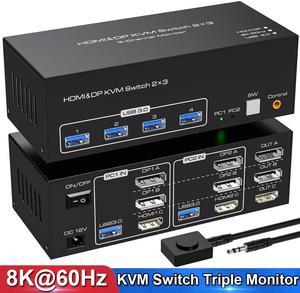
have other KVM that worked "OK" but always had problems with either the keyboard or Mouse, not working or after a while stopped working. Having a higher 4k refresh is perfect for my dual 34" screens and with enough power because of the powersupply this works nice
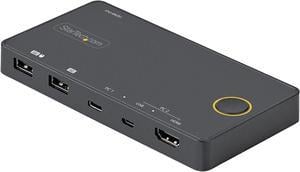
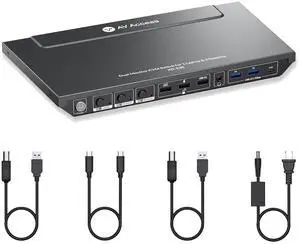
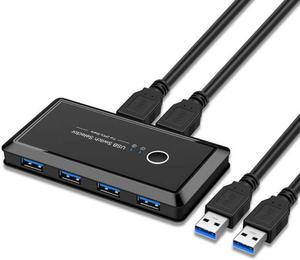
- The device works exactly as expected. - The switching time works reliably. - 4 Ports to switch between computers