
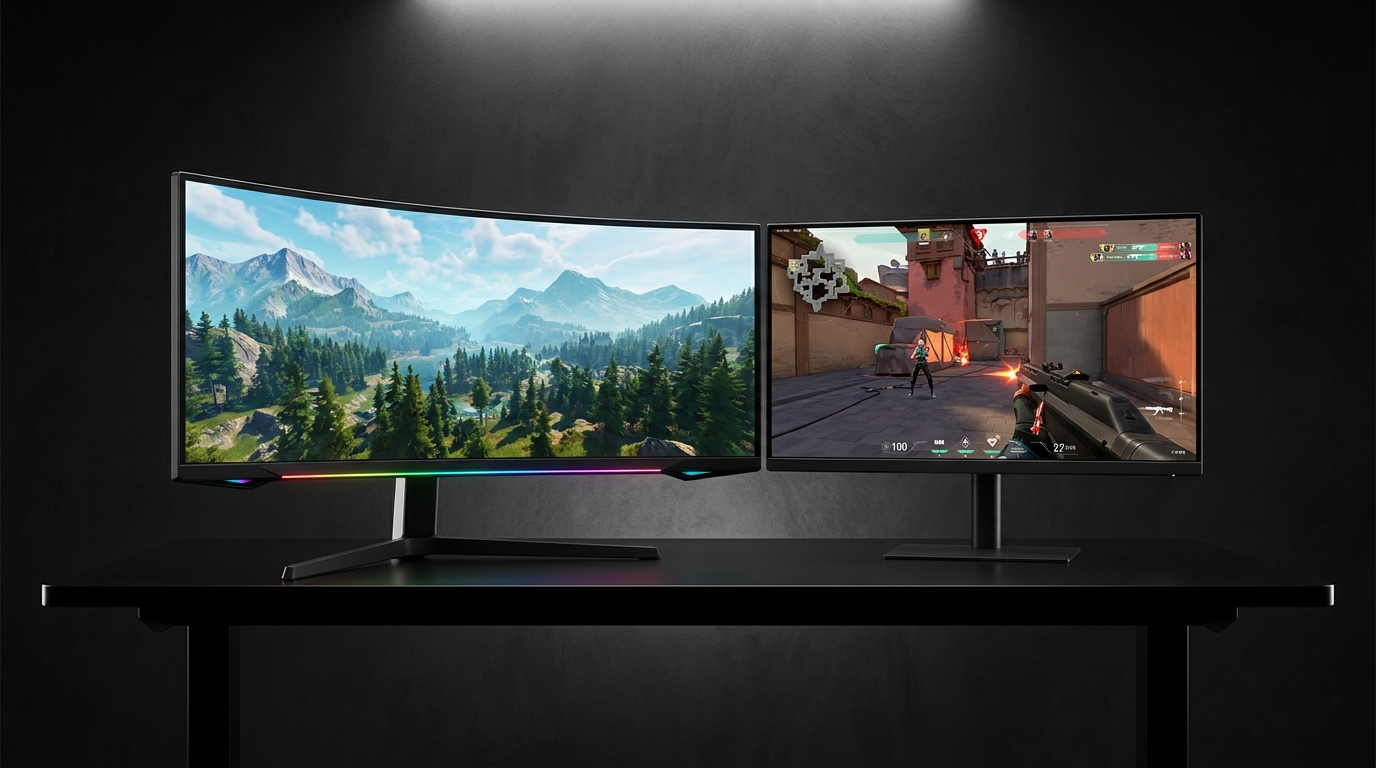
Walk into any gaming setup showcase in 2026 and you’ll spot them immediately — sweeping ultrawide curves dominating the desk. But flat monitors haven’t gone anywhere either, and for many use cases, they remain the technically superior choice. So what is the real difference between curved and flat gaming monitors, and which one should you buy?
The answer depends on screen size, viewing distance, use case, and yes — personal preference. This guide cuts through the marketing and gives you the practical knowledge to choose correctly.
What Does “Curved” Actually Mean?
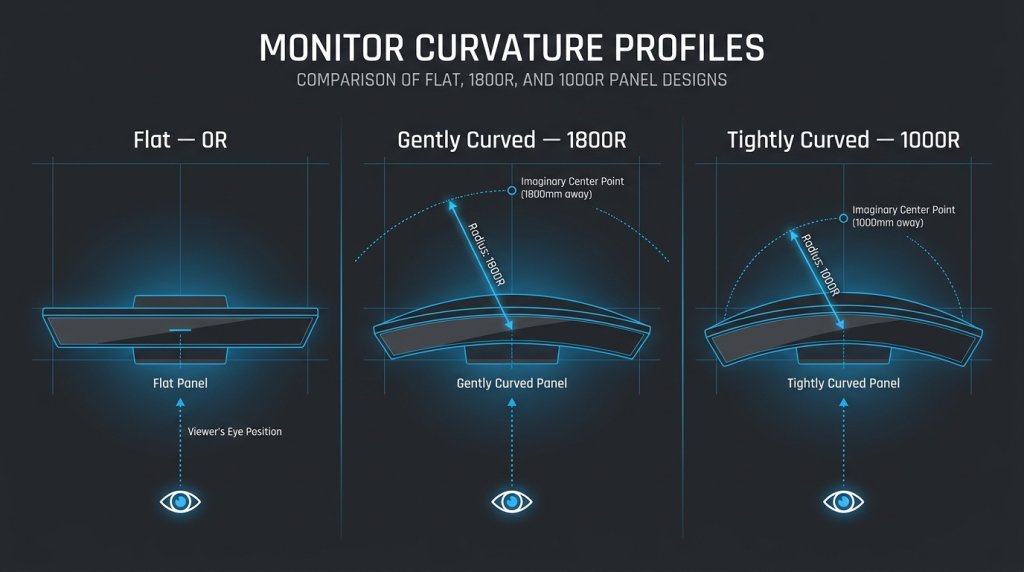
A curved monitor has a display panel that bends toward the viewer at both edges. The degree of curvature is measured in millimeters of radius — a 1000R curve matches the natural curvature of the human eye at a typical viewing distance, while a 1500R or 1800R curve is more subtle. Lower numbers = tighter curve = more immersive wrap.
In 2026, most curved gaming monitors use curvatures between 1000R and 1800R. Ultrawide monitors (21:9 or 32:9) are almost always curved because a flat panel at those widths would create significant edge distortion at typical viewing distances.
The Case for Curved Monitors
Immersion and Field of View
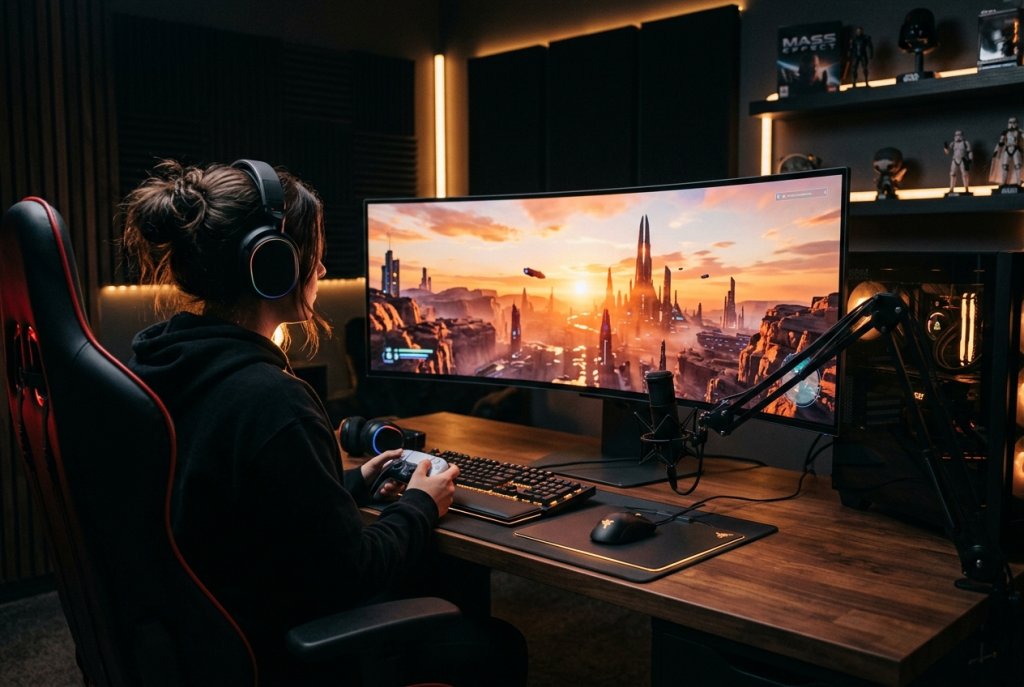
The primary argument for a curved display is immersive depth. When a monitor curves toward you, the edges feel naturally integrated into your peripheral vision rather than receding away. For open-world games, flight simulators, and racing titles, this creates a more enveloping experience that flat panels simply can’t replicate.
Large curved monitors in the 33+ inch range and ultrawide 39+ inch configurations deliver the most pronounced immersion benefit — at those sizes, a flat panel would require significant head movement to scan the edges, while a curved display keeps everything within comfortable eye travel.
Reduced Edge Distortion
On a flat wide monitor, light from edge pixels has to travel at an angle to reach your eyes. This creates a form of off-axis distortion that most users consciously notice on flat monitors wider than 27 inches. A curved panel corrects this by directing each pixel more directly toward the viewer’s eye, resulting in more consistent image quality across the full width.
Eye Comfort Over Long Sessions
Multiple ergonomic studies suggest that curved displays reduce eye strain over extended sessions because the viewing distance from the eye to every point on the screen is more uniform. The eye doesn’t have to constantly refocus between the center and edges.
The Case for Flat Monitors
Precision and Competitive Gaming
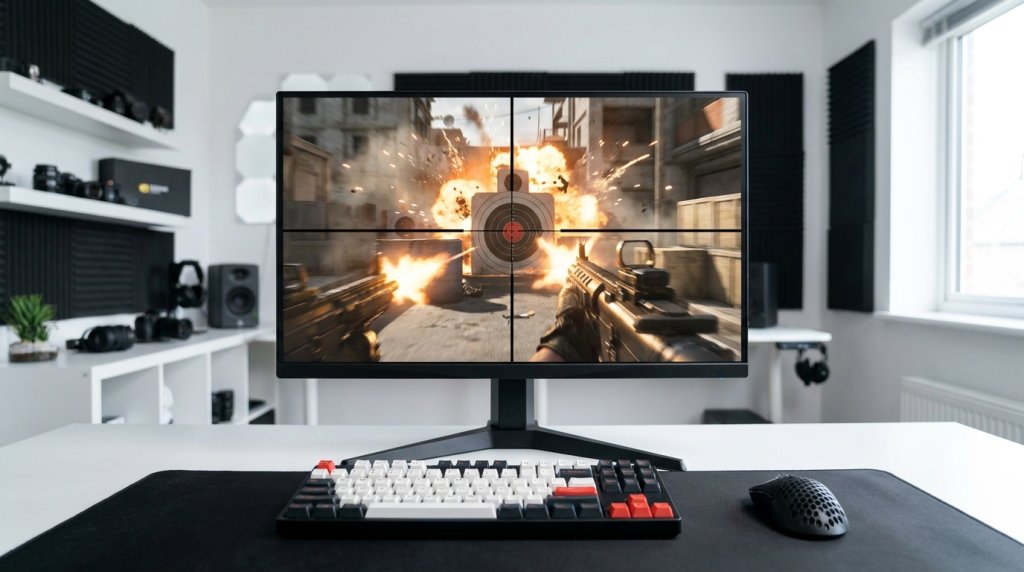
For competitive multiplayer gaming — particularly first-person shooters — flat monitors hold a meaningful advantage. The absence of curvature means:
- Perfectly straight horizontal lines (crucial for reading bullet trajectories and in-game geometry)
- No subtle image warping at the edges
- Easier calibration for professional esports play
This is why the vast majority of 24–26 inch gaming monitors used in professional esports tournaments are flat — smaller competitive panels don’t benefit from curvature the way large immersive displays do.
Multi-Monitor Setups
Flat monitors tile seamlessly in multi-display configurations. Placing two or three flat monitors side by side gives you clean, parallel edges and predictable bezels. Curved monitors create visual inconsistency in multi-monitor arrays — the curves face outward at the seams, breaking immersion rather than enhancing it.
Content Creation and Color-Critical Work
For photo editing, video grading, and graphic design work on a 4K gaming monitor, flat panels offer more consistent color accuracy across the entire screen surface. Curved panels can introduce subtle luminance variation at steep viewing angles, which can misrepresent colors in professional applications.
Side-by-Side Comparison
| Feature | Curved Monitor | Flat Monitor |
|---|---|---|
| Immersion | High (especially 32″+ ultrawide) | Moderate |
| Edge Distortion | Reduced at wide sizes | Present on large flat panels |
| Competitive FPS Gaming | Slight disadvantage | Preferred |
| Eye Comfort (Long Sessions) | Generally better | Varies |
| Multi-Monitor Compatibility | Poor | Excellent |
| Color-Critical Work | Minor edge inconsistency | More consistent |
| Ideal Size Range | 27″–49″ | 24″–32″ |
| Panel Technology Support | VA, OLED, IPS | All panels |
Panel Technology: Where OLED and QLED Change the Picture
In 2026, the OLED and QLED gaming monitor market has expanded significantly, with both flat and curved OLED options now available at multiple size points. OLED panels — whether curved or flat — deliver:
- Perfect blacks (per-pixel light control, true zero backlight)
- Sub-millisecond response times (virtually eliminating motion blur)
- Exceptional HDR performance with HDR gaming monitors hitting 1000+ nits peak brightness on OLED
Curved OLED ultrawides have become the flagship of gaming monitor design in 2026. If budget is not a limiting factor and immersive gaming is the priority, a curved OLED in the 34–49 inch range represents the current pinnacle of gaming display technology.
The Resolution Factor
Your GPU capability should inform the resolution you target:
- 1080p / Full HD — Best for competitive gaming at maximum refresh rates; most GPUs handle 1080p with ease
- 1920p configurations — Balanced performance and visual quality
- 4K — Maximum visual detail; requires a high-end GPU for smooth gaming frame rates
- 5K — Professional-grade clarity; primarily for content creators and productivity power users
At larger curved display sizes, higher resolutions are essential — a curved 49-inch ultrawide at 1080p will look noticeably pixelated due to lower pixel density per inch.
Who Should Choose Which?
Choose a curved monitor if you:
- Play immersive single-player games (RPGs, simulators, racing)
- Want a 32-inch or larger display
- Use an ultrawide (21:9 or 32:9) aspect ratio
- Prioritize the “cinema in your room” experience
Choose a flat monitor if you:
- Play competitive multiplayer or esports titles
- Run a multi-monitor workstation setup
- Do professional color-critical creative work
- Prefer a 24–27 inch display at a standard viewing distance
The Bottom Line
Neither curved nor flat is universally superior in 2026 — they serve different users and different workflows. The best approach is to match the display geometry to your primary use case, then optimize resolution, refresh rate, and panel technology from there.
Explore the full range of curved gaming monitors and flat configurations side by side to find the right fit for your setup.
Related Posts
- Monitor Response Time Explained: The Science Behind Smooth Gaming in 2026
- Do Gaming Monitors Have Motion Blur or Ghosting Issues? What Buyers Need to Know
- Using a Windows 11 Laptop in a Dual Monitor Setup
- How to choose the best computer monitor
- Gaming Laptops Under $1,500: Which Type of Player Are You?