
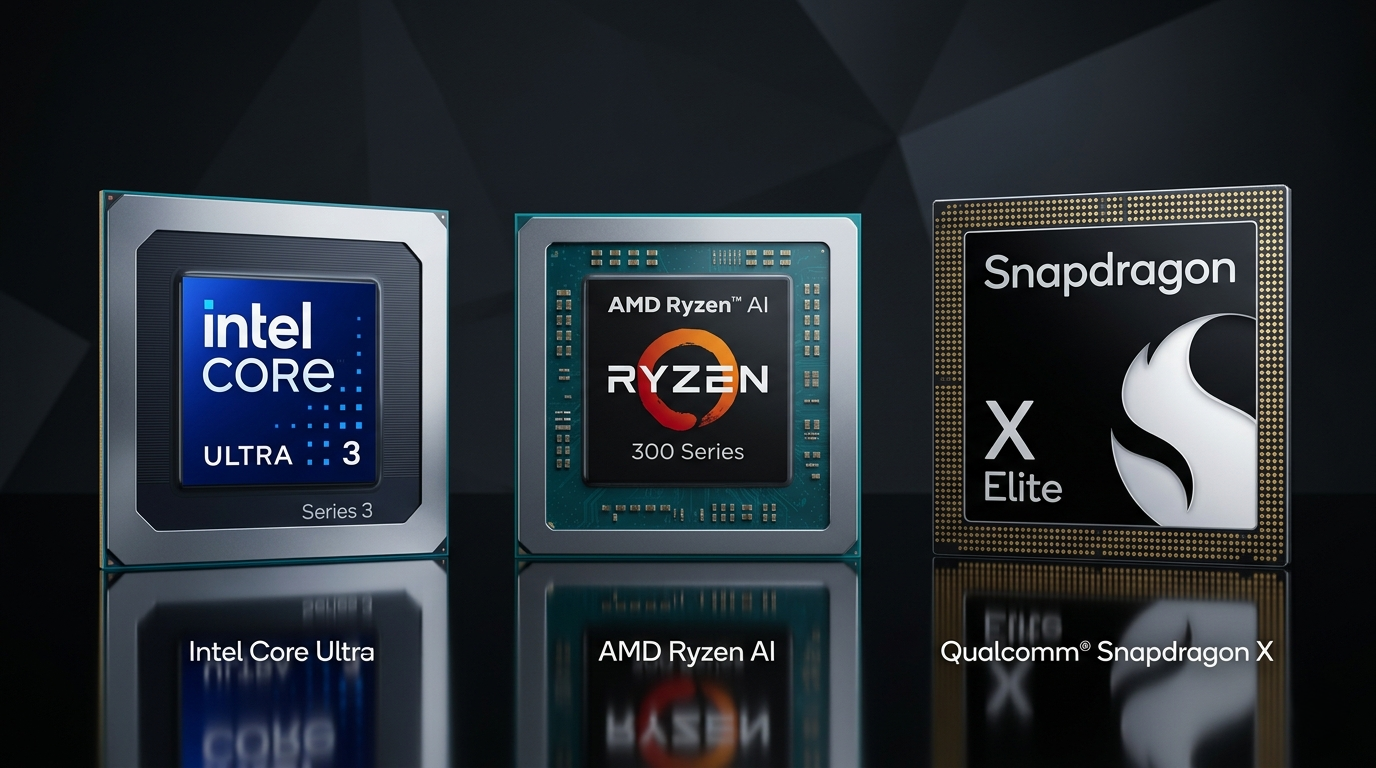
One of the most common questions laptop shoppers ask is: “What processor should I look for in a laptop?” It’s a fair question — the CPU is the brain of any computer, and in 2026, the answer is more nuanced than ever. Between Intel, AMD, and Qualcomm all releasing competitive chips, plus the rise of AI-dedicated Neural Processing Units (NPUs), choosing the right processor comes down to how you plan to use your machine.
This guide breaks down what matters, what doesn’t, and how to match a processor to your real-world needs.
Why the Processor Still Matters Most
Before diving into specific chips, it helps to understand what a laptop CPU actually controls. Every app you open, every tab you switch to, every file you export — the processor handles it all. A well-matched CPU means your laptop feels snappy and responsive for years. A mismatched one means frustration, throttling, and shorter useful lifespan.
In 2026, there are three CPU brands worth your attention: Intel, AMD, and Qualcomm. Each takes a different approach to performance, power efficiency, and AI capability.

The Three Main CPU Families in 2026
Intel Core Ultra (Series 2 and Beyond)
Intel’s Core Ultra series — especially the Core Ultra 200H and 200V lines — represents the company’s most ambitious redesign in years. The architecture separates performance cores (P-cores) from efficiency cores (E-cores) and adds a dedicated NPU capable of over 40 TOPS (Tera Operations Per Second) of AI inference.
This makes Intel Core Ultra laptops eligible for Copilot+ PC certification, unlocking Windows AI features like live captions, AI-powered image generation, and intelligent search — all running locally without cloud dependency.
Intel-powered gaming laptops in the HX tier push performance further, with high core counts and support for NVIDIA’s latest discrete GPUs. If you’re buying for gaming or content creation with heavy rendering, this tier is worth considering.

AMD Ryzen AI 300 Series
AMD’s Ryzen AI 300 series (codenamed Strix Point) competes directly with Intel at the high-performance end while often delivering better multi-core efficiency. The “AI” naming isn’t marketing spin — these chips include AMD’s XDNA 2 NPU architecture, also meeting the 40+ TOPS threshold for Copilot+ certification.
Where AMD particularly shines is in GPU-adjacent workloads. The integrated Radeon 890M graphics inside Ryzen AI 300 chips deliver discrete-class integrated performance — a genuine leap for users who don’t need a dedicated GPU. AMD-powered gaming laptops now handle light gaming and creative workloads entirely on integrated graphics, extending battery life significantly.
Qualcomm Snapdragon X Elite / X Plus
The most dramatic shift in the 2026 laptop CPU landscape is the mainstream arrival of ARM-based processors. Qualcomm’s Snapdragon X Elite and X Plus chips — based on ARM architecture rather than x86 — deliver exceptional power efficiency, translating to 15–20 hours of real-world battery life in many Windows laptops.
The trade-off? Compatibility. While Windows 11 on ARM has improved dramatically, some older software still runs through emulation rather than native execution. For users working entirely within Microsoft’s productivity ecosystem or modern applications, this gap has largely disappeared. For niche software or games, it still matters.
Key Processor Specs Explained
| Spec | What It Means | Why It Matters |
|---|---|---|
| Cores / Threads | Number of independent processing units | More cores = better multitasking and heavy workloads |
| Base / Boost Clock | Speed in GHz (idle vs. peak) | Higher boost = faster single-task performance |
| TDP (Thermal Design Power) | Power draw in watts | Higher TDP = more performance but more heat and less battery |
| NPU (TOPS) | AI inference speed | Required for Copilot+ features; future-proofs the device |
| Integrated GPU | On-chip graphics | Important if you don’t have a discrete GPU |
| Cache (L3) | High-speed memory inside CPU | Larger cache improves responsiveness in complex workloads |

Matching the Processor to Your Use Case
For Everyday Productivity and Office Work
Any modern Core Ultra 200V, Ryzen AI 300, or Snapdragon X chip will handle documents, spreadsheets, video calls, and web browsing effortlessly. The priority here is efficiency over raw speed — look for a business laptop with a CPU rated below 20W TDP for all-day battery life.
For Gaming
Gaming performance scales directly with CPU boost clock speed and compatibility with your GPU. An Intel Core Ultra 9 HX or AMD Ryzen 9 paired with an NVIDIA GeForce RTX 50 Series GPU is the definitive gaming combination in 2026. Qualcomm Snapdragon is not recommended for gaming at this stage.
For Creative Work (Video Editing, 3D, Music Production)
Prioritize multi-core performance and RAM bandwidth. AMD Ryzen AI 9 and Intel Core Ultra 9 both excel here. Pair with fast DDR5 RAM and a high-speed NVMe SSD for the best rendering and export experience.
For AI-Powered Workflows
If you rely on tools like real-time transcription, AI image editing, or local LLMs, NPU performance matters. Look for chips with 40+ TOPS NPU ratings — all three major chip families now offer this at their mid-to-high tiers. The Copilot+ PC lineup is the easiest way to ensure full compatibility with the latest AI features.

Quick Decision Matrix
| Use Case | Recommended CPU Family | Priority Spec |
|---|---|---|
| Office / Productivity | Snapdragon X, Core Ultra V | Low TDP, high battery |
| Gaming | Core Ultra HX, Ryzen 9 | High boost clock, GPU pairing |
| Creative / Rendering | Core Ultra 9, Ryzen AI 9 | Multi-core count, cache |
| AI / Copilot+ Features | Any with 40+ TOPS NPU | NPU TOPS rating |
| Budget-Conscious | Core Ultra 5, Ryzen 7 AI | Balance of cores + efficiency |
The Bottom Line
In 2026, there is no universally “best” laptop processor. The right chip depends entirely on your workload. Use the Newegg Laptop Finder to filter laptops by processor family and intended use — it’s the fastest way to narrow thousands of options into a shortlist that actually fits your needs.
What’s certain is that all three major CPU platforms — Intel, AMD, and Qualcomm — have never been more capable. Whether you need a powerhouse gaming laptop or an ultralight travel machine, there’s a processor built for exactly that job. The key is knowing which job you’re hiring it for.