

Your Browsing History
- In Stock
- Sold by Newegg
- Make an Offer
- New

Any questions? Our AI mode will help you find out quickly.
Try me now
Quick View

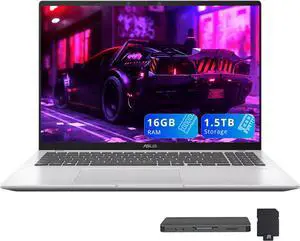
- Processor Name: Qualcomm Snapdragon X X1-26-100
- GPU/VPU: Qualcomm Adreno
- Memory: 16GB DDR5
- SSD: 512GB
- Model #: 197105872875_16_512_NEx_L1
- $729.00 –
- Free Shipping
Quick View

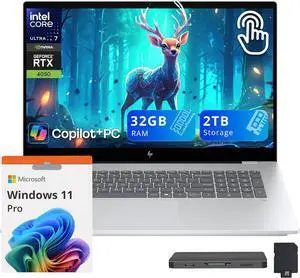
- Processor Name: Intel Core Ultra 7 258V
- GPU/VPU: GeForce RTX 4050 Laptop GPU
- Memory: 32GB DDR5
- SSD: 1TB
- Model #: 198990647609_32_1_NEx_p_L1
- $1,899.00 –
Quick View
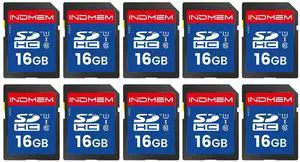
SD Card 16GB, 10-Pack UHS-I Class 10 MLC Flash Memory Card, High-Speed Secure Digital Cards for Cameras, DSLR, Action Cams - Reliable Storage
- Model #: 648735486388
- $128.99 –
- $5.99 Shipping

Quick View

- Processor Name: Intel Core Ultra 7 255U
- Memory: 32GB DDR5
- SSD: 512GB
- GPU/VPU: Intel Graphics
- Model #: 198156856074_32_512_NEx_L1
- $1,269.00 –
Quick View
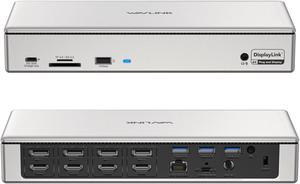
WAVLINK DisplayLink Docking Station Quad Monitors 5K 4K@60Hz, For New MacBook Neo, Mac M1/M2/M3 & Windows with 4 HDMI, 4 DP, 2.5G RJ45, 180W AC Power Supply, 10Gbps Data Transfer

Limited time offer, ends 08/02
- Compatibility: Perfect for laptops with USB-A, USB-C, USB4, or Thunderbolt 3/4 ports. Supports Windows 11/10/8.1/8/7/Vista, Mac OS 10.14-13.x and latest, Android 5.0 or later with USB OTG cable, Ubuntu 20.04, 22.04, Chrome OS, and Harmony OS. Unsupported with Unix systems, Linux and iPad OS. Note: Please install the latest DisplayLink drivers
- Ports Spec: 1x USB-C upstream to connect to and charge your laptop with max 100W power, all by one cable 4x HDMI + 4x DisplayPort ports support quad-display 4K@60Hz, four displays at the same time, all powered by DisplayLink DL6910 solution 1x USB-C port downstream supports 30W PD charging for any device that complies
- Dimension: 8.86" x 3.46" x 1.06"
- Content: 1 x USB 3.0 Docking Station 1 x SuperSpeed USB 3.0 Cable 1 x DVI convert to VGA Adapter 1 x DC12V/2A Certified Power Adapter 1 x User Manual
- Model #: WL-UG69PD12
- $259.99 –
- Free Shipping
Quick View
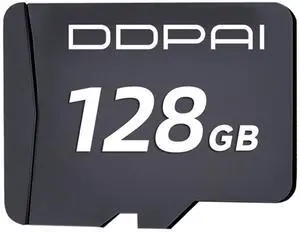
DDPAI 128G SD Card, U3 V30 TF Card for Dash Cam Car Camera, Read Speed up to 100 MB/s
- Model #: 415280812586
- $67.99 –
- $5.99 Shipping
Quick View
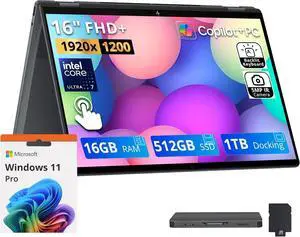
- Processor Name: Intel Core Ultra 7 255U
- Memory: 16GB DDR5
- SSD: 512GB
- GPU/VPU: Intel Arc 140V
- Model #: 198990145372_16_512_NEx_p_L1
- $1,129.00
- $1,029.00 –
- Save: $100.00 (8%)
Quick View
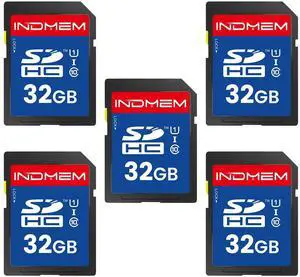
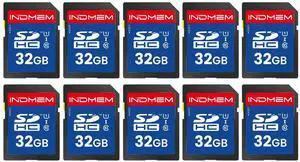
SD Card 32GB, 10-Pack UHS-I Class 10 MLC Flash Memory Card, High-Speed Secure Digital Cards for Cameras, Trail Camera DSLR, Action Cams - Reliable Storage
- Model #: 880176726177
- $152.99 –
- $5.99 Shipping
Quick View
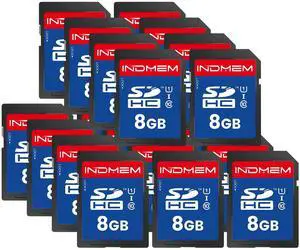
SD Card 8GB, 20-Pack UHS-I Class 10 MLC Flash Memory Card, High-Speed Secure Digital Cards for Cameras, DSLR, Action Cams - Reliable Storage
- Model #: 994255154482
- $185.99 –
- $5.00 Shipping
Quick View
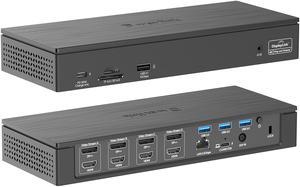
Wavlink 5K Quadruple Display USB-C Universal Docking Station, 4 monitor with 4 DP, 4 HDMI, 100W PD Charging, 2.5G Ethernet, 3 USB3.0, SD/TF, Audio/Mic, for New MacBook Neo/MacBook/Windows
Limited time offer, ends 08/02
- Brand: Wavlink
- Part Number: 1 x USB-C(PD 30W) 1 x USB-C(host: PD 100W) 4 x DisplayPort 4 x HDMI 1 x USB-A 3.1(10Gbps) 3 x USB-A 3.0(5Gbps) 1 x 2.5G Ethernet Port 1 x DC In(20V/9A 180W) 1 x Security lock 1 x Audio/Mic Port 1 x SD/TF Card Slot
- Compatibility: Compatible Systems: Windows7/8/10(32/64-bit), Mac OS 10.8 or later, Chrome OS, Android, Ubuntu, performance might be limited on Ubuntu, Chrome OS and Android.
- Thunderbolt 3: Working Standards: USB-C upstream: USB3.1 Gen2 (10G Data and PD3.0 Charging) DP/HDMI: 4K/60Hz USB3.1 Type-A : 10Gbps USB3.0 Type-A : 5Gbps RJ45: 2.5Gbps Ethernet 4-pole Phone Jack: TRRS / Stereo SD / TF: SD V4.0 USB-C downstream: PD3.0 30W
- Model #: WL-UG69PD8 Pro
- $269.00
- $259.99 –
- Free Shipping
Quick View
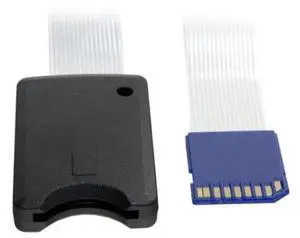
Standard SD SDHC Memory Card Kit Male to SD Female Extension Soft Flat FPC Cable Extender 25cm
- Model #: C7FK-OYS-2026.7.31-1136
- $13.48 –
- Free Shipping
Quick View
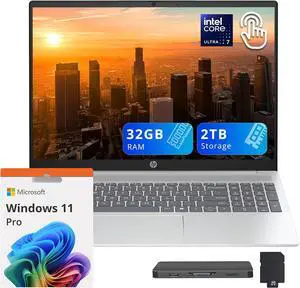
- Processor Name: Intel Core Ultra 7 255U
- GPU/VPU: Intel Graphics
- Memory: 32GB DDR5
- SSD: 1TB
- Model #: 198990461526_32_1_NEx_p_L1
- $1,199.00 –

Quick View
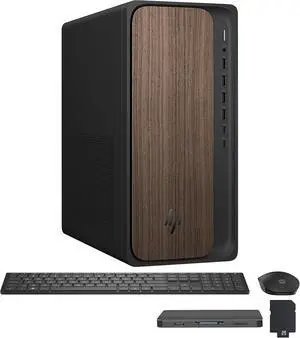
- Type: Desktop PC
- Form Factor: Desktop
- CPU Name: Intel Core Ultra 7 265
- GPU/VGA Type: Intel Graphics
- Model #: 198990145471_64_4_NEh_p_L1
- $2,299.00 –
- Free Shipping

Quick View

- GPU/VPU: NVIDIA GeForce RTX 5070 Ti
- Processor Name: Intel Core Ultra 9 275HX
- Memory: 32GB
- Operating System: Windows 11 Home
- Model #: 195133310796_32_1_NE_z_L1
- $2,329.00
- $2,229.00 –
Quick View
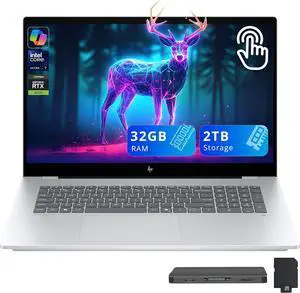
- Processor Name: Intel Core Ultra 7 258V
- GPU/VPU: GeForce RTX 4050 Laptop GPU
- Memory: 32GB DDR5
- SSD: 1TB
- Model #: 198990647609_32_1_NEx_L1
- $1,899.00 –
Quick View
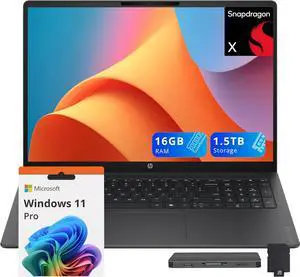
- Processor Name: Qualcomm Snapdragon X X1-26-100
- GPU/VPU: AMD Radeon 740M
- Memory: 16GB DDR5
- SSD: 512GB PCIe
- Model #: 199764338266_16_512_NEx_p_L1
- $699.00 –
- Free Shipping
Quick View
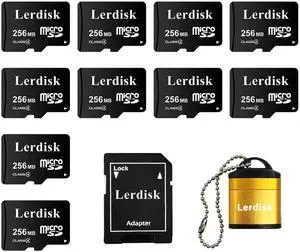
Factory Wholesale Micro SD Card 256MB (0.25GB) Pack of 10 in Bulk Low Capacity for MP3/Old Phones/Small Files Only -Not for Cameras/Dashcams/GB Devices
- Model #: 508922825287
- $55.99 –
- $5.99 Shipping
Quick View
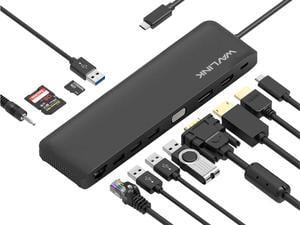
Wavlink Triple Display USB C Docking Station With DP & HDMI &VGA, 85W PC Charging, USB 3.0 & 2.0 Ports, SD TF Card Reader, Gigabit Ethernet, Audio For Dell XPS 13/15,Lenovo Yoga,MacBook Pro, etc
Limited time offer, ends 08/02
- Compatibility: Plug and Play installation on any Chromebook/Windows/Mac/Linux hosts which support DisplayPort Alternate Mode (Alt Mode) video output functionality. USB C Dock has been fully tested for functionality on the 2018+ iPad Pro (mirroring only)/MacBook Air/iMac and iMac Pro/MacBook and MacBook Pro/Google Pixelbook/Dell XPS 13 & XPS 15/Lenovo Thinkpad/HP Spectre x360/Samsung DeX capable devices/Surface Laptop 3 and Surface Go/and many other systems which support USB-C DP Alt Mode.
- Ports Spec: USB-C: PD Power Adapter I/P Single DisplayPort: 4K/30Hz max. Single HDMI: 4K/30Hz max. Single VGA: 2K/60Hz max. 2 x USB-A Port: 5Gbps 2 x USB-A Port: 480Mbps RJ45: Gigabit Ethernet Card Reader: SD / TF Phone Jack: Stereo 4pole TRRS Stereo
- Model #: WL-UMD04
- $39.99 –
- Free Shipping

Quick View
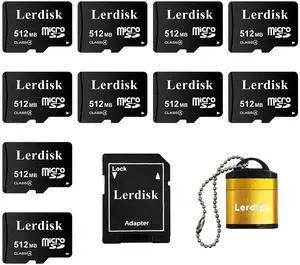
Factory Wholesale Micro SD Card 512MB (0.5GB) Pack of 10 in Bulk Low Capacity for MP3/Old Phones/Small Files Only -Not for Cameras/Dashcams/GB Devices
- Model #: 994255144124
- $62.99 –
- $5.00 Shipping
Quick View
- Processor Name: AMD Ryzen AI 9 465
- GPU/VPU: AMD Radeon 880M
- Memory: 32GB DDR5
- SSD: 4TB
- Model #: 195133342841_32_4_NEx_p_L1
- $1,949.00 –
- Free Shipping
Quick View
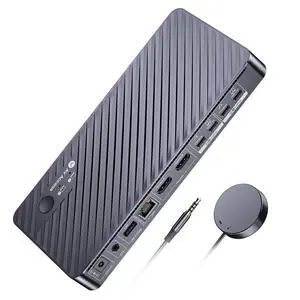
AV Access Docking Station KVM Switch 2 Monitors 2 Laptops, 4K KVM Switch Dual Monitor, 100W PD for Each PC, 1G Ethernet, EDID Emulation, Ideal for Home Office & Gaming(KD-E20)
- Brand: v AV Access
- Series: KVM switch docking station
- Model: KD-E20
- Part Number: KD-E20
- Model #: KD-E20

Quick View
WAVLINK USB C 4K Laptop Docking Station Triple Display With 100W PD3.0 Charging (65W for PC), Dual HDMI, 1 Displayport, 4xUSB-A 3.0 , Gigabit Ethernet, SD&TF Card Slot Audio Jack For Windows, Mac
Limited time offer, ends 08/02
- Compatibility: Installation Before using this dock, please make sure that the latest PC/laptop drivers are installed (including USB, graphics card etc) because the network port needs specific drivers. For Windows 10, the system detects and automatically installs them after the dock is connected to the network. If drivers cannot be automatically installed, the network port can’t perform properly. Please install them manually. For MAC OS system, you need to install the network port driver manually, please visit www.wavlink.com > Support > Driver > PC peripherals > USB Docking. 1. The dock is driver free, therefore you don’t need to install any driver before using it. 2. Plug the power adapter of the dock in a power outlet. 3. Connect the USB-C connector of the dock to your host laptop/PC, the LED light on the dock will turn blue. 4. Connect your monitor(s) to video ports of ...
- Model #: WL-UMD05
Quick View
in 30 days
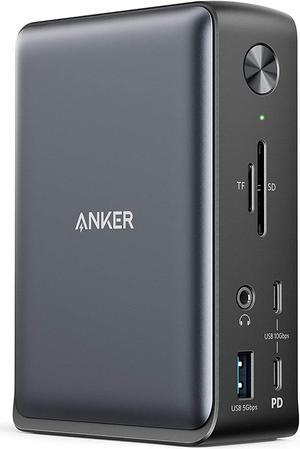
Anker Docking Station, PowerExpand 13-in-1 USB-C Dock for USB-C Laptops, 85W Charging for Laptop, 18W Charging for Phone, 4K HDMI, 1Gbps Ethernet, Audio, USB-A Gen 1, USB-C Gen 2, SD 3.0+ $60 off w/ promo code EDF36725, limited offer
- Dimension: 4.95 x 3.49 x 1.64 inches
- Weight: 0.82lb
- Labor: 18 Months
- Model #: A83921A1
Quick View

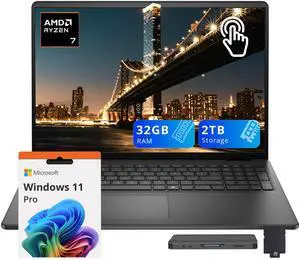
- GPU/VPU: AMD Radeon Graphics
- Memory: 32GB
- SSD: 1TB
- Operating System: Windows 11 Pro
- Model #: 16Dell_250p_32_1_1126x
- $1,079.00 –
- Free Shipping
Quick View
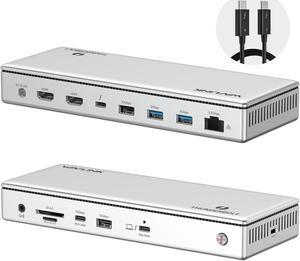
WAVLINK Thunderbolt 4 Docking Station, Single 8K, Triple 4K Display, 13 In 1 Laptop Dock for TBT 4/3 Mac & TBT 4 Windows PC, 40 Gbps with Max 96W Charging for Laptop with 2.5G RJ45
Limited time offer, ends 08/02
- Part Number: Front Panel: 1x 4-Pole Phone Jack; SD/TF Card Slots(312MB/s), 1x USB-C(10Gbps, PD 30W), 1x USB-A 10Gbps, 1x Thunderbolt 4 Host(40Gbps, 96W); Rear Panel: 1x DC IN (20V/8A, 160W); 2x 8K HDMI; 1x Thunderbolt 4 Downstream(8K, 40Gbps, 15W); 1x USB-A 10Gbps; 2x USB-A 5Gbps; 1x RJ45(2500Mbps)
- Compatibility: Compatible Systems -Thunderbolt 4 PC running Windows 10/11. -Thunderbolt 3/4 Mac running Mac OS 11 or later. -Compatible with Other USB4 and MFDP Hosts (Full-functional USB-C, supports DisplayPort+USB3.1+Power Delivery)
- Thunderbolt 3: Thunderbolt 4...
- Model #: WL-UTD45
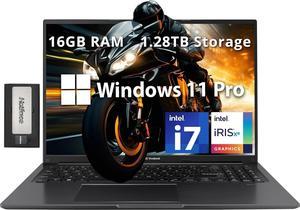
Quick View
- Screen Size: 16.0"
- Series: ASUS Vivobook
- CPU Type: Intel Core i7
- Number of Cores: 10
- Model #: B0DHVDYTSF
- $999.00 –