Your Browsing History
Adapter & Gender Changer
- In Stock
- Sold by Newegg
- New
Can’t find the filter you need? Let AI help.
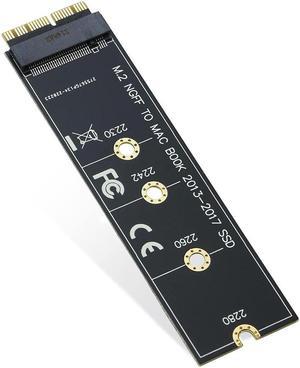
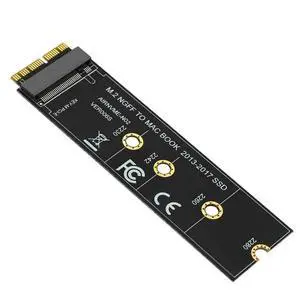
RIITOP M.2 NVMe SSD to 12+16Pin Upgrade Adapter for MacBook Air (2013-2017 Year) A1465 A1466 and Mac Pro (Late 2013-2015 Year)
Limited time offer, ends 10/07
$9.99
Free Shipping

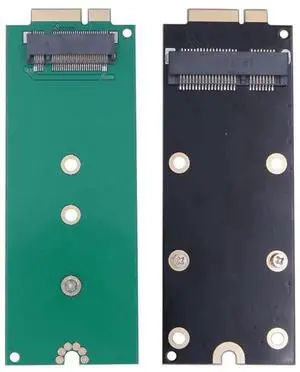
7+17Pin M.2 NGFF mSATA SSD Converter Adapter Card, Storage Upgrade Board for 2012 & Early 2013 MacBook Pro Retina A1425 A1398 MC975 MC976 MD212 MD213 ME662 ME664 ME665
Limited time offer, ends 10/08
$23.84
Free Shipping
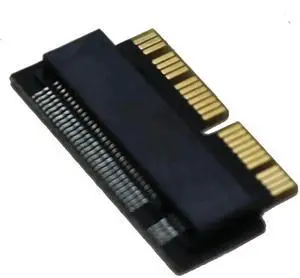
NGFF M.2 NVMe SSD Adapter Card for MacBook Air (2013-2016) & MacBook Pro (Late 2013-2015), PCIe M-Key SSD Upgrade Converter
Limited time offer, ends 10/08
$12.60
$13.99
Free Shipping
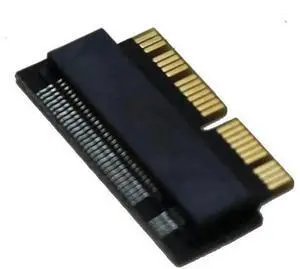
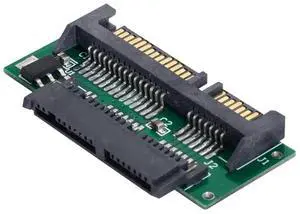
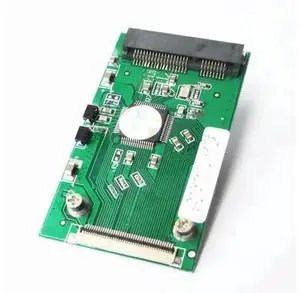
1.8 Inch Micro SATA to Standard 2.5" SATA PCB Converter Adapter, Micro SATA SSD HDD Expansion Board for Notebook Internal Storage Upgrade
Limited time offer, ends 10/08
$11.80
Free Shipping
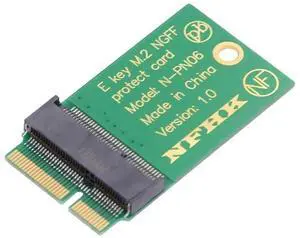
M.2 2230 to 2242 NGFF A+E Key Extension Adapter, Wireless WiFi Card Spacer Protector Upgrade Board
Limited time offer, ends 10/08
$21.64
Free Shipping
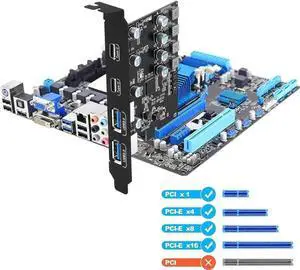
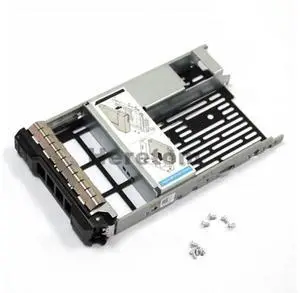
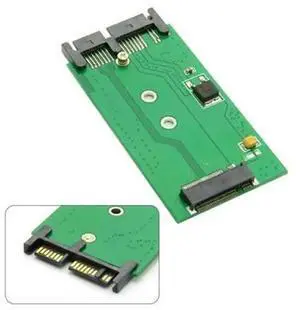
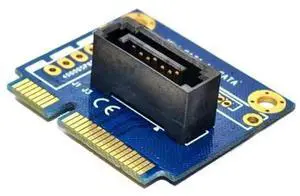
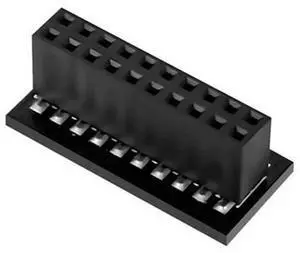
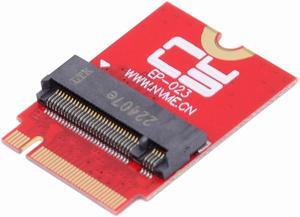
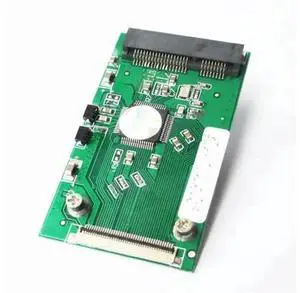
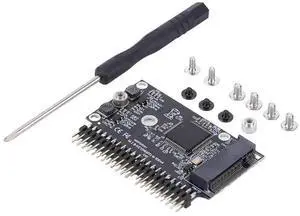
M.2 NGFF SATA SSD to 2.5 Inch IDE 44Pin Converter Adapter, B/B+M Key SATA M.2 to PATA IDE Card, Driver-Free for Vintage Desktop & Legacy Notebook Storage Upgrade
Limited time offer, ends 10/08
$19.22
Free Shipping
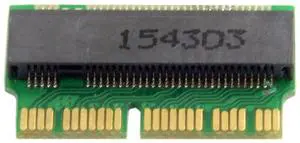
12+16 Pin M.2 NGFF M-Key SSD Converter Card, NVMe AHCI Storage Upgrade Adapter for 2014 2015 MacBook A1493 A1502 A1465 A1466
Limited time offer, ends 10/08
$15.40
Free Shipping
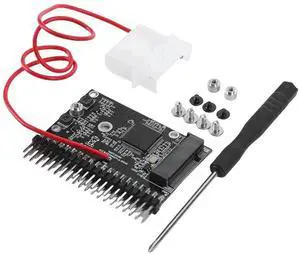
NGFF M.2 SATA SSD to 3.5 Inch 44Pin IDE PATA Adapter Card, Driver-Free M.2 to IDE Converter Board for Vintage Desktop Computer Storage Upgrade
Limited time offer, ends 10/08
$22.14
Free Shipping
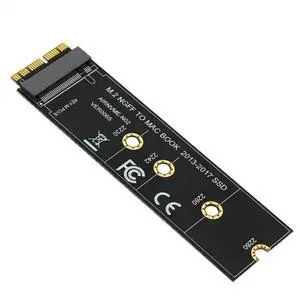
M.2 NGFF M-Key NVMe AHCI SSD Converter Adapter Card, Storage Upgrade Kit for MacBook Air 11" A1465 /13" A1466 Mid 2013-2017, Replace Original Apple Proprietary SSD
Limited time offer, ends 10/08
$20.64
Free Shipping