




 here!
here!
I’m your shopping assistant for PC builds, upgrades, and everything tech.
Got questions? Ask away!
Start a conversation
here!
I’m your shopping assistant for PC builds, upgrades, and everything tech.
Got questions? Ask away!
Start a conversation

In Components & Storage
Our most popular products, based on sales and updated frequently.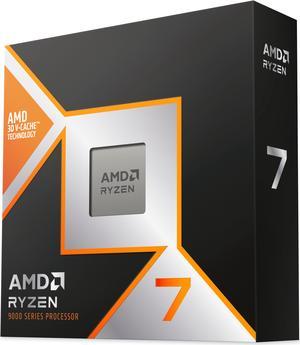
Runs cooler
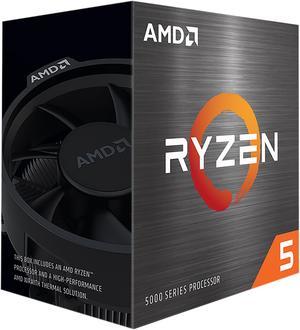
-IT'S A REALLY GOOD CPU.
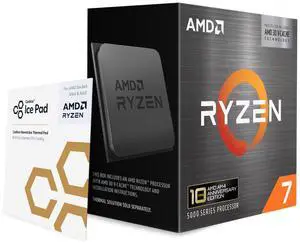
Cheap as borshe - easy to mount no unexpected issues with bios
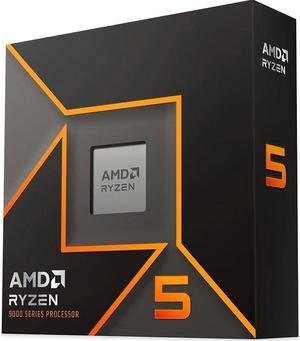
Runs games better than my previous cpu, considerably more power effective, and less heat.
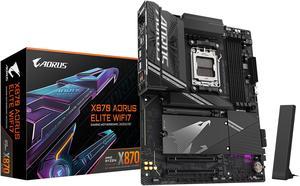
- installation was seamless - hefty construction. backplate was strong - massive heat sinks (removable)
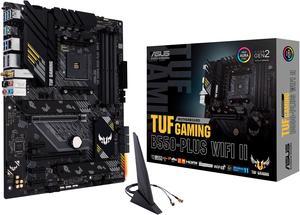
This was MOSTLY easy to set up for a first-time PC builder.
Have used this product for every thing imaginable and really does take temps down.
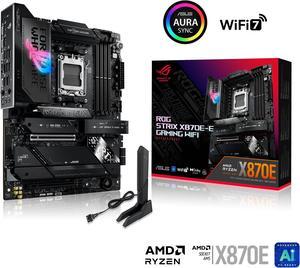
Board gives me everything I needed and then some. It is on the expensive side, but the power and easy connections made it great to assemble in. I originally was going to get the Crosshair Extreme, which is it's big brother, then decided against it. I picked up this MB, the Ram, and a AMD Ryzen 7 9850X3D, as a Newegg combo (gave the 9850X3D to my dad as a birthday present), which was pricey. The NVMe thing. My lord it's a godsend, I have 2 4TB Gen4 SSDs in here, and I don't lose any speed on either of them. I don't use the USB 4 slots, so I was happy to give those up.
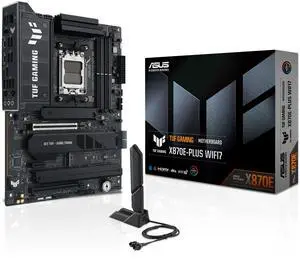
Pros -- Well-labelled so it's easy to hook up the fans, USB cables, and front panel. The M.2 slots have built-in heatsinks, so the NVMe storage will be cheaper.
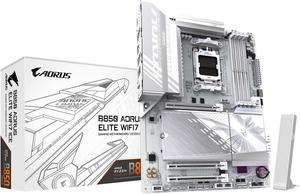
Honestly cant write much pros or cons cause I havent got my case yet but so far I love the design of the motherboard and specs everything came in the way it was described it is more silver than white
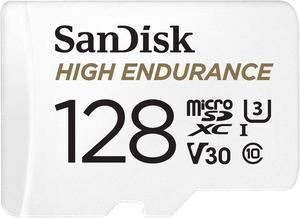
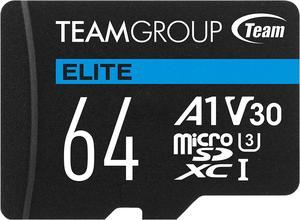
Good and fast read write speed using 3.0. Good value.
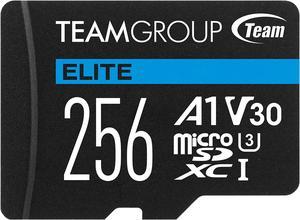
Small and has 256Gb of space....perfect for a tablet and/or most Android phones. The card performed fast enough for my needs and I have zero complaints.
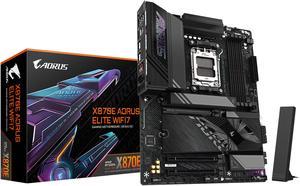
-The metal shield is attached to the motherboard -Plenty of heatsinks and thermal protection -Built in WiFi
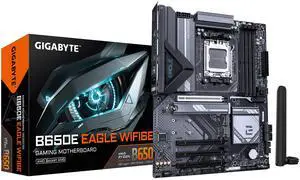
Looks great, feels high quality. ram, cpu, gpu, and aio were easy and straightforward to connect. Well labeled.
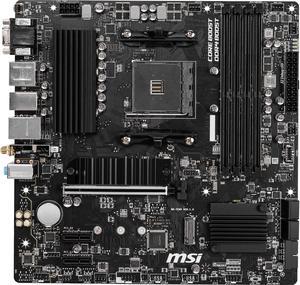
Great motherboards, own other PRO boards. Can connect three (3) monitors, 1080p, 2K, and a 4K, using a AMD Ryzen 7 5700G with Radeon graphics built-in. Easy to over clock to run memory at the rated 3200.
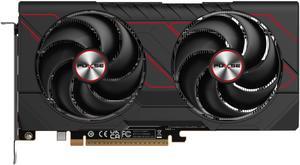
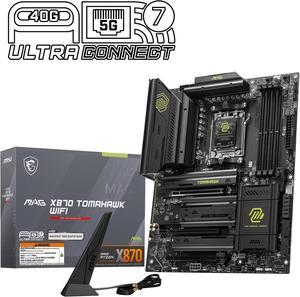
This review is for the MSI Review Rebate Program - 5G LAN - Works great on Linux. - Rear clear CMOS button that works even when the power supply is on. - 80A VRMs that don't have coil whine (this has been a common issue with other boards I have tried). More than enough for any current Ryzen CPU. - POST code, Finally! - Nice BIOS - Great rear IO, plenty of USB, RGB, and fan headers. - Great approach to how the board shares bandwidth. - Button to release the GPU and easy install of M2 drives.


