




 here!
here!
I’m your shopping assistant for PC builds, upgrades, and everything tech.
Got questions? Ask away!
Start a conversation
here!
I’m your shopping assistant for PC builds, upgrades, and everything tech.
Got questions? Ask away!
Start a conversation

In Internal SSDs
Our most popular products, based on sales and updated frequently.
Nice and small - works great
Can't go wrong with this SSD. Bought it on sale and no regrets. It's a bit over the top for simple gaming and office work, but amazing for heavy workloads and really shines at content creation and large dataset manipulation.
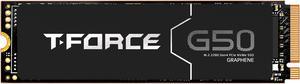
Easy to install, fast enough for the purpose, reasonable price. One year in and no issues.
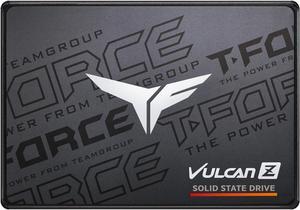
I have installed a number of T-FORCE VULCAN Z's in my own machines and for friends to everyone's delight. Don't know why their warranty is only three years. This is a newer model, but I have been using earlier Team Group SSD's for many years beyond their warranty period with no failures to date. Pay the extra few bucks for the TLC (Three Layer Lell) vs. the QLC (Quad Layer Cell) models for better R/W speed and longer durability.
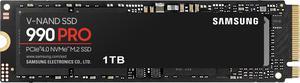
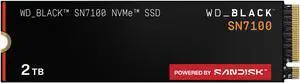
I was looking for an upgrade to my 1tb SSD (wanted more storage obviously) and extensive research into my pc led me to this! Extremely satisfied, works like a charm!

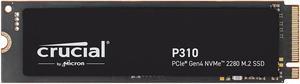
These are great for motherboard memory and for use in USB yo M.2 adapters to have l a large portable memory source.
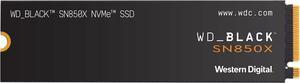
This drive is super fast. Games load almost instantly.
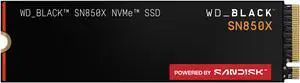
Expensive but works as advertised
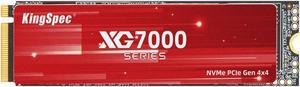
The actual real life specs are impressive! Have only been using this drive for a week, so can't give the longivity details but the speeds are great. Price was the best out there,... nearly half the price of big name drive manufacturers. I have several Kingspec 3X4 drives that have been reliable for more than a year with heavy usage. I like the spec's of NVME drives, but still store back-ups on older platter drives.
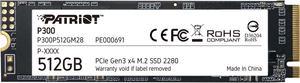
This is a large drive with amoly space. Great value.
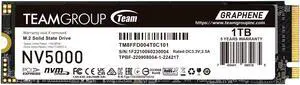
I replaced my sshd. With this one in my 2018 Asus FX504, and what a difference!!!! Very happy so far!!!
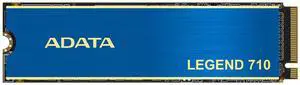
Given the current price of storage devices, this was a fair deal.
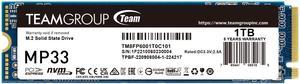
Fast delivery, working well, fast enough, can't ask better for quality/price!!
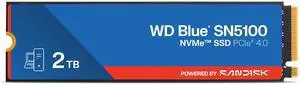
Great high speed drive
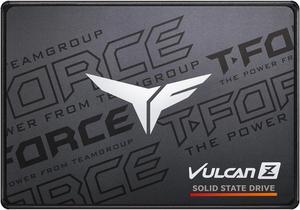
Came free with cpu nice extra storage
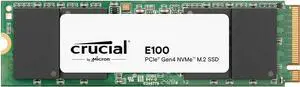
The drive arrived well packaged, working well as expected


