here!
here!
I’m your shopping assistant for PC builds, upgrades, and everything tech.
Got questions? Ask away!
Start a conversation
here!
I’m your shopping assistant for PC builds, upgrades, and everything tech.
Got questions? Ask away!
Start a conversation

In KVM Switch
Our most popular products, based on sales and updated frequently.
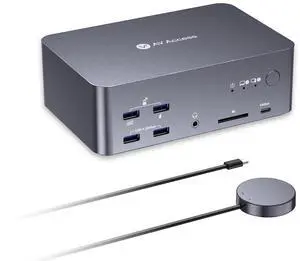
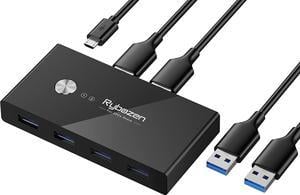
Easy to set up, works great with my work laptop and gaming PC.
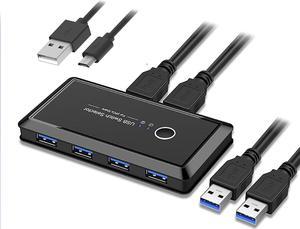
- Simple setup - No auxiliary power needed. It uses the power from the USB computer input - Simple to use. You just press the button - USB 3.0 (it's hard to find these multiplexers in USB form)
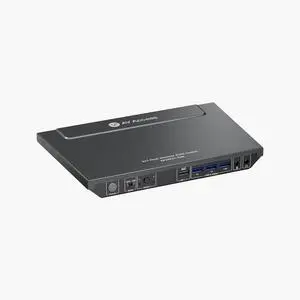
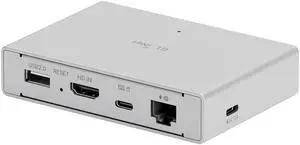
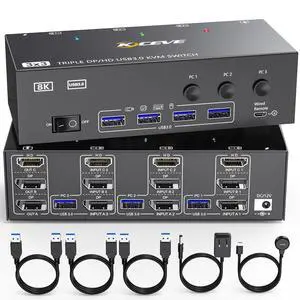
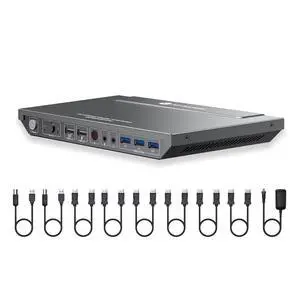

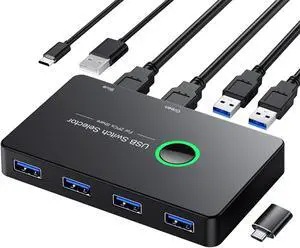
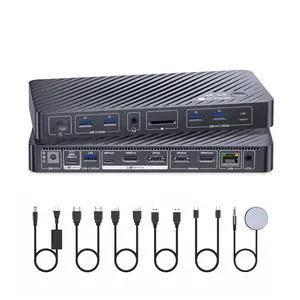
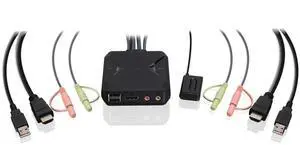
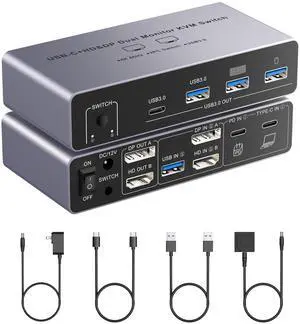
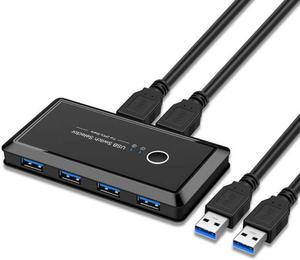
Small, and simple. Plug in and it worked right away.
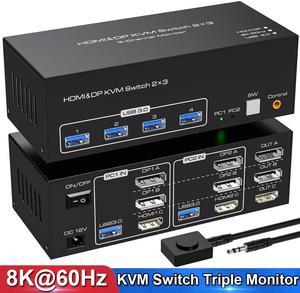
have other KVM that worked "OK" but always had problems with either the keyboard or Mouse, not working or after a while stopped working. Having a higher 4k refresh is perfect for my dual 34" screens and with enough power because of the powersupply this works nice
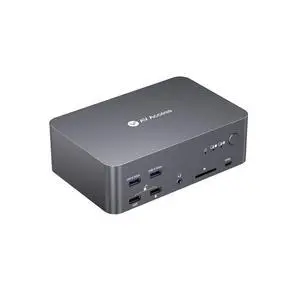
![J-Tech Digital 8K DisplayPort 1.4 KVM Switch 2 Computers 1 Monitor, 8K@60Hz / 4K@240Hz Dual PC DP KVM Switcher with 4 USB 3.0 Ports (3 USB-A + 1 USB-C), Includes DP & USB Cables [JTECH-DKM21-8K]](https://c1.neweggimages.com/productimage/nb300/AAFFS26030514NAM07C.jpg "J-Tech Digital 8K DisplayPort 1.4 KVM Switch 2 Computers 1 Monitor, 8K@60Hz / 4K@240Hz Dual PC DP KVM Switcher with 4 USB 3.0 Ports (3 USB-A + 1 USB-C), Includes DP & USB Cables [JTECH-DKM21-8K]")