




 here!
here!
I’m your shopping assistant for PC builds, upgrades, and everything tech.
Got questions? Ask away!
Start a conversation
here!
I’m your shopping assistant for PC builds, upgrades, and everything tech.
Got questions? Ask away!
Start a conversation

In Controllers / RAID Cards
Our most popular products, based on sales and updated frequently.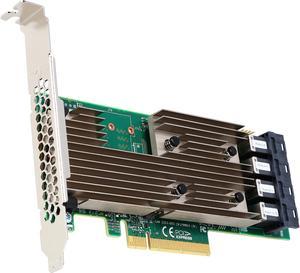
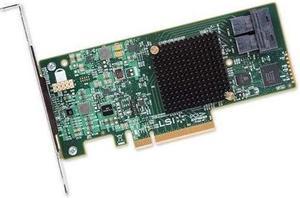
The LSI-9305 required no setup. Merely plug it in, connect the SAS cables to the backplane and poof, done. This card supports 3.0 and 6.0 gb/s hard drives and SSD's
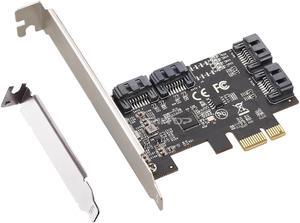
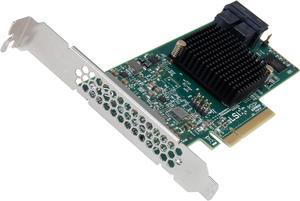
Works out-of-the-box with various Linux distros using 4.x kernel (currently Debian Stable) Works well with mdadm Simple settings Works well/reliably/as advertised
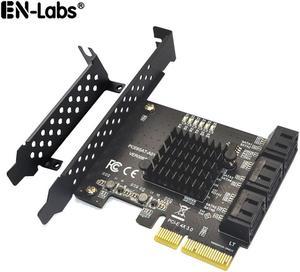
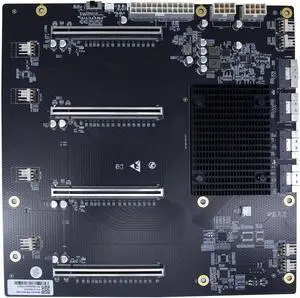
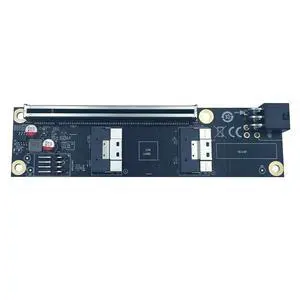
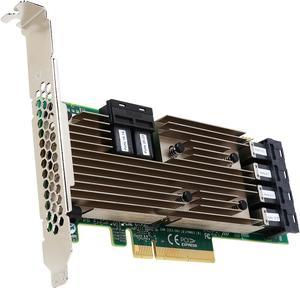
This card replaced three 8 disk SAS cards in my system. This card simply just works without any issue. I have been running it for about 8 months with 21 data disks and 3 parity disks in a FlexRAID configuration that recalculates parity every 24 hours. Given how dynamic some of my data is the parity recalculation cycles can be a couple hours long and this card is rock solid with that really heavy i/o.

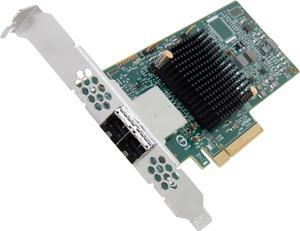
- Works out of the box on FreeBSD 11 - No issues with 4Kn drives
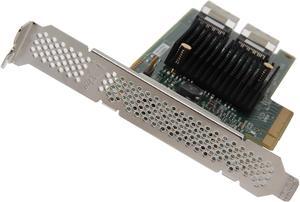
This HBA is super quick, been running for a few months now and runs my lab virtual machines with ease. I run this in a lab environment that I use for training (Exchange, ADFS, Lync, SQL) and it rocks. Connected to 8 15.7K Seagate SAS drives and couldn't be happier.
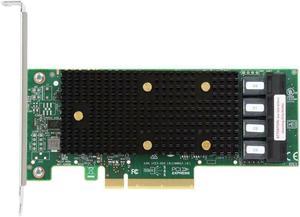
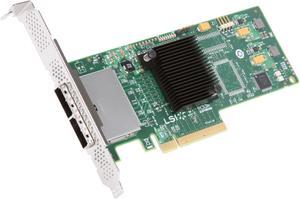
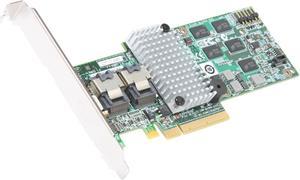
This is a rock solid Raid card. I am currently using it for 2 raid 5 volumes, each has four 1.5 TB Seagate hard drives (consumer hard drives). Both read and write speeds are in excess of 280MB p/s. I am using 64K stripe on one and 128K on the other. I have thoroughly tested the card to see how it handles drive failures such as: removing drive improperly and then putting back in. You have the ability to set properties like rebuild priorities and so forth. The card can rebuild a 1.5TB hard drive from a raid 5 or 6 in under 5hrs.
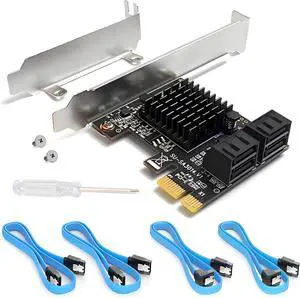
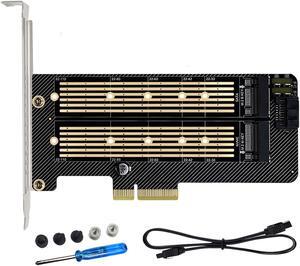
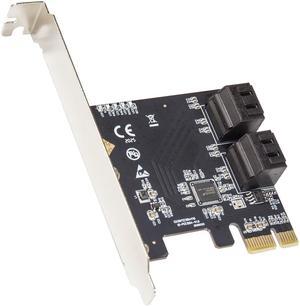
I needed more sata ports, and my motherboard only had 3. This allowed me to add 4 more ports, and thus 4 more hard drives. The card was recognized by windows 10, so I had no driver issues. The card worked so great that I ended up buying another card.
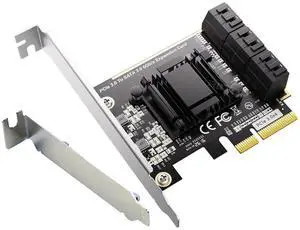
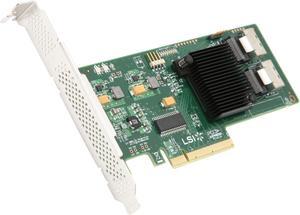
Works out-of-the-box with Ubuntu 11.10 Just plugged it in, plugged in a SAS cable from my SAS expander and boom, saw all the drives. Have gotten up to 650 MB/s write speeds. Haven't tested any higher yet.


