




 here!
here!
I’m your shopping assistant for PC builds, upgrades, and everything tech.
Got questions? Ask away!
Start a conversation
here!
I’m your shopping assistant for PC builds, upgrades, and everything tech.
Got questions? Ask away!
Start a conversation

In Components & Storage

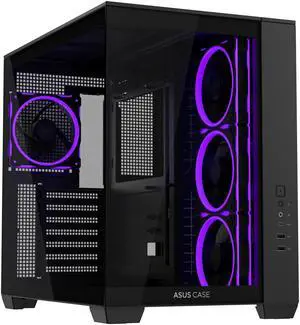
Aesthetically Pleasing To Look At Plenty Of Room To Work In Excellent Cable Management (Cable Channels Have Plenty Of Room) Smaller Than Some Other Big Name Dual Channel Case (Looked At Fractal Pop Vision 2 Case But Got This So That It Would Fit My Desk) Good Cooling (CPU Idle Temp Dropped About 2-3 Degrees Alone Over My Previous Case) Comes With 4 ARGB Fans That Are Nice!
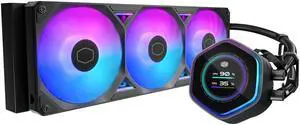
Easy to install, VRM is a nice addition to coolers, pump is quiet running around 80%, fans are quiet most of the time. Good fans on this, rgb if you want it - personally I set it pretty dim greenish~blueish and it's not too bright or annoying. Fan, pump, and rgb connectors can be run thru the tube separators for a cleaner look. Definitely seems to be keeping things cool, I do have a contact frame and Kryosheet instead of paste as well.
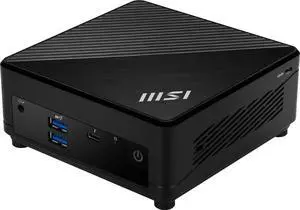
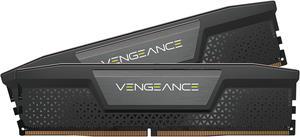
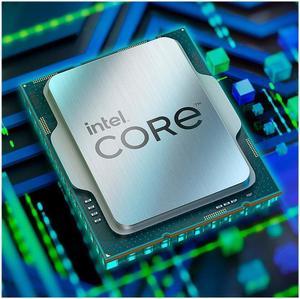
6 core 12 threads is a noteisable jump form the i3 1200f that is a 4 core 8 threads

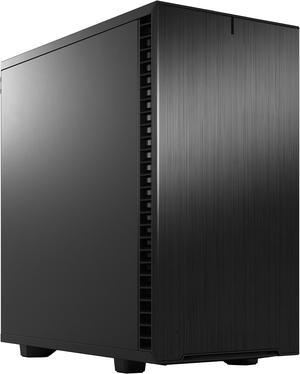
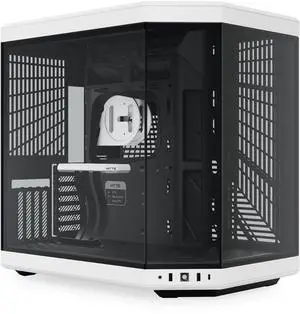
Literally everything
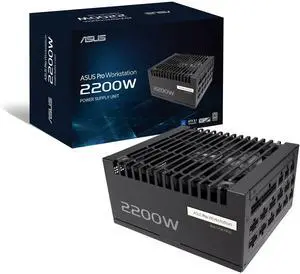
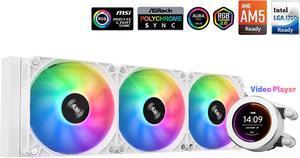
1) Preinstalled RGB fans on the radiator 2) Only 1 fan and ARGB connector needed for the radiator fans as they're daisy chained. 3) The ability to mount the screen to the pump, a fan, or any metal part of the case.
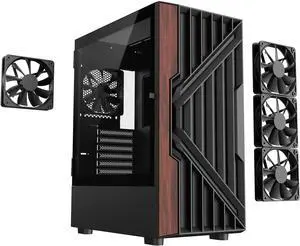
Got to give DIYPC Support a thumbs up has they sent me a replacement headphone jack when one in case failed. And was in a very timely matter at that. So thank you very much, I'm also very pleased with there case also. Good case to buy and would buy again. Thanks again DIYPC and have a great day.
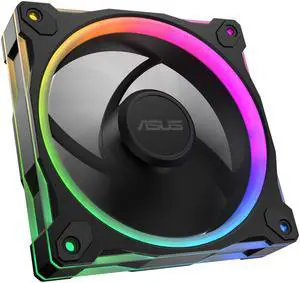
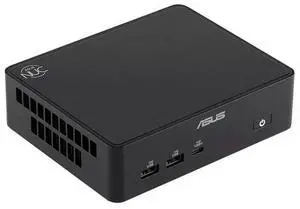
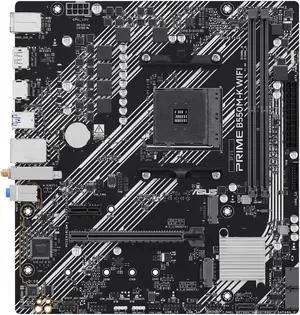
This product was installed and runs wonderfully. I would highly recommend.Daughter stated mindcraft can run at 60fpsps.
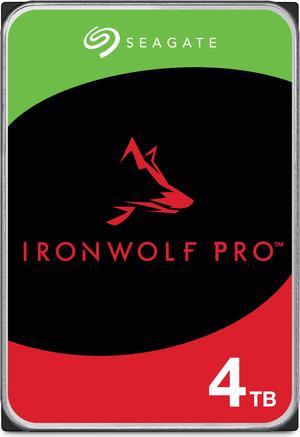
I have a Network Storage Device (NSD) that I converted to RAID-1. I added this drive to a 4-TB drive already installed in my NSD. No longer need to purchase backup software that goes obsolete and loses support.
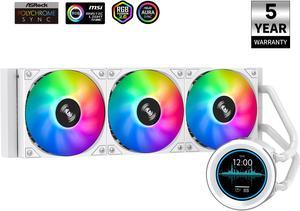
- AiO works as advertised. Keeps my CPU cool. - Clean build
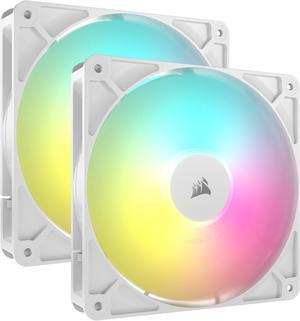
The fan looks great but some work needs to be done with the cable like, connecting extensions to specific ones. Fairly easy though. Since they use almost no power you can daisy chain like 7 or 8 together.
Works as it should.


