




 here!
here!
I’m your shopping assistant for PC builds, upgrades, and everything tech.
Got questions? Ask away!
Start a conversation
here!
I’m your shopping assistant for PC builds, upgrades, and everything tech.
Got questions? Ask away!
Start a conversation

In Components & Storage
Our most popular products, based on sales and updated frequently.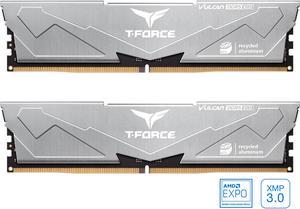
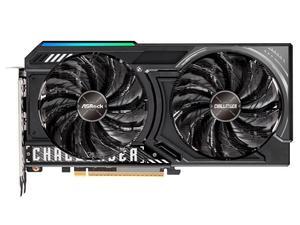
Easy to install Compact design Low energy draw Affordable
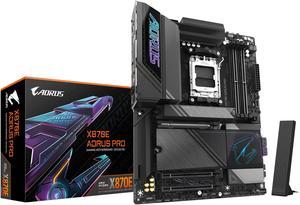
When unboxing the Gigabytes X870E AORUS Pro, it felt incredibly premium with the massive VRM heatsinks and metal plates across the board. Plenty of M.2 Slots. Quick release button for the graphics card, as well as the M.2 SSDs and its thermal padded plates. It has a plug in Wi-Fi adapter which is a plus as other boards with screw in adapters can be ripped off and damaged if it gets accidently pulled or caught on something. I found the AORUS logo on the bottom right reflective glass plate to be breathtaking.
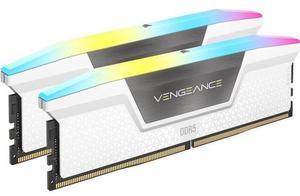
Support for AMD Expo RGB
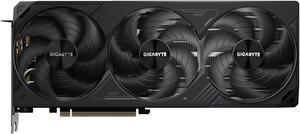
Runs cool and looks good.
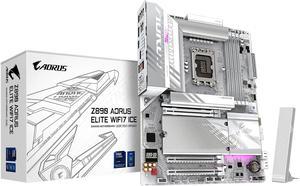
Easy to install Easy setup Plenty of NVM ports Looks great in a white case
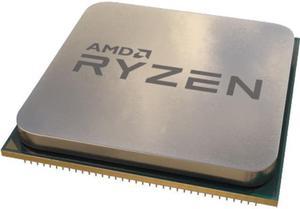
One of the best processors you can get if you're on the AM4 platform.
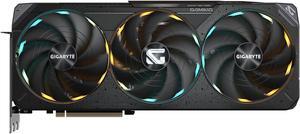
- Performance - Silent operation - Temperatures
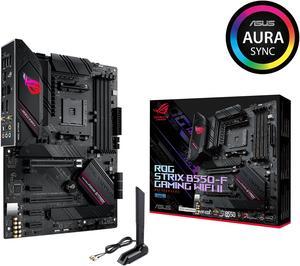
Out of the box was able to post 5000 series G unlike the msi nightmare customer service I had.
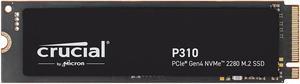
Plug 'n' play with 3rd party external enclosure I can't believe how far we've come in just the last 2-3 years in regards to availability, speeds, and reliability, plus even accessibility which makes it just the best recommendable upgrade anyone can do, whether it be for an older laptop needing a boost to speeds, or even as an addition to a gaming system as a 2ndary drive. I'm, however, using this as a nice everyday-carry item where I put all my larger files which transfer extremely fast, and batches of smaller files which transfer completely before you even have a chance to look down twice at your keyboard. Thanks Newegg for carrying this, and thanks Crucial for continuing to make products that are a true bargain while attaining superior performance.
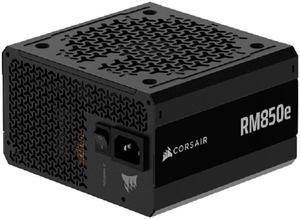
It's a good PSU for the price and I liked the cable attachment options still have few cables that didn't use cause I didn't have other components to power.
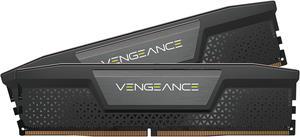
Low profile Doesn't insult lifestyle
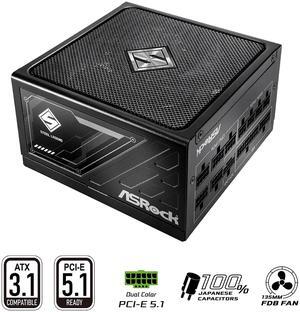
Easy to use, fully modular, efficient, good quality, enough wattage for my needs, silent and reliable
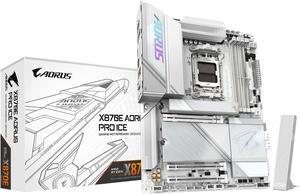
Easy to build Lots of Features Easy access to m2s and graphics card button for easy take out. It's White. RGBS on board look great
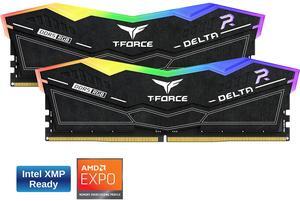
- Free Gift!
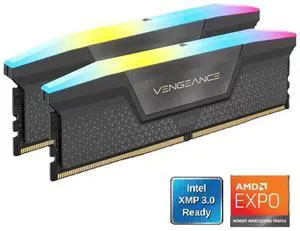
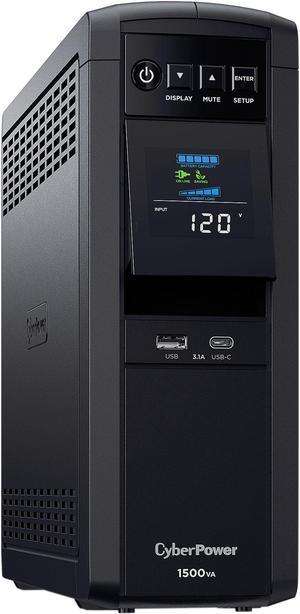
-Supports 900W of output -Very Reliable -Linux support :)
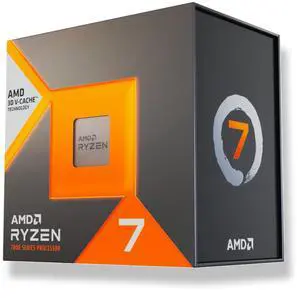
- 2 weeks in and it's running great. All the benchmarks are looking good and it came with a free gift cooler.
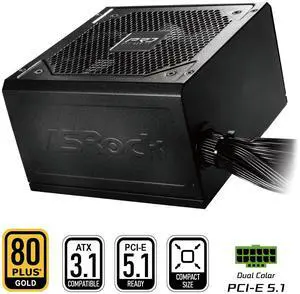
Arrived on time, just as a pain to install as any other non modular psu, no issues so far will update if something does
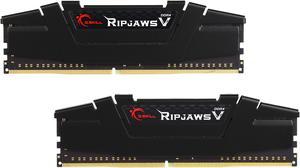
-Packaged well; no risk of damage during shipping -Includes everything it said it would -Performs as advertised


