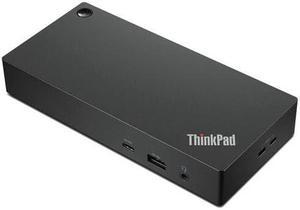
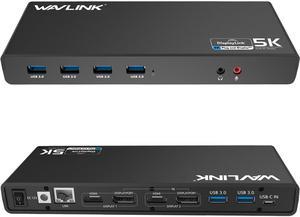
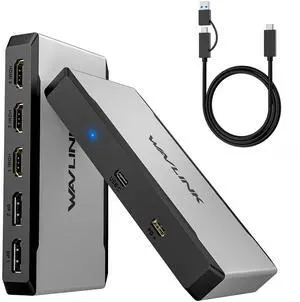
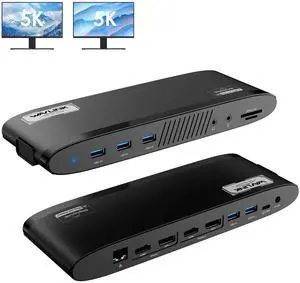
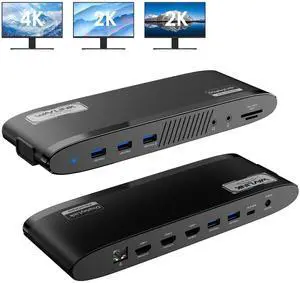
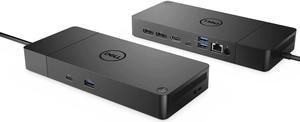
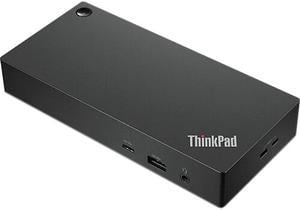
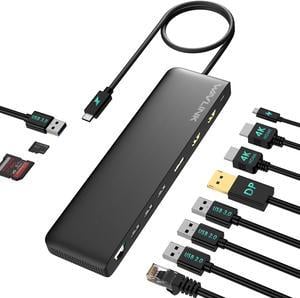
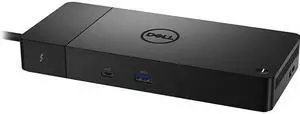
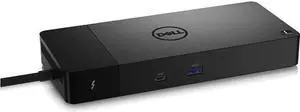
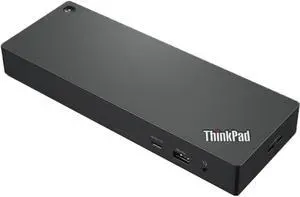
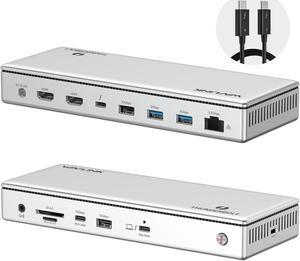
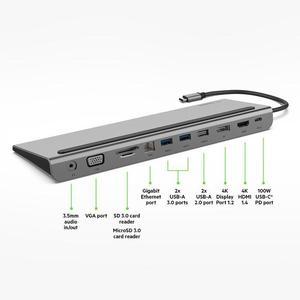
I like its design most. Unlike other docking station, I was attracted by how it looks, and it does not disappoint me. There are a lot of ports. It has two USB-C ports and two USB 3.0 ports on the front. On the back, there are DP, HDMI, USB 3.0 and Ether ports. It can also charge the laptop with the USB-C port. It is slim. Speed is really fast. It comes with 2 good quality USB-C cables.

Can plug it in and out without messing up the displays.

Works great. Had to download a driver though. Was really impressed by them sending me a replacement when the one I had purchased for my daughter for Christmas was stolen in the mail... envelope cut and no item delivered. No hassle at all just requested replacement answered their questions and received the dock 5 days or so later. This was during the week between Christmas and new year. A lot of companies would have balked or taken their time. Great job!!


* So easy. Just slide drives into slots and power on. No tools. * Open case means passively cooled. * Handled my old NAS SATA drives without a hitch. 3 x 1 TB Samsung, 1 x 2 TB Samsung, 1 x 500 GB Seagate. * hdparm (free linux tool) spins down the drives on idle timer.


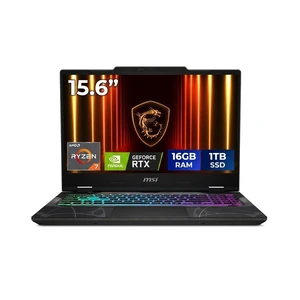
Running AAA games at max is kid's play The screen is absolutely gorgeous WiFi 7 is absurdly fast

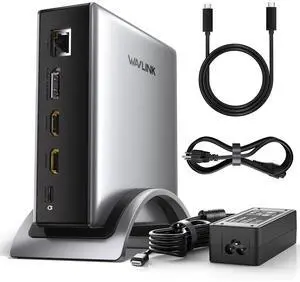
Great Docking station, ordered as a stand for laptops/tablets. I like the idea to combine a stand and a Docking station in one device. Working as expected. Could help to save a lot of space on the table.


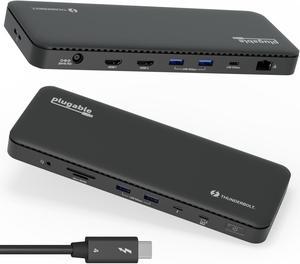
Good quality, when you touch it, and see the red ventilation from the backside, you know you got a good quality thunderbolt dock; Full speed on my M1 MacBook air. when I check system information, it has the 40Gbs speed in the connected state; Dedicated charging adapter, I don't have a buy another charger like those typical USB-C dock; It can give more than 60Hz refresh rate on your monitor. I have a LG, and with DisplayPort, I can get 100Hz refresh rate from this dock


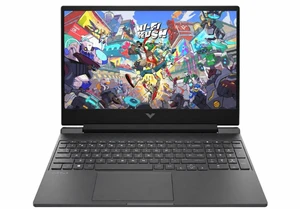
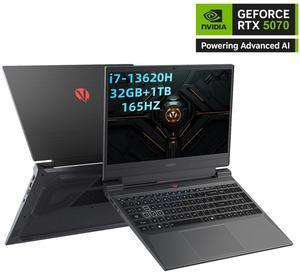
This thing will run most games without effort. I find that I enjoy running games in 'Balanced Mode' in the OMEN software, The CPU/GPU may not clock as high, but I still get pretty high frames (it IS a 5080 after all) and the laptop stays at a temperature I'm comfortable with without sounding like a turbojet. But, Performance mode is there, I'd just recommend using headphones and know that you'll run the risk of really annoying anyone around you. The thing actually seems to get hotter in performance mode, but with the benefit of additional frames. Surprisingly not a lot of bloatware comes with this laptop. I did uninstall a few things, but I've seen far worse. It's not an OLED panel, but the IPS is still smooth and vivid, especially at 240Hz

Everything

Lightning fast for connectivity. Just 1 cable plugged in and I can enjoy the 3 expanded screen. Works well out of the box. No complex setup and install required. Well-built with high quality material


Does everything I need and them some Now that I am working from home I needed a hub to run two monitors off my work MacBook. I looked at a bunch of them and decided on this one. Yes, you have to install drivers for it to work so you need to be a bit technical. After I got that going it has been smooth sailing.

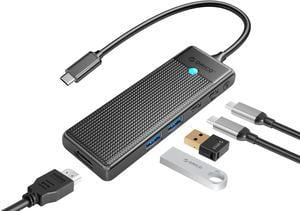
Has plenty of different ports to suit whatever needs you may have. It is a compact size does not take up much room. Does not overheat

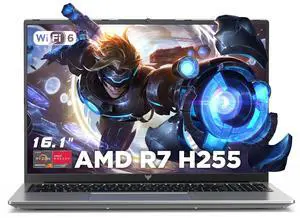
It's very fast whisper and silent. I like the light up keyboard its a single color not RGB.

-have used it for data transfer, and it does exactly what it is supposed to do. -the window is nice in that you can make sure you aren't jamming it in at any off-angles