here!
here!
I’m your shopping assistant for PC builds, upgrades, and everything tech.
Got questions? Ask away!
Start a conversation
here!
I’m your shopping assistant for PC builds, upgrades, and everything tech.
Got questions? Ask away!
Start a conversation

In Battery Backup (UPS)
Our most popular products, based on sales and updated frequently.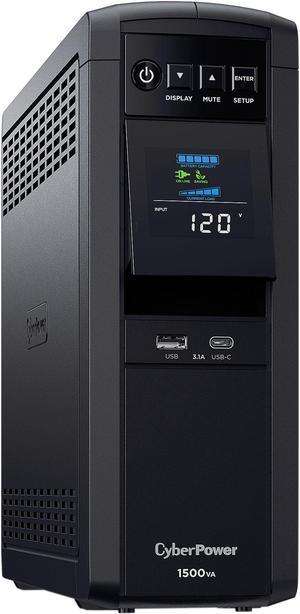
Has Pure Sine Wave, great backup for a computer.
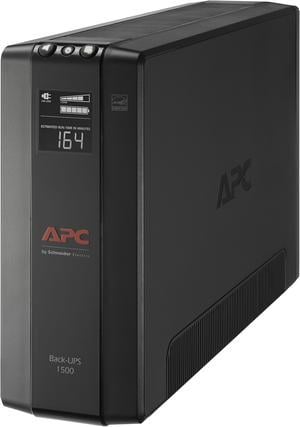
Easy to set up! Plenty of outlets for all our media!
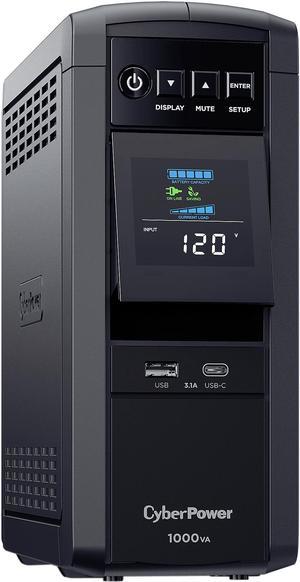
I bought this unit to replace an older CyberPower 600w unit I had bought from Newegg in July of 2010 to protect my TV and other equipment (computer is on another unit). The primary reason I did was because the old one, which was a nasty square wave unit, would cause my components to emit a "buzz", and I do believe that it damaged some of my equipment (which the manufacturer replaced, not CyberPower). Anyway these units were not out then and the only solution was an expensive APC or TrippLite unit. But fast forward to now and CyberPower has these "Pure Sine Wave" (actually Adaptive Sine Wave, a sawtooth or triangle waveform, not sine) for a good price, so I decided now was a good time to replace both units (see my CyberPower 810w Pure Sine Wave UPS review later in the week). First thing I did was plug in my radio and DVR, both of which on my old CP unit would emit a bad buzz and the front displays would slowly pulse bright and dim, and run it on battery power. No buzz, no pulsing display. Battery run time seems to be about right, ~30 minutes on a 90w load (tested, ~75w load which is my TV at 0% backlight and satellite receiver, simulating a power outage during a thunderstorm so I can watch the weather). The display is also much improved on this version, a nice white on black as opposed to a blue on blue, much more readable. Also it has the ability to always have the LCD display on (using a P3 Kill-A-Watt using the LCD display uses 1w of power).
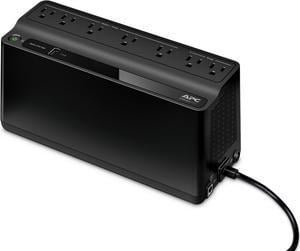
Operated exactly as advertised. This review unit arrived with excellent timing. The day after I installed it the power here went out for over an hour with several outages the following week! Not only did the BU 600 keep my cable modem, gigabit switch and a high end router running without missing a beat, I was even able to keep my phone charging. Estimated run time with the new battery and minimalist load was 3 hours+. Of course age reduces the battery capacity, but if you use this product in your server room, it will keep your web connections and routers running like nothing happened for at least 60+ minutes Management software is a free download. The unit was detected on my win7/64 laptop USB and windows drivers installed, and then I installed the APC software. No eyebrow raisers there. Wall mounting holes a nice touch. USB charge port @ 1.5amps shows engineers are listening to customers. I'm seeing this all over the business lately. I just bought a nice desk lamp that has a USB charge port on it.
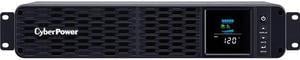
Easy setup Clean looking Easy management
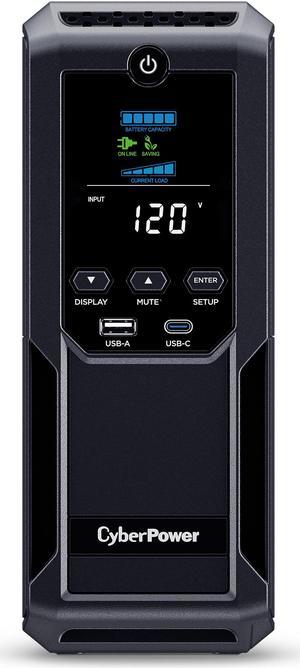
Best value in the $100 to $300 price range. Set Up Time: As fast as you can plug it in Newegg Beat all other competitor's online prices Runs quietly Normal expected heat generation Has 2 USB Charge Ports: (1 USB-A 2.4A, 1 USB-C 15W) ( A lot of competitor's have 0 in this price range or use older tech) Has 12 Outlets while some competitor's only have 10
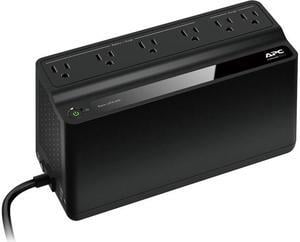
- Power disruptions do not affect my RPI5 media server now. It has survived surges as well. (I do not have this on a separate surge protector.) - I've added a NAS just recently to it's draw with no other issues.

Simple battery connection and change out, no need to use screws and dis assemble the unit like other brands. I have had these ware out over many many years but they still last the longest and easy to swap out old batteries is a must for me.
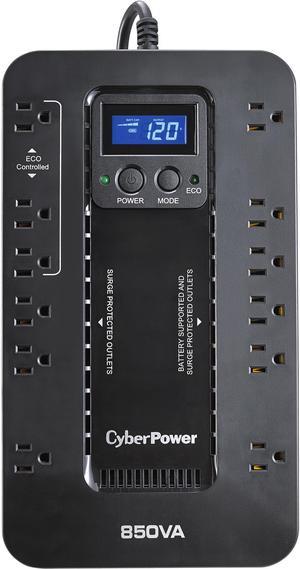
- Just plug in and enjoy, no hassle, no configuration needed - Plenty of outlets, plenty of options, plenty of versatility
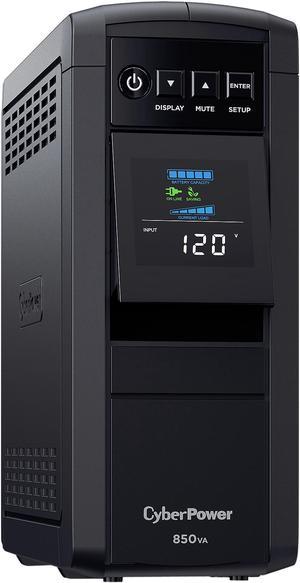
The CyberPower CP850PFCLCD sinewave unit perfectly as expected. Also important is the fact that this unit is completely silent. It can be used in the living room as a backup unit for the HDTV and sound bar, etc.
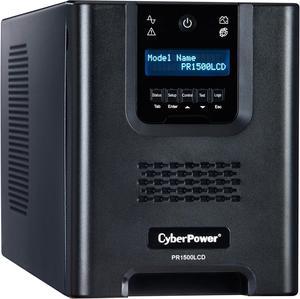
After a lot of research, decided on this for an ESXi host. First off, THANK YOU to CyberPower for making a ridiculously easy to use virtual appliance that can be loaded right in to ESXi. Did not feel like dealing with command line to safely shut down VMs during power failure. Email notifications and level of configuration for the virtual appliance made this a no brainer. This unit seems to be at the high end of the sweet-spot for capacity, price, physical size, and features.
Works already. No issues out of the box. Everything works and powered some stuff for 3 hours without hiccupping. Came charged in the box (can't guarantee all of them would be though). Easy set up but I haven't connected it to the computer yet.
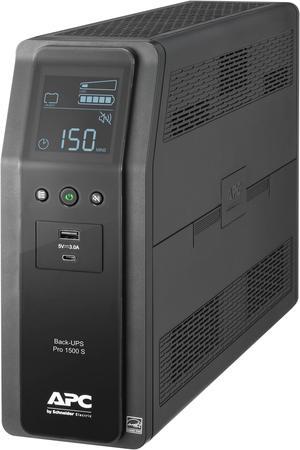
its made to do what its made to do, as soon as my city grid loses power, this back up kicks in allowing me enough time, more than enough time, to safely shut down the computer w/o losing any data
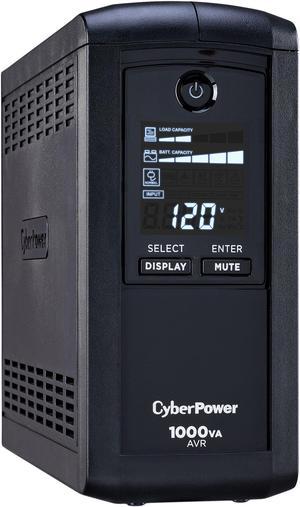
bought one of these a while back. needed another and havent had any issues with the first. good amount of outlets and nice size. when power outage occurs, indicates so by warning beep. battery backup time is enough to finish what your doing and shut down your pc then leave low watt devices powered for a decent amount of time like router, modem etc (saves rebooting it all) PowerPanel software is good and non-complicated! panel information is plentiful for average user needs
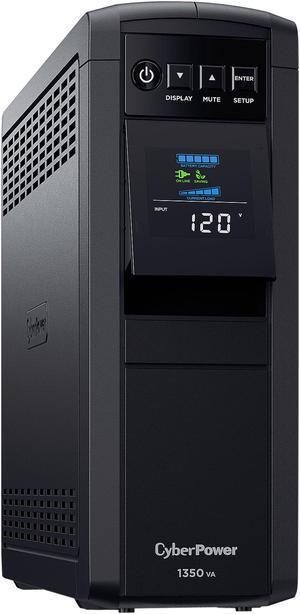
The big pro for me was to have time to shut everything down when the power fails.This unit dose give me that and more.It will tell you how much power your high performance gaming pc's pulls at load and other times you may need to find out. I do sleep better with this protecting my gaming pc's.I have 3 and I have close to $9000.00 in them.For what you pay for this and the performance it gives you, you can't go wrong. Where I live we have been haveing alot more storms this year and the power dose suffer at times.This unit takes care of you if you have a power drop or a surge and for the money I sleep alot better like I said (with it). When you take it out of the box you know it is well made and it comes ready to use.It was easy to setup and I have not had one issue. This was my first unit from cyberpower and I am happy that I went with it and not one made by apc again.They are ok for somethings but for gaming pc's I like this unit much better. Worth the money for me...
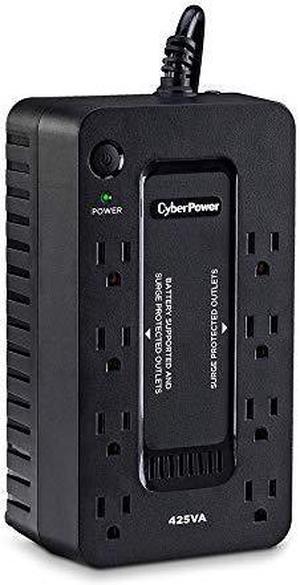
Easy to set up and use.
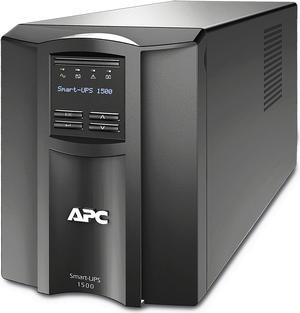
Plenty of capacity to keep our Xserve and network switch online during brief power outages
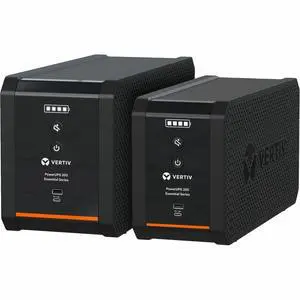
Works as it should