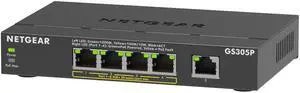
Easy installation. My backups to a NAS took hours. Now they take 30 minutes!


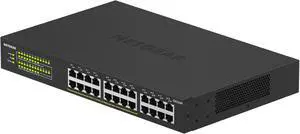
40 POE+ and 8 POE++ ports 4 10Gib SPF+ ports Layer 3 features Quiet fans

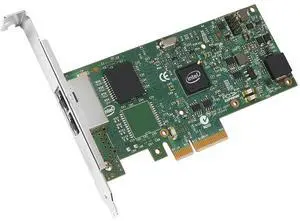
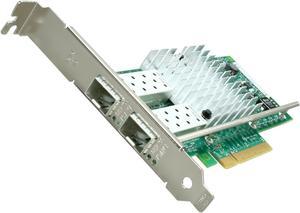
The obvious question is why one would purchase this card over the far cheaper options. Generic 1Gbps NICs can be had for just over a tenth the cost, while Intel's desktop varieties run less than half the price of this card. Leaving aside the cheapest cards - ones I've found to cause more problems with data corruption and reliability than it's worth - the main reason to go with a server card is if you will be loading it heavily. If you're running your own datacenter, power-saving features such as EEE and DMA coalescing are handy, but that likely doesn't apply to most potential customers for this NIC. The I210T1 does an even better job at offloading calculations than previous generation NICs.Saturate a full 1Gbps connection with multiple streams and you'll see CPU usage drop in comparison to what it is with desktop cards. We put this card in a workstation to replace the on-board Realtek NIC. System CPU time dropped by 20-30% under very heavy network loads after switching to the I210T1. Another benefit to the I210T1 - and a possible reason to upgrade to this new model - is Audio Video Bridging (AVB) support. When working on projects where multiple media streams need to be perfectly synchronized, AVB worked wonders. Older NICs simply could not keep everything synced perfectly. We needed to work on 10Gbps connections instead. Being able to accomplish the same feat with a much cheaper card is great! The I210T1 is tiny. It fits easily even in systems with bulging heatsinks and video cards.


Works as advertized. Good construction. "Wall Wart" in compact (small).

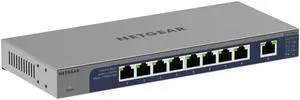
UniFi compatible and suited to the kinds of awful environmental conditions the old Ubiquiti Tough Switch Pro was perfect for. Being managed by UniFi rather than UISP simplifies the network, so it's GREAT to have this niche filled. Surprisingly useful to have more ports, didn't know we needed them until we had the option.


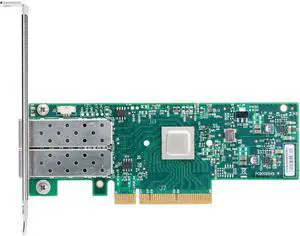
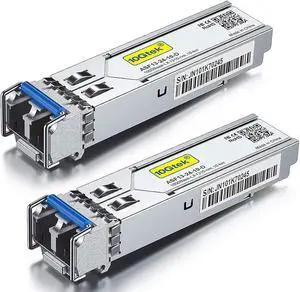
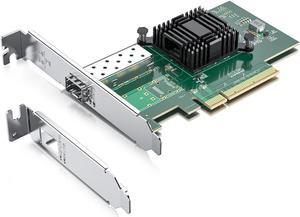
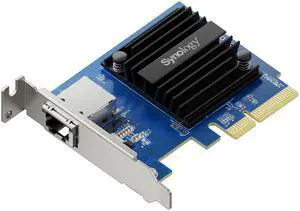
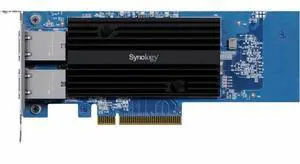
Working like a champ in my vSphere 5.5 home lab. Pushing max theoretical 10G throughput (roughly 9.7Gbps) using iperf VM to VM on different hypervisor hosts hooked to a HP procurve 2910al w/ 2 J9008 dual port 10G SFP+ modules. I used a direct attached copper (DAC)/twinax cables I got off the infamous bidding site we all know and love for about 1/3 of the price of typical 3m twinax cables and they were HP branded/part numbered as well.


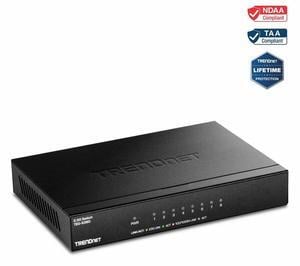
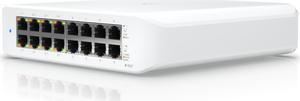
Metal Housing 16 Ports Thin Physical Size Wall Mount Bandwidth Light Indicators


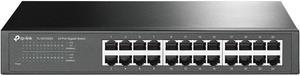
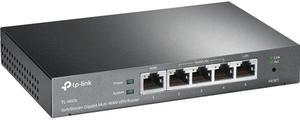
I have been using this switches unmanaged cousin, the TP-Link TL-SG105 since July of 2013. It has functioned wonderfully extending my rather large wired home network. I can honestly say, this "Easy Smart" version makes a great addition to my network, right alongside it's cousin. Some of my opinions on this version directly mirror the other. The build quality is great with an all metal housing. Internal board is securely mounted, as are the RJ45 ports, they do not flex or give. Internal "processor" is cooled by a heatsink. It's also wall mountable, a huge plus in my book. All like it's unmanaged cousin. This is a great little switch. Same as before, I dropped it into my network and saw absolutely no performance loss what so ever, and my home network is often under heavy load, see "Other thoughts" for more details. Online gaming, LAN gaming, local game and VOIP servers, HD streaming with tools like Open Broadcaster and XSplit, and HD media such a Netflix and Hulu, none of it was hindered being behind this switch with 4 devices connected and running simultaneously. What makes this switch stand out is the fact it can be managed. The "Easy Smart Configuration Utility" is simple, intuitive, and lets you setup the switch to best fit your specific needs. - Manual or DHCP. - Individual port control, switching, and monitoring. (Monitoring includes link status, Tx / Rx good and back packets.) - Port Mirroring. - Cable Testing. - Loop Prevention. - IGMP Snooping. - Port Trunking - Virtual LAN. - Port QoS - Port Bandwidth Control. - Storm Control (Protects against broadcast, multicast, and unknown unicast storms) You can save and backup your configs for different situations as well, a feature I liked seeing. The TP-Link TL-SG105E really is a great switch. Easily integrating into most any network where more control is needed or desired than with an unmanaged switch.

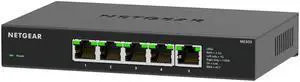
The MS305 (pay attention to the model number when purchasing) is a fine addition to a home network, especially with moving moderately large amounts of data between devices (pictures, streaming, archives) internally or via the Internet.