here!
here!
I’m your shopping assistant for PC builds, upgrades, and everything tech.
Got questions? Ask away!
Start a conversation
here!
I’m your shopping assistant for PC builds, upgrades, and everything tech.
Got questions? Ask away!
Start a conversation

In Wireless Routers
Our most popular products, based on sales and updated frequently.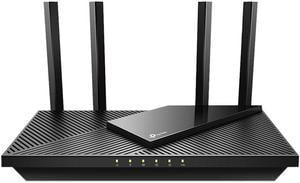
Super fast and smooth It just works
I found this product to be extremely easy to configure. This was my first attempt at segmenting my network and home network hardening. I found it to have more tools than Ill ever know how to use, but not to the point of overwhelming.

I've purchased and installed 3 of these - at my house, my in-laws house, and my brother's house. So far, they have been absolutely fantastic routers for the price. I've done speed tests when I had fiber internet available, and seen actual speeds of 950/850 through the router, WIRELESSLY to my phone. Have options to turn on "bedtime" for different devices - so my kids lose their WiFi and are encouraged to go to bed after 11:00 PM. They support plugging storage devices right into the router, and the UI is very simple, and easy to use. The app is quite helpful as well. I have been pairing these as the "primary router" in the house, and use the BE230 as "Satellite routers". They work well as either mesh or backhauled with Ethernet. Speeds are (obviously) dramatically higher with a backhaul line.
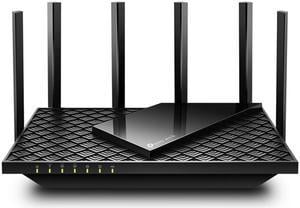
I wqs looking for a router that could reach my driveway and the usual square footage numbers are bulls... . If the antennas are omnidirectional that means the square footage is that of a circle. For instance "they" will say a router covers 5000 sq ft that is a radius/range of about 40 feet. I was hoping for more as my previous Linksys 54GL with the extended range antennas did at least 100 feet. My router is positioned in a front window of the house facing my driveway. I like to sit in my truck or work on it and get wifi on my phone there (I don't get cellular at my house). I installed the TPLink AXE5400 Archer AXE75 and was out shoveling snow in my driveway listening to a show on the internet on my phone and never lost the wifi. I have not measured it but given the way extension cords from the house have laid out I am thinking I was about 150 feet away from the router and still connected. I have not walked around outside to the backside of the house yet to report on success or failure but I have had no problems inside of the house although the phone does indicate some drop off of the network speed in my bedroom and that is going through an old CRT TV and various walls (I have it right next to the TV). It also has many options which I don't know much about but the initial setup is simple just using an ethernet connection with a computer or laptop. I did not bother using the app. 192.168.0.1 is the address to use. And 2 things- I found out the techs can only tell you of a low minimum square footage coverage so as the customer won't be disappointed, and there is what is called an Automatic Frequency Control. On some routers it can be turned off. It is different from the AFC audiofiles knew of on their old stereo receivers. This AFC adjusts the range if the broadcast will interfere with other broadcasting devices. I think I saw this calculation happening when I was setting it up. I saw no mention of it in the setup instructions or the manual. Overall, and I have only had it for a month now, I am happy with it and do recommend it for its range potential and coverage.
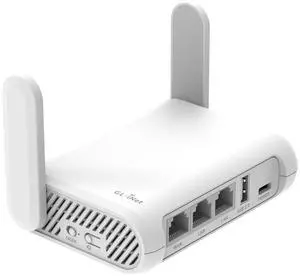
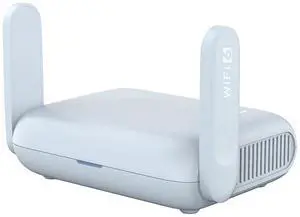
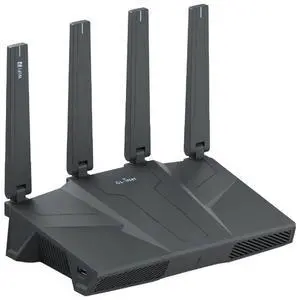
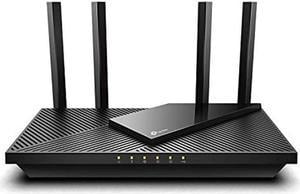
EasyMesh allows for extenders to cover the corners of your lot all under one name. The app lets you segment and isolate devices in a couple different ways. Renaming and categorizing your devices can be satisfying in its own right.
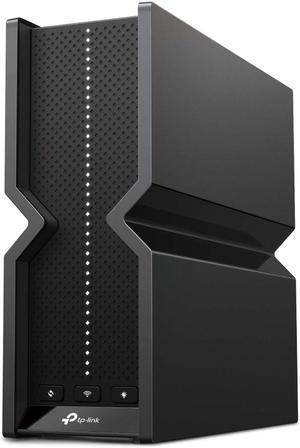
Went from 37 to 470 on farthest desk from router, and can access 100% of the speed I pay for in internet wirelessly now. Upgraded from N to BE. Wireless garage spotlight has better connectivity, and dedicated lights network to run IO. Pretty sure the WiFi is even faster then I am seeing. Very happy. Can combine 2.4 and 5g networks for auto speed boisting.
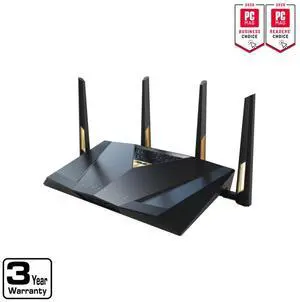
Set up was straight forward. I am using the BE-88U as the primary router with the two BE-92's as secondary mesh routers. There were no issues with the set up between the Primary and Mesh Routers. The directions were simple to follow. The routers have robust security options. The coverage in the house is now very good. The clients already in place connected automatically. I had 3 older (2019) ASUS routers serving in a mesh setup previously, which had coverage issues that had increased over time. The cable company had put the optical fiber modem at the far end of the house in a closet (obviously not ideal).
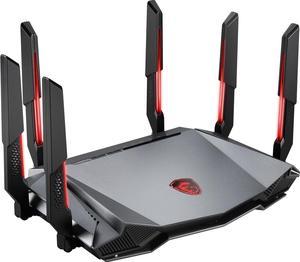
Very easy to setup and can handle multiple desktop and laptops. Have two desktops and two laptops in the family and it can handle these easy. The tri-band feature allows me to use different bands for different purposes, such as gaming, streaming, or working from home. The AI QoS is a great feature that automatically optimizes the network traffic
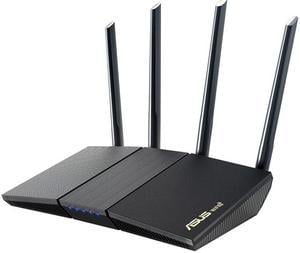
- Easy to set up - Comprehensive feature set - Allows me to separate 5G and 2.4G networks - Excellent Android app that allows me to configure/monitor router remotely
- Easy set-up with Asus app - Gaming and/or Work from Home prioritization with app - Connected with old AI Mesh router - 1 input Ethernet port - 7 output Ethernet ports - Great Wi-Fi coverage
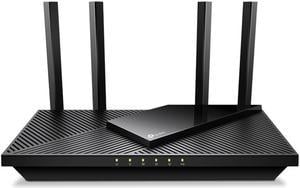
newer technology - no longer need a repeater to reach distant areas of house easy to manage with software
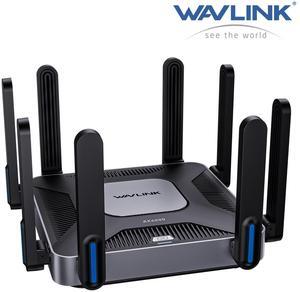
- will act as your main router - will route a network behind your main router - will act as a wireless AP behind your other router - will connect as a WiFi client to another system and then provide WiFi and wired ports to its clients (network extender, or "WISP mode") - The web interface has an easy way to choose among the above options and simple configuration for the option I'm using (as the network extender using WiFi to talk to upstream) - good speed for the money - actually getting reasonably close to the full speed rating for the distance it's sitting away from the upstream router/AP - feels pretty solidly built - reasonable features for the price point and the flexibility is the main feature I was wanting
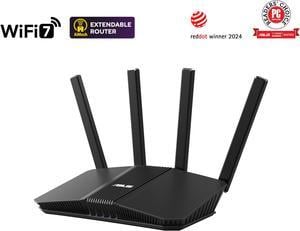
Performance-wise from what I can tell, the RT-BE58U is stripped down RT-BE92 - it lacks the 6 GHz channel and has half the bandwidth (160 MHz vs 320 MHZ), but it's WiFi7 in every other respect. Appropriately it's half the price, and current compatibility is most important. Having many "legacy' devices that still get the job done and nothing needing 6 GHz, this hits the sweet spot for me.
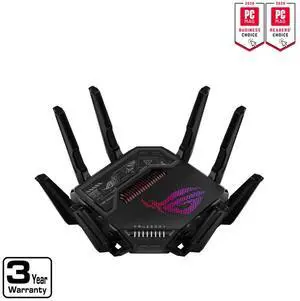
Setup is relatively easy provided you know what you are doing. Having the secondary 10Gb passthrough is a great feature if linking to a second router.
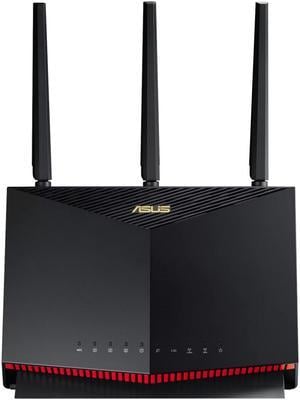
Consistent performance and good range Fast processor that is immediately felt Stable Excellent feature set