




 here!
here!
I’m your shopping assistant for PC builds, upgrades, and everything tech.
Got questions? Ask away!
Start a conversation
here!
I’m your shopping assistant for PC builds, upgrades, and everything tech.
Got questions? Ask away!
Start a conversation

In Hard Drive Adapters
Our most popular products, based on sales and updated frequently.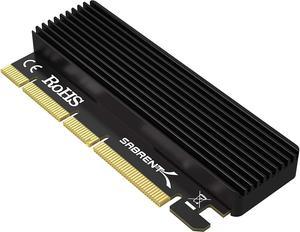
Cooling is good for its size. Heatsink has rounded edges and I was able to install 2tb m.2 . Came with 3 thermal pads strips
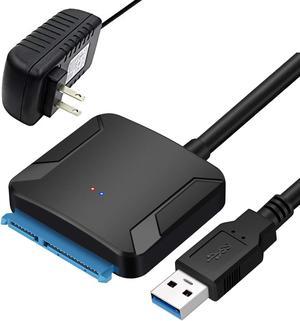
Easy to set up and use.
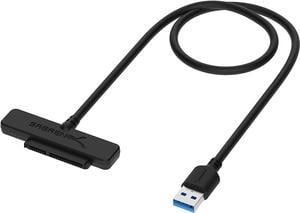
Great price. Created a clean that worked perfectly.
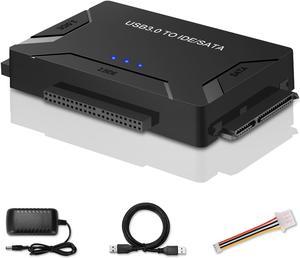
- Able to dock both IDE & SATA 2.5" and 3.5" HDDs/SSDs and Optical drives as well - Easy to use and compact design is great for when you travel
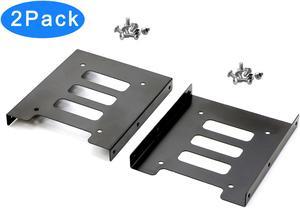
Fits all of my old computers fine.
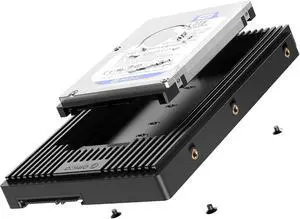
a. easy to install b. fairly compact ( meaning its not too long like others) c. love it has a power button
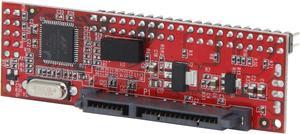
This is the perfect IDE to SATA Adapter when used with the ORICO SSD Tray 2.5 to 3.5 inch Hard Drive HDD SSD Adapter Internal Drive Bay Converter Portable Mounting Kit Caddy. I just put a dab of RTV on the IC and mount it on the Orico. I then plugged in my IDE Cable on my OLD DOS Computer and booted from a CDR that had Dos 7.1 on the ISO. After DOS was installed I used my SATA Adapter to finish copying all my DOS sub-directories. Boots and works wonderful. THANKS! An adapter that worked with no Problems and is compact.
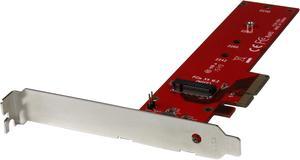
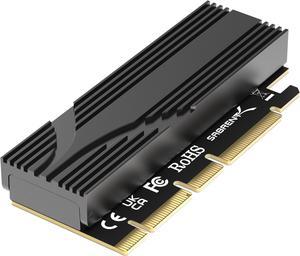
- Plug and play, no problems on my Ryzen build using a MSI X370 Gamer Pro Carbon motherboard. - About 9 C cooler after intense gaming (BF1) compared to where I did have it on the motherboard. -My fans blow blow directly on the M.2 now. Before, the M.2 was located underneath the graphics card close to the heat sinks and all that heat that is generated during gaming.
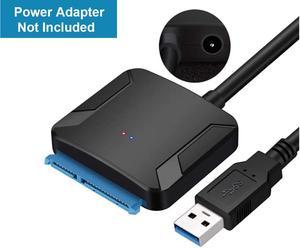
$5+ less than others! And just the right length not to get in the way of other cables! And I LOVE the free shipping!
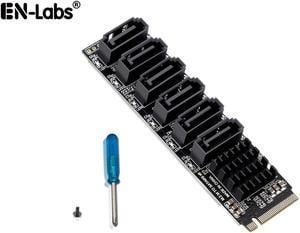
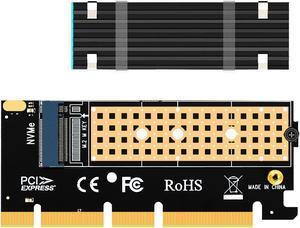
Needed a bracket after finding out my motherboard only had one PCIE M.2 slot. This bracket adapted my 16x PCiE slot to the M.2 SSD seen in the photo!
![SABRENT 3.5-Inch to x2 SSD / 2.5-Inch Internal Hard Drive Mounting Kit [SATA and Power Cables Included] (BK-HDCC)](https://c1.neweggimages.com/productimage/nb300/AME8S2203011C59ZB61.jpg "SABRENT 3.5-Inch to x2 SSD / 2.5-Inch Internal Hard Drive Mounting Kit [SATA and Power Cables Included] (BK-HDCC)")
Perfect fit and extra cables as a bonus!
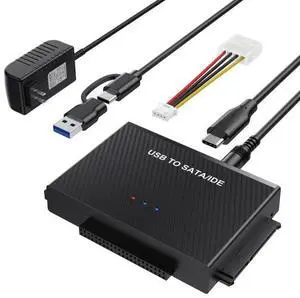
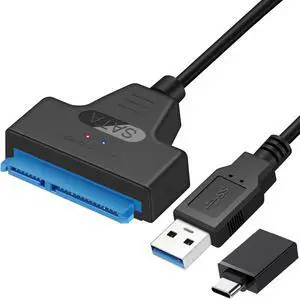
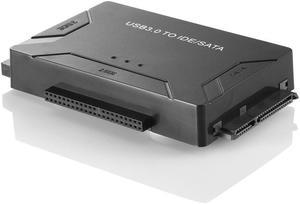
- worked as it should to access hdd's and ide/sata disk drives - speed is ok for my purposes - was able to repurpose internal sata lightscribe burner
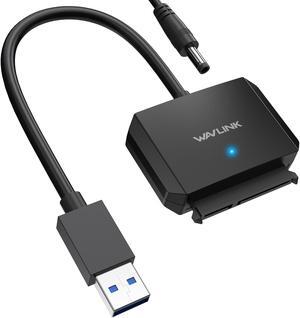
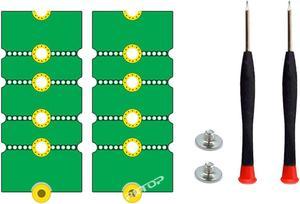
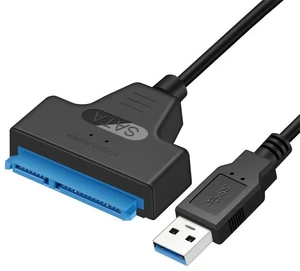
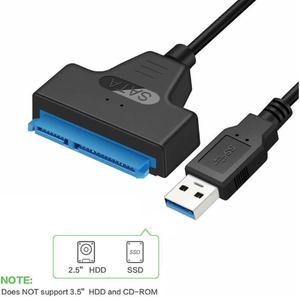
Shipped quick, was as described! Great Seller!


