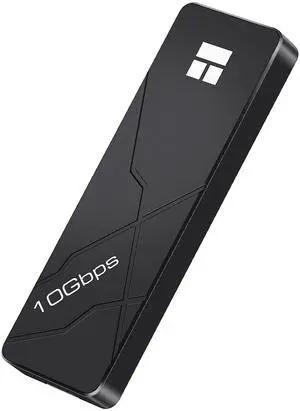
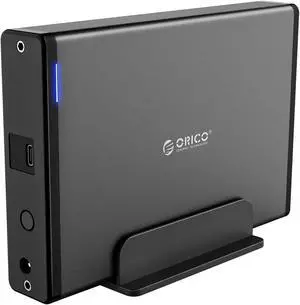
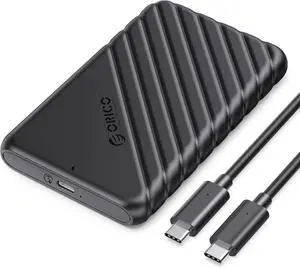
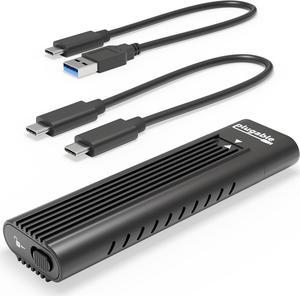
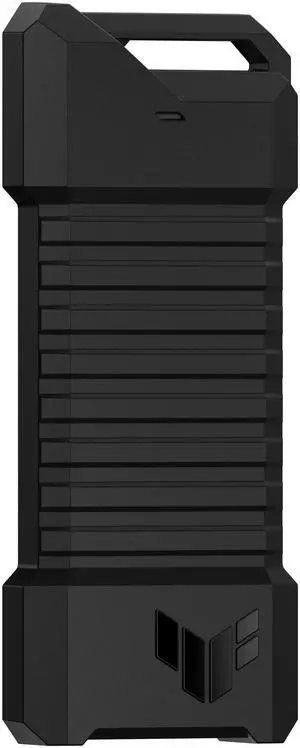
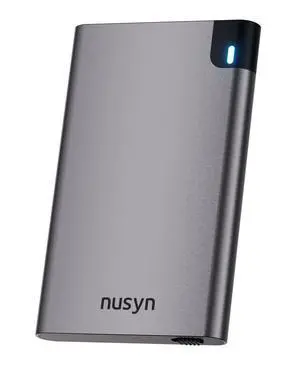
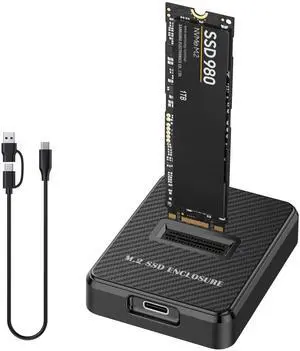
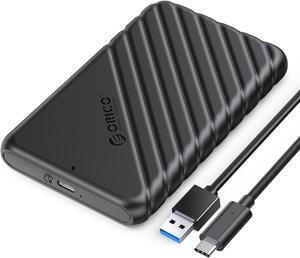
amazing fit, amazing speed, and with repeated and continuous large file transfers the case dissipated the heat shockingly well also includes the thermal heat pad that touches m2 and outer shell i put a samsung 970 plus 2tb m2 in it

Nice HD 2.5" case.

Pink ! Metal Heat Sink & Heat Pad included.

Simple to use, lots of options available for drive transfers

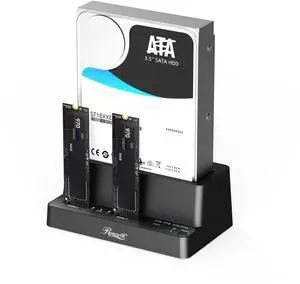
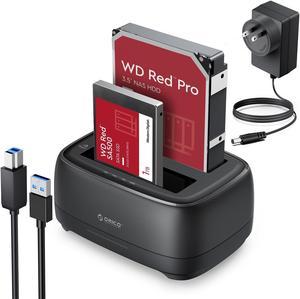
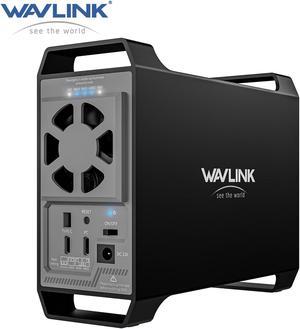
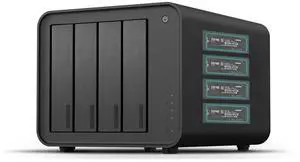
Tested 2 bay enclosure that comes with everything you need including extra screws and screw drivers that are actually good quality and magnetic. Out of the box it's a 10 min installation to get it up and running. I'm using a mix 4TB Toshiba HDD and 10TB WD Red HDD. Tested with "large" switches toggled on enclosure. -inside enclosure drive to drive transfer speed sustained at 179mb+/second with large video files exceeding 100gb in size -port to port USB-C 3.2 across my PC from an SP A58 SSD 2TB to enclosure with same large video files was sustained and exceeded 210gb+/second I am extremely happy with this enclosure so far and will continue to test it with different RAID config. as well.
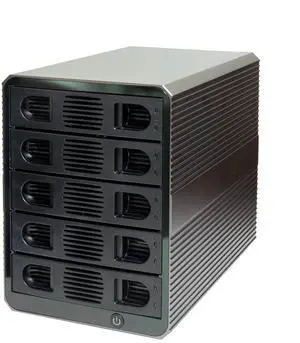
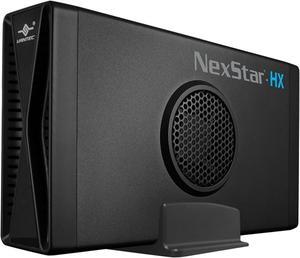
Good tool-less mount system. HDD power and activity lights visible from front. USB 3.0 and eSATA. Not much bigger than it needs to be. Includes a fan, not loud even at high speed, keeps your drives cool. No external power supply, clean and neat. Less expensive than other similar enclosures I've seen
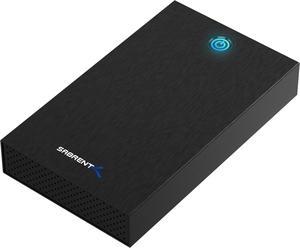
![SABRENT 2.5-Inch SATA to USB 3.0 Tool-Free External Hard Drive Enclosure [Optimized for SSD, Support UASP SATA III] Black (EC-UASP) SABRENT 2.5-Inch SATA to USB 3.0 Tool-Free External Hard Drive Enclosure [Optimized for SSD, Support UASP SATA III] Black (EC-UASP)](https://c1.neweggimages.com/productimage/nb300/AME8S200205gxGU0.jpg)
Pop your old laptop hard drive in here, copy over your data to your new laptop. Be sure you understand permissions and rights, if using NTFS and a new PC. Fast copy to save your stuff to your new PC. After copying, save it as a backup of your old data, or wipe it and use it for new storage. Works Great with 2.5" Hard Drives or SSD Drives.


A sturdy protective case with good heat dissipation. I used it to clone my old computer into my new one before using it externally for my Xbox paired with the WD Blue SN550. *(Now two enclosures, using 1 and 2 TB SSDs) Speeds are noticeably different, if you used to take a sip during a load screen like fast travelling in a single player game well... Gonna have to just pause In case youre near enemies upon loading in. Older games are near instant (Fallout3/NV), and even games like FO76/Witcher are often fast enough that you dont have time to take a sip. Plug and play as they say, and easy installation and removal of SSDs. For a first time user I was never worried about breaking the small SSD while using the enclosure and that was a huge bonus. Never had an issue with the enclosure being too hot to touch like I saw many complaints with the cheaper enclosures, even while cloning, moving games, downloading games or playing them. It got slightly warm on the more intensive work, but is barely noticeable during game play - resting the back on my hand on it after a couple hours consecutively. * Update to say I purchased a second enclosure for my gfs xbox this time. She was envious of the difference in our load speeds. Still going strong, highly recommend. Day One edition Xbox sometimes needs the unit unplugged and replugged in, dont panic if it acts weird.


Good clasps, multiple different model drives all fit nicely and are snug.


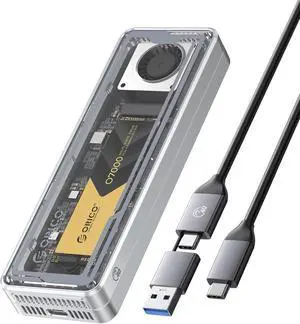
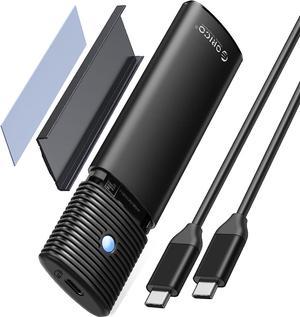
Super straight forward and easy to use, installed an m.2 worked flawlessly. Small and seems strong design. Comes with 2 screws and 2 holders for the board, as well as a small torx screwdriver for the screws. USB a to c wire and a c to c wire.

4x Bottom Corner rubber vibration dampening pads... It better... LOL HDD Case: Orico (Sealed: Aluminum / Single 3.5 Bay) ($25) *Gets HOT: MAX @ 55'C no cooling HDD: WD Ultrastar DC HC320 (8TB, 7200RPM, 256MB Cache) HDD STORED: [UNDERNEATH] an "IETS GT300 Double Blower Laptop Cooling Pad" ($45) NO COOLING: 12+ Hours upto: 55'C (STRESS TEST: STABLE) (Very !HOT!) WITH COOLING: "Artic Air Ultra" (Setting: MAX): 12 Hours @ 39'C (NO !WATER!) ($25) PROGRESS: OVER 16'C (60.8'F) !!! SET UP Orico: Elevate HDD off surface top... Elevate and Center HDD center of fan within 6" THERMAL DISAPATION: Top, Bottom, and Sides of HDD (All at ONCE) 100% Aluminum Case w/ Artic Air Ultra on MAX: COLD to the TOUCH !!! **I am sure if I ran Artic Air Ultra @ MAX 100% time HDD IDEL: Below 29'C


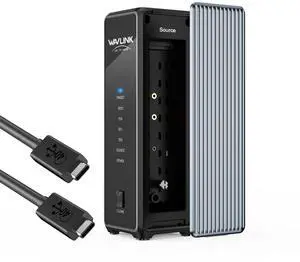
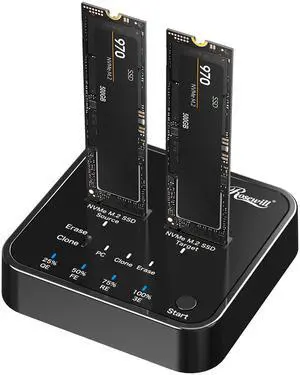
Easy to clone NVMe drives that would otherwise be a huge pain. No setup, built in functionality, just works. can handle a larger Target NVMe, which was my use case, upgrading an existing OS drive in a Laptop.


Nice-sized enclosure for home or small-business networks!