




 here!
here!
I’m your shopping assistant for PC builds, upgrades, and everything tech.
Got questions? Ask away!
Start a conversation
here!
I’m your shopping assistant for PC builds, upgrades, and everything tech.
Got questions? Ask away!
Start a conversation

In Hard Drive / SSD Enclosures
Our most popular products, based on sales and updated frequently.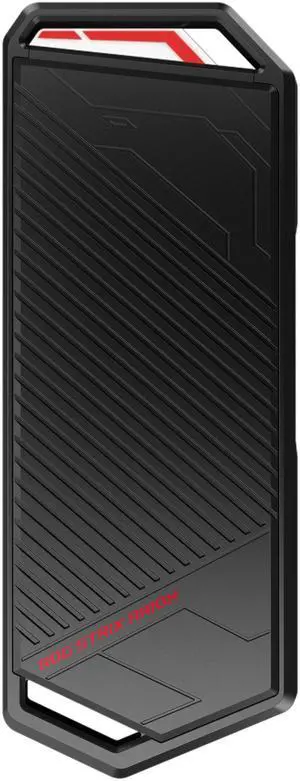
Solid as a rock and fast
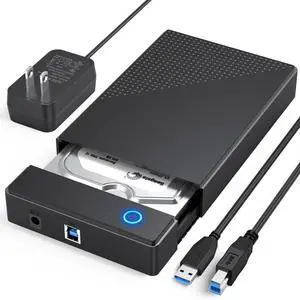
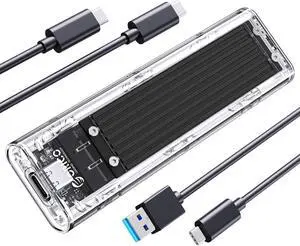
Works with no problems. Works with both USB-C and USB-A connections.
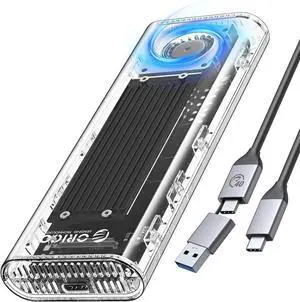
Price, SPEED of this thing , Shipping was early.
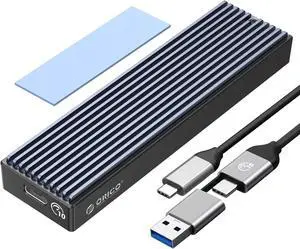
Super straight forward and easy to use, installed an m.2 worked flawlessly. Small and seems strong design. Comes with 2 screws and 2 holders for the board, as well as a small torx screwdriver for the screws. USB a to c wire and a c to c wire.
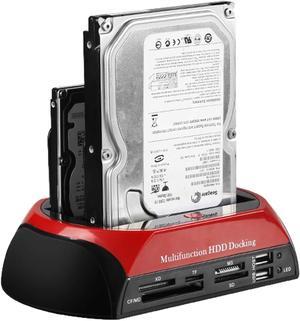
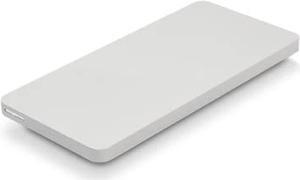
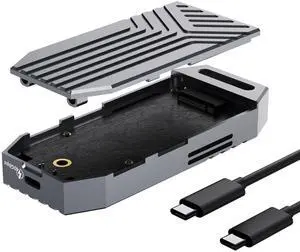
Sturdy and works great every time!
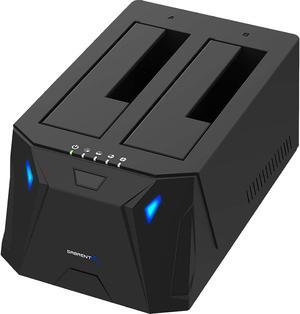
This thing is SO easy to use. Win10 instantly recognizes it. I use this to store files in external drives, as well as doing drive wipes. Sabrent knocked it out of the park. If it were any better, it might even surpass microwave popcorn.
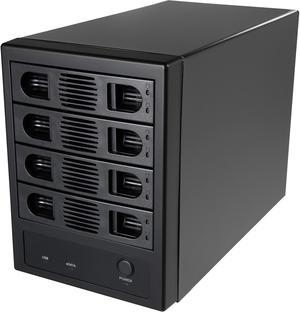
Much better thermally compared to 5 disk Syba external enclosure (RAID) which has no manual fan control HD Temp ~40-47C with fan @ max and idle state; under load HDs may go over 50C (Seagate Exos 8TB series) but stayed below 55C (auto shutdown in my setups) even under heavy load
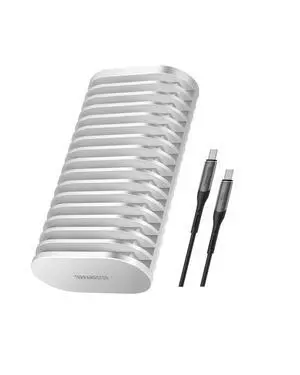
Small, fast, cool running and totally silent
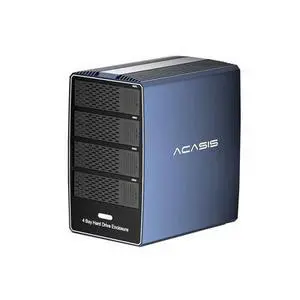
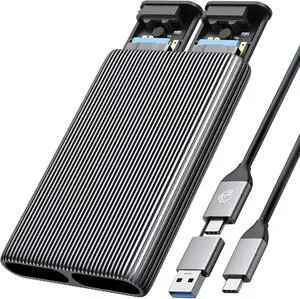
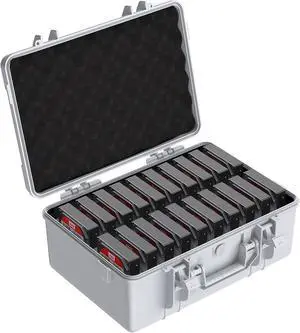
The case holds the 3.5" HDD's nicely. I store the drives in ESD bags and the bags in the slots and it works well
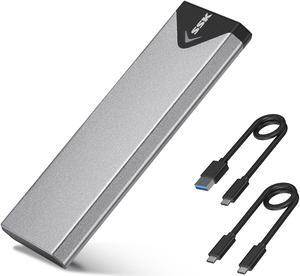
Easy to install; nothing to it! I bought about 4 of them.
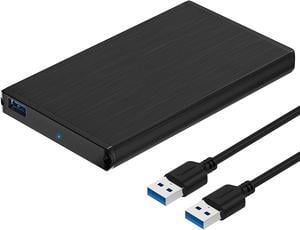
Easy to setup. Works perfectly with my laptop without any issues.
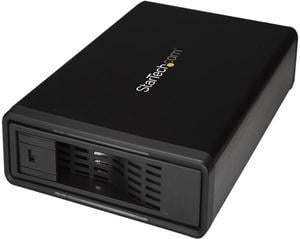
Easily accommodates a full size 3.5 inch drive eSata connection is faster than expected Allows addition of big HDDs to Laptop dock Stays cool without fan noise (there is no fan) Reasonable size footprint
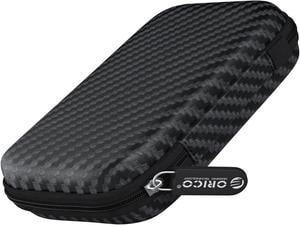
It snuggly fits the ORICO TCM2-C3 enclosure, with at least 1 accessory cable and maybe a spare flash drive or two.
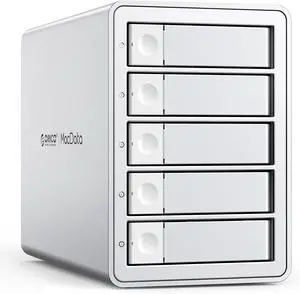
The case is solid. I have no fear of putting my expensive hard drives in it. It's easy to open. The levers are all in good condition and ejecting the trays is a smooth experience. Adding the drives is easy and they mounted in the finder without any issue. I used Apple's RAID assistant to put all the drives into a single raid. Again an effortless, smooth experience.


