




 here!
here!
I’m your shopping assistant for PC builds, upgrades, and everything tech.
Got questions? Ask away!
Start a conversation
here!
I’m your shopping assistant for PC builds, upgrades, and everything tech.
Got questions? Ask away!
Start a conversation

In Controller Panels
Our most popular products, based on sales and updated frequently.
Easy set up
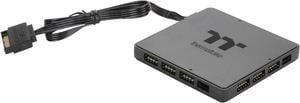
Website said it is compatible with MSI Mystic Light software, and can confirm it is.
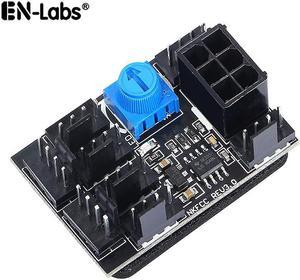
Very simple to install. Fan speed for all connected fans is adjustable using the knob on the board. Works as expected.
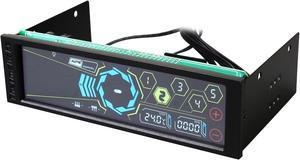
pros, the touch screen work great ! its easy to use, have a senssor temp, and cant control five fan in the same time ! easy to instal, and fit in bay drive optical.
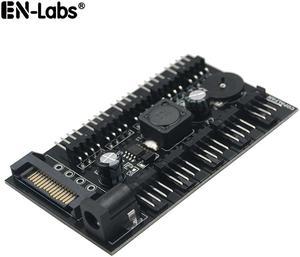
It comes with double sided foam tape so you can mount it. Fan control wheel works really good as well.
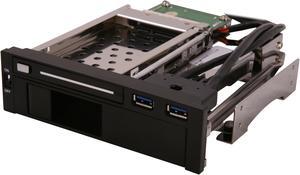
use these to clone drives they work well
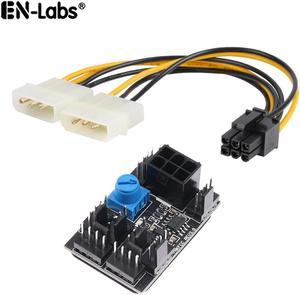
Using this to control a couple case fans and just wanted them at a fixed speed. This worked perfect for what I needed. Just find a nice spot to put it where your fan wires can reach. Hook up a 6pin power and set speed with blue knob where it works best.
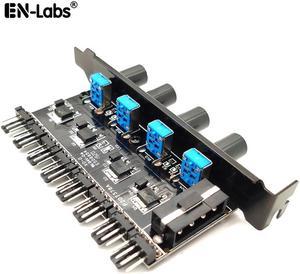
I purchased this for 3 pin fans and it works perfectly for adjusting their speed
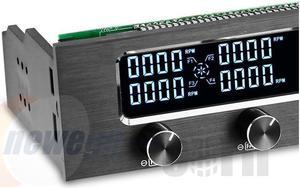
My install went pretty smooth even though I had to slide it in and out a few times so as to help with routing the wires. Once mounted in the case it has the look and feel of a high end item and performance wise I am very pleased. I have one bad fan in the case that I haven't got around to replacing yet and cannot find issue with the alarm. The thermocouples seem insanely accurate for anything in this price range and are/is a perfect solution for keeping an eye on those M.2 NVME drives that have a tendency to run hot. A really good idea if your graphics card is partially blocking the airflow around it. I hook up one fan control to the door fan across from it. A very good investment in my opinion.
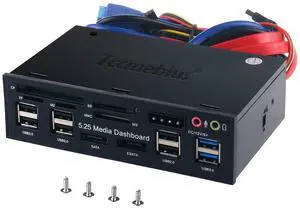
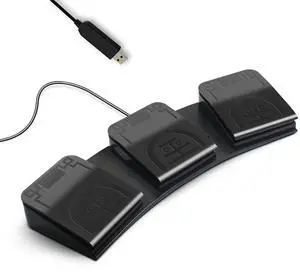
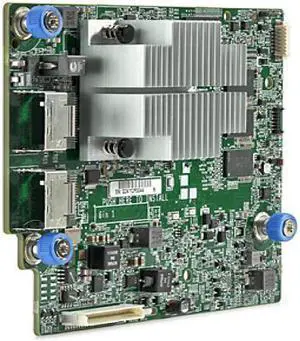
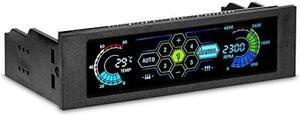
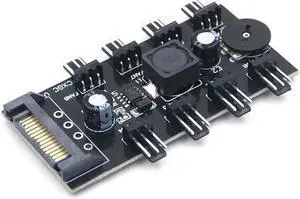
Works as advertised, and pulls all my fan cables into my cable management area out of sight.
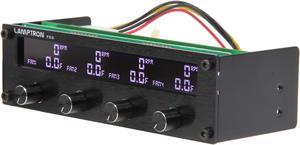
My 2nd Lamptron fan controller and I'll never purchase another brand. This specific model does exactly what I need it to do.


