




 here!
here!
I’m your shopping assistant for PC builds, upgrades, and everything tech.
Got questions? Ask away!
Start a conversation
here!
I’m your shopping assistant for PC builds, upgrades, and everything tech.
Got questions? Ask away!
Start a conversation

In Controller Panels
Our most popular products, based on sales and updated frequently.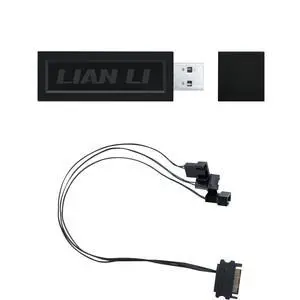
Easy set up
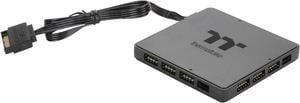
Solves fan surge and temperature reading issues with TT software. Syncs your rgb with your motherboard and/or case. With some series of products this will remove the need for 2 controllers and replace it with one. Shallow in profile.
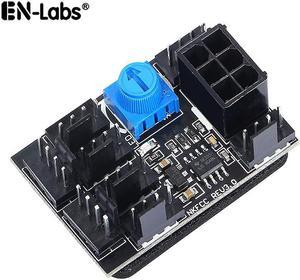
Very simple to install. Fan speed for all connected fans is adjustable using the knob on the board. Works as expected.
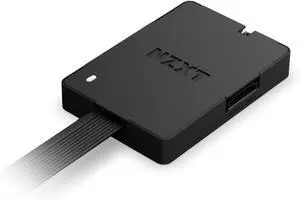
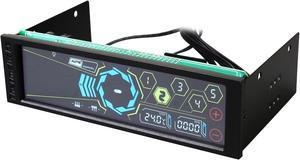
Great product quality, at a great price, installation was simple, very clean and hi-tech look to any computer, the touch screen is bright, easy to use, with great aesthetics. And above all, everything works from the fan speed controller manually setting individual fan speeds, as well as auto mode...complete with accurate temperature sensor with accurate real-time readout on screen.
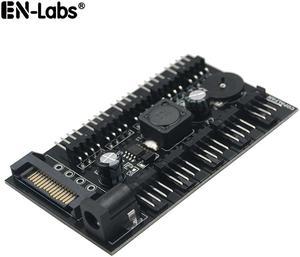
It comes with double sided foam tape so you can mount it. Fan control wheel works really good as well.
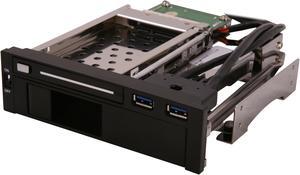
- Works as advertised - Hot swap works great - No ugly logos on bezel - USB 3.0 ports work no problem
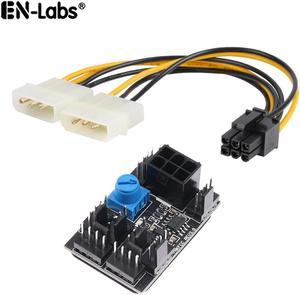
Using this to control a couple case fans and just wanted them at a fixed speed. This worked perfect for what I needed. Just find a nice spot to put it where your fan wires can reach. Hook up a 6pin power and set speed with blue knob where it works best.
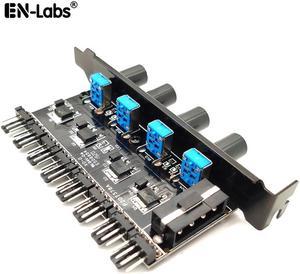
I purchased this for 3 pin fans and it works perfectly for adjusting their speed
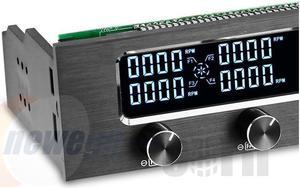
4 channels temp sensors price
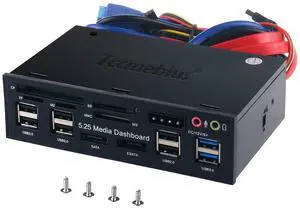
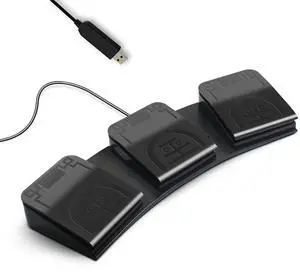
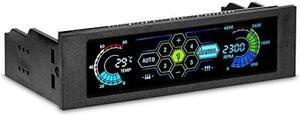
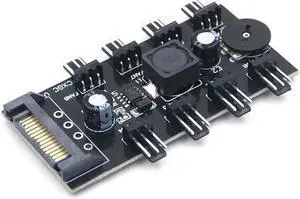
-It's a no frills, cheap 3-pin fan controller -You can adjust the power from OFF to 100%.
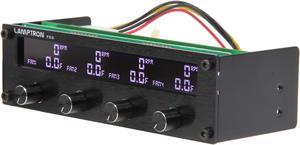
Has many colors to choose from Pushes enough power through so that splitters can still be used Knobs do not stick out to far for most case doors, about 1cm Knobs also have perfect resistance


