




 here!
here!
I’m your shopping assistant for PC builds, upgrades, and everything tech.
Got questions? Ask away!
Start a conversation
here!
I’m your shopping assistant for PC builds, upgrades, and everything tech.
Got questions? Ask away!
Start a conversation

In Hard Drive
Our most popular products, based on sales and updated frequently.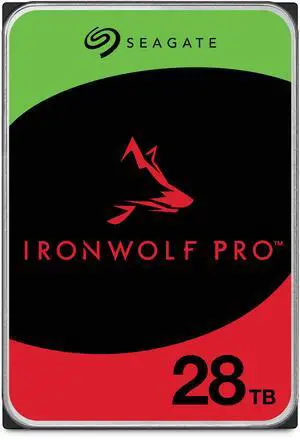
Very fast shipping arrived in 2 days Well packaged with heavy bubble wrap and sealed new Zero hours of run time when received CrystalDiskMark test looked clean Handled ~18 hours of continuous file copying without issue Excellent capacity for large storage needs
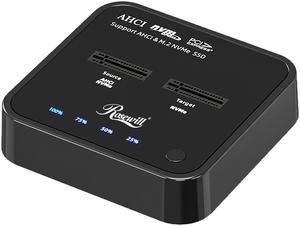
Easy to clone NVMe drives that would otherwise be a huge pain. No setup, built in functionality, just works. can handle a larger Target NVMe, which was my use case, upgrading an existing OS drive in a Laptop.
Just plug it in an start copying files. No power brick so super portable. Included cable is short but adequate.
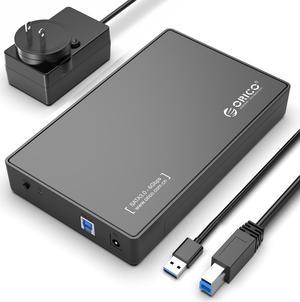
Super simple to swap hard drives in and out (Takes just a couple of seconds). USB 3.0 speeds are good and better if you have a UASP device to connect to.
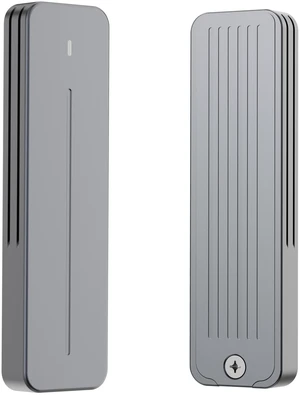
So easy to use
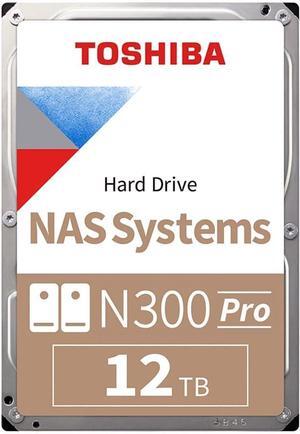
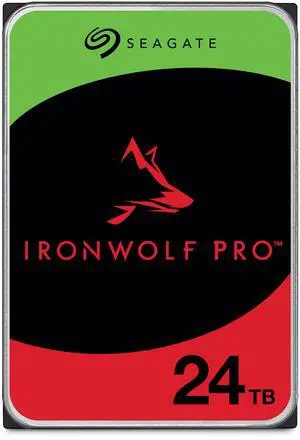
Love the capacity - cannot wait for the future 30TB hard drives but for now this is the biggest consumer drive possible.
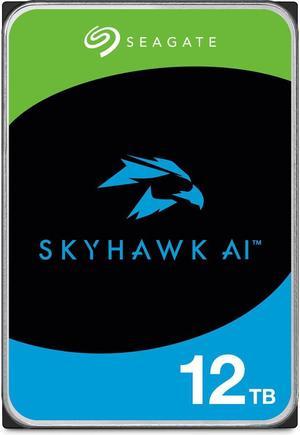
perfect for NAS. I don't really need the AI function in the drives they sit in a UNIFI protect set up. I have the 24TB one in my home protect set up and initially it was loud, but it has become more quite since it finished it originally set up. I have 8 of the 8TB drives with no issues. 2 are cold spares. when they go in I'll order 2 more. I take the drives that are out of warranty and typically put them in our 3rd tier backup NAS systems and they seem to live forever. Technically out of "service life" but that doesn't mean I take them offline, I stick them into a lower use environment to live out their days storing old accounting stuff. Nothing as exciting as VIDEO
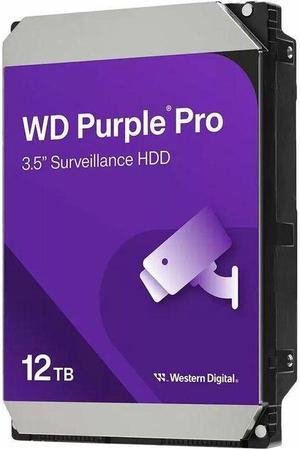
price point speed
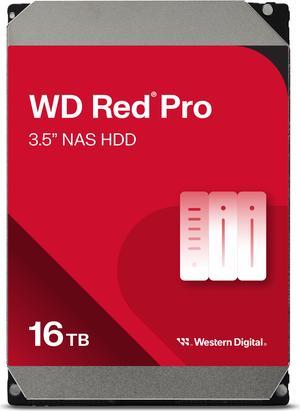
Good to go
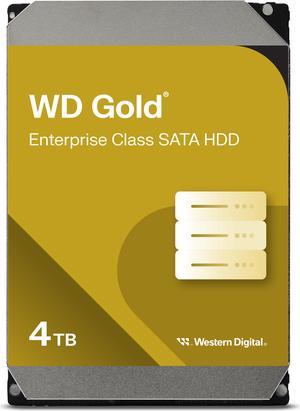
First off, I only buy from Newegg, don't trust the 3rd parties. I order two 16TB drives , two different times. When they were on sale. Second time they came damaged by not being packaged properly. I requested a refund and waited... Wait for it to come through, so I could order two fresh drives. By the time I received my refund, there was only one drive available, came packaged properly. So ,I've got 3 not 4 as I'd like. First pair are over a year old now, no issues, little start up time, not too loud. 3rd and newest drive is great! Will buy again.
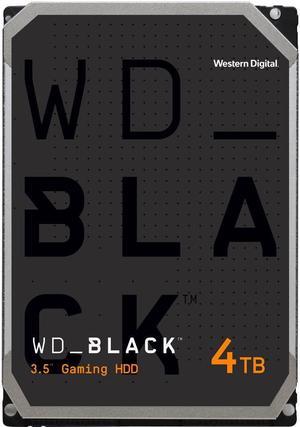
Great price, fast delivery & typical WD performance & realiability.
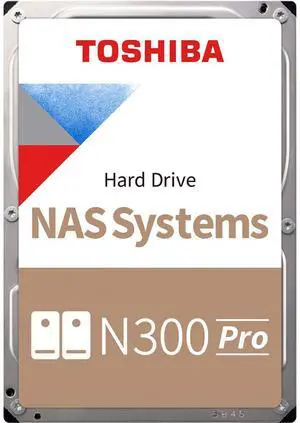
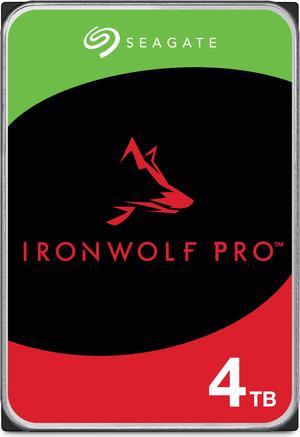
I just put four of these new drives in a server and two more in a NAS. They powered up fine and are doing their job with no complaints from them or me. They are a good value for the price.
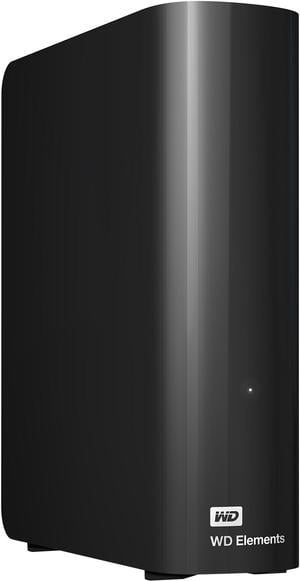
I have many (~20) of these WD Elements (8TB, 14TB, 16TB, 18TB and now 20TB) for the last 10 years. So far so good. They are fast and quiet.
![ORICO 2.5 inch External Hard Drive Enclosure USB 3.0 to SATA III for 7mm and 9.5mm SATA HDD SSD Tool Free [UASP Supported] Black (25PW1-U3)](https://c1.neweggimages.com/productimage/nb300/A1DSS2603250CP12V62.jpg "ORICO 2.5 inch External Hard Drive Enclosure USB 3.0 to SATA III for 7mm and 9.5mm SATA HDD SSD Tool Free [UASP Supported] Black (25PW1-U3)")
Works great. Cool lighting.
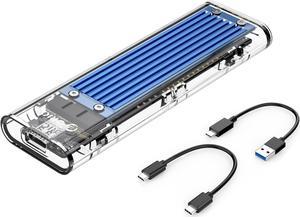
IT guy here. Amazing value. Nice packaging, screw driver included, spacers, and a nice heat sink that worked well. I used it to clone my SSD in my new Dell Inspiron 7706 2 in 1 to a larger SSD.
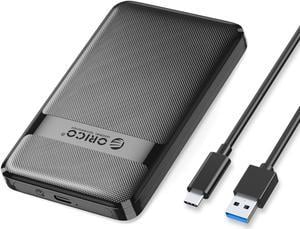
Very easy to assemble. Fast data transfer as described.


