




 here!
here!
I’m your shopping assistant for PC builds, upgrades, and everything tech.
Got questions? Ask away!
Start a conversation
here!
I’m your shopping assistant for PC builds, upgrades, and everything tech.
Got questions? Ask away!
Start a conversation

In Portable External Hard Drives
Our most popular products, based on sales and updated frequently.
light weight, easy set up and use. Great option for data protection and storage.
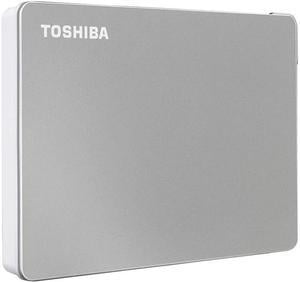
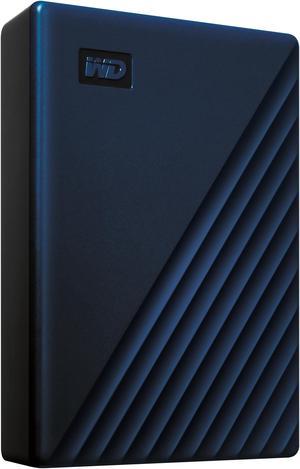
Light as a feather. Removable connection cable so that it doesn't get bent/damaged in your bag. Great price.
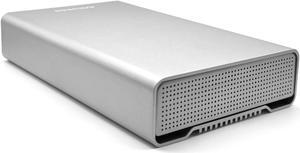
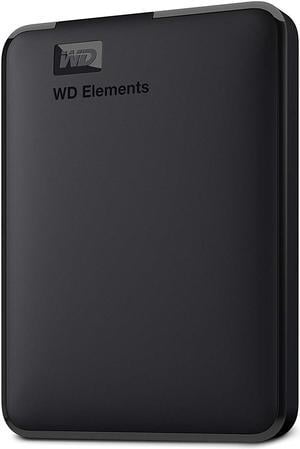
Fast Good for backups
Very usefull for storing my music.
5TB and fast. What more is there to day, except reliable (have to wait on that since I just got it).
Portable and fast transferring!
-smooth running and stays cool do to the aluminum cover. -anti skid and stealthy rubber pads. -pretty peppy for a compact 2TB external. connected to a renesis controller via usb 3.0 and backing up 743 GB of compressed music files i saw a high of 57.1MB/s and an average of 47.3 MB/s. i continued to backup the rest of my music files for a total of 1.3 TB (+3/4 capacity) and the transfer speed only dropped slightly to 39.8 MB/s. -3 year warranty.
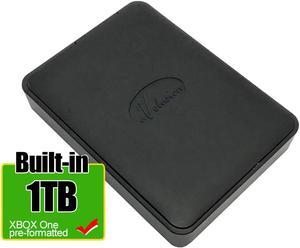
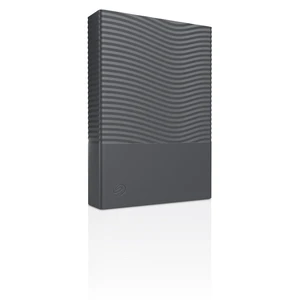
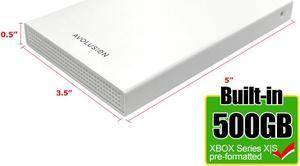
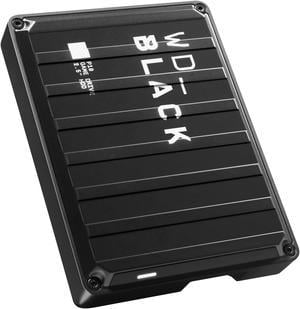
great hard drive being 6tb is better than there 5tb and really not much bigger can hardly tell the difference as photos show 5tb on bottom
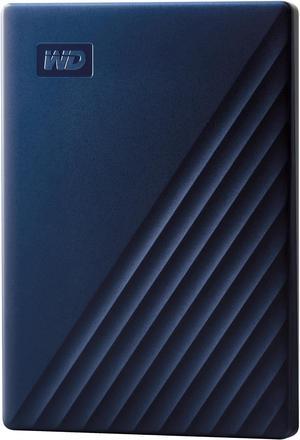
Simple, works right out of the box. I now have a new Time Machine disk for my laptop.
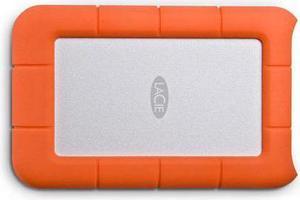
Buy Size is easy to transport ! Fits inside computer case with Velcro straps! I had seagste drive that fell 3 feet and never turned on. I haven't dropped this ... But supposed to be protected. Usual transfer speeds for my files has been ( high of about 14 mb/second to a low of 5 ) That could be my computer and not the drive Took all my 8gb, 16 GB ,32 senate Zip drives and put in one place on lacy Took old DVD and CDs and copy to lacy Dividing things into 128 GB folders So can have second backup copy of LaCie drive on usb Then I make second use copy Eventually will buy a second Lacey and make additional backup of LaCie Ok LaCie a little slower than I thought But no problems so far PS - SETUP for both Mac and PC You move slider all the way And it's so easy! Works great with both my MacBook and my pc ! I bought and registered some 3 year data backup recovery plan as well YOUR LIFE IS YOUR DATA! Having college papers and other stuff on lacy including music collection, articles , books ... Well paying only $200 for LaCie plus recovery plan is huge Bargin! Nice to throw out old small usb and Targums 320 dvd case BUY LACIE ! You likely don't need thunderbolt version And key with this is peace of mind protection that if it drops from desk you won't lose your life or data ! Has paid for itself in terms of making downsizing easy . If there was a fire , I'd grab the LaCie drive and leave everything else . NOT MY REAL NAME OR EMAIL
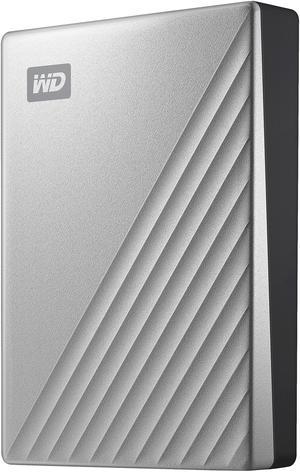
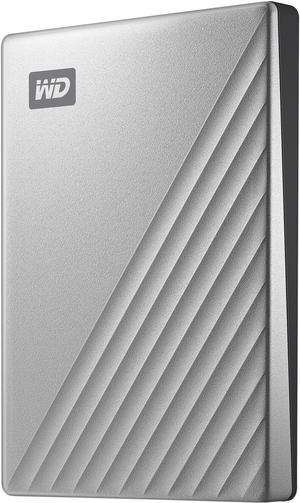
SUMMARY One of the most cost-efficient per Mb, portable, high-capacity, USB-C powered mechanical drives from the market leader. THE LINE-UP WD has a vast lineup of external hard drives which can sometimes be confusing. I have purchased many of these and still have to go over the various options each time. The “My Passport” series were originally designed to be a certain size (the size of a passport) and have gone through multiple generations. They currently come as “My Passport”, “My Passport for Mac”, “Ultra”, “Ultra for Mac”, “Wireless”, “Wireless SSD”, “SSD”, “Wireless Pro”, and “X”. WD also has a similar, small form factor “Elements” series. The main differentiating feature of the “My Passport Ultra” over the “My Passport” is the USB-C interface with an included cable that can also be set up to be backward compatible to USB-A plugs. The “Ultra” series case has nice heat dissipating shiny metal on top and black plastic on the bottom with tiny rubber feet and an activity LED. I think it looks better than the previous generation metal design. WD tried to be green - using some recycled materials for the case. Everything called “My Passport” has: Option of hardware AES encryption. 3 year warranty Up to 4 TB of storage (though WD doesn’t sell any 2.5 inch 4 TB laptop drives) WD Discovery and WD Backup software SIZE Pretty amazing how something this small can hold 4TB (81.6 x 110 x 20.96 mm). I voided the warranty by taking it apart. One way the case is so small in length is that the USB-C controller is built into the drive. The shock absorption design inside the case is good.The drive inside looks like it likely uses 4 platters and is branded a blue WD drive. Unknown if they had to go SMR or if they still use PMR technology to get this density. The USB-C to USB-C cable has a removable adapter for one end so you can use it for older USB ports. The cable length with adapter is about 20 inches. SOFTWARE I have the “My Passport Ultra”. The root of my drive came with both an “Install Discovery for Windows.exe” and an “Install Discovery for Mac.dmg”. The windows software is designed to easily install and automatically can consolidate data from both online (like Facebook, Google Drive & Dropbox) and local data with the possibility of using AES-256 Encryption. The Encryption software can even add a “return-if-found” message should your drive become lost when travelling. Mine was formatted as NTFS. Natively, this will mount on a Mac as read-only. WD provides a free downloadable version of the Paragon driver that will also let you write to NTFS from macOS - (worth about $20 if you had to buy it yourself). Otherwise, if you wanted to use this on both mac and Win 7+ then you could reformat as exFAT. If you want Mac only then you could re-format as HFS. If you are a mac-only person - buy the “My Passport Ultra for Mac” which has mac software and comes in mac format. PERFORMANCE I don’t believe the drive performance is much of an issue with these mechanical external portables and WD doesn’t even publish specs for them. My testing showed good performance - about 175/165 MB/s R/W attached to a Lenovo P71 laptop with SSD internal drives. Runs cool and quiet.


