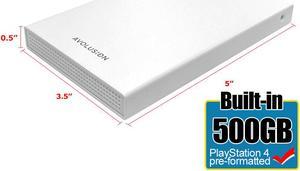
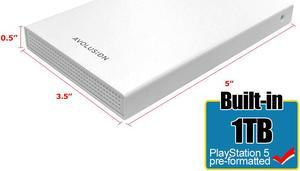
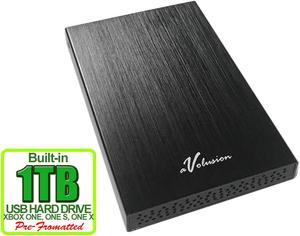
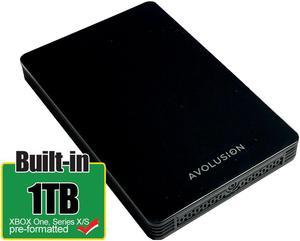
light weight, easy set up and use. Great option for data protection and storage.


Easy set up

1. Effortless setup, plug and play. 2. The speed is really fast, transferring large files pretty quick and easy. 3. The performance is so far consistent and it maintains high speeds during use. 4. The Compact and portable size makes it very appealing to carry on-the-go.


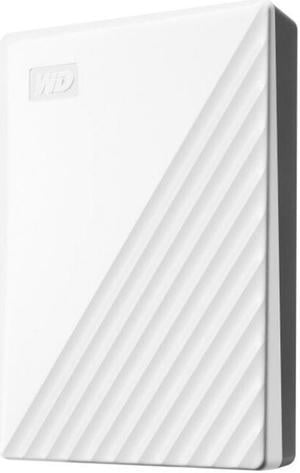
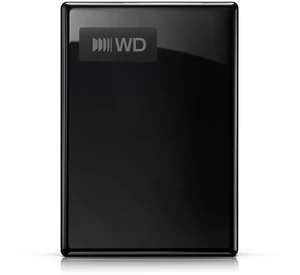
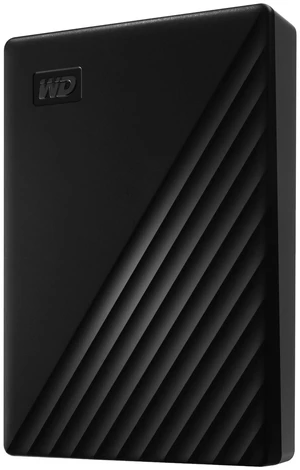
Installation: Installation was relatively easy. Removed from box, removed from blister pack, attach USB-C cable to drive and attach other end to computer. It also includes a USB-A (standard rectangle) to USB-C (oval shape) adapter, if your computer does not have a USB-C port. Cable is a heavy duty, but a very short 12-16" long. User guide is on Western Digital's website. With Windows 8.1 already running, the drive was not automatically recognized. To get it recognized, I opened Windows Explorer -> right-click on "This PC" (My Computer in earlier versions of Windows), selected Storage -> Disk Management. From here, I found the disk with the approximate size (1862.99 GB for 2TB drive) and assigned it a drive letter. The drive is pre-formatted to NTFS. Typical install process for any new, mass storage drive, I just thought it would be easier with an external one. Software: Already on the drive is a program to install Western Digital's "Discovery" for Windows or Mac. Some of the features of this program include: *It allows connected WD devices like WD My Passport and other supported drives to be managed under one application (My Cloud Home) *It simplifies complex tasks like securing the drive with a password or managing drive settings *It allows for device registration in order to receive important software updates and notifications *It displays device status such as capacity, free space available, drive security and so on This program has another potentially cool feature - it also allows you to import files from your other cloud accounts including Dropbox, Google Drive, OneDrive, Facebook, Instagram accounts, etc. My results from trying to import from a few services: * Google Drive - automatically downloads all of your Google Drive account and lets you set the destination, but doesn't let you choose the source folders/files. You also can't upload. * Dropbox - automatically downloads all of your DropBox account and lets you set the destination, but doesn't let you choose the source folders/files. You also can't upload. * Facebook - did not work, because Discovery tries to use a non-https URL. There is a big icon for "My Cloud Home," but that is a separate external backup system sold by WD and not relevant to this product. There are other optional Apps you can install from the Discovery software, however only three are free "WD Drive Utilities", "WD Security", "WD Backup." The paid apps say "Learn More." The password protection is under the security app and gives you 256-bit encryption to make this drive unbreakable - don't lose the password! Physical: Blue/black case is a nice, anodized dark blue with some texturing. Seems sturdy enough to protect the contents. Speed: I compared the performance of this drive to my Seagate BarraCuda ST4000DM005 4TB. The results using CrystalDiskMark 2.2, HDTune 2.5.5 and copying internal files: Seagate BarraCuda ST4000DM005 4TB 64MB Cache, 5900RPM ***CrystalDiskMark*** Seq: Read 170.5 MB/s / Write 159.6 MB/s 4K: Read 0.603 MB/s / Write 1.798 MB/s ***HDTune*** Maximum Transfer Rate = 197.4 MB/sec Average Transfer Rate = 182.5 MB/sec Minimum Transfer Rate = 139.6 MB/sec Access time = 11.7 ms Burst Rate = 197.4 MB/sec 1GB large file copy = 10.5 s 1GB small files copied (14,700 files) = 32 s Western Digital My Passport Ultra 2TB ***CrystalDiskMark*** Seq: Read 346.4 MB/s / Write 129.6 MB/s 4K: Read 1.038 MB/s / Write 6.320 MB/s ***HDTune*** Maximum Transfer Rate = 249.3 MB/sec Average Transfer Rate = 242.8 MB/sec Minimum Transfer Rate = 129.6 MB/sec Access time = 0.5 ms Burst Rate = 165.9 MB/sec 1GB large file copy = 9s 1GB small files copied (14,700 files) = 32s Wow! This drive cooks on sequential read rate (large file transfers), although write speed is a little slower than the 3.5" drive. On the other hand, write speed for 4K (small file transfers), demolishes the other drive. However, in real world testing, it took the same amount of time to transfer small files as the Seagate BarraCuda. Without knowing the true specs, the 0.5 ms access time makes me believe this is a hybrid SSD-mechanical drive. Whatever - it works. Warranty: The warranty is three years, which is solid compared to competitors. Noise: Quiet - I could not hear the drive over my low speed case fans.

It was good just over priced


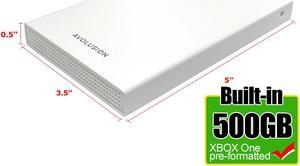
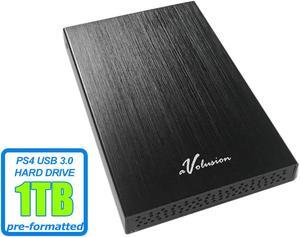
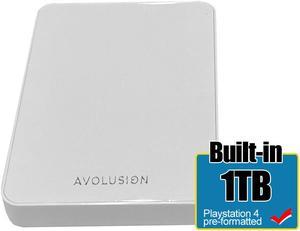
Performatted, which I know is no big deal, but it saved time and made it very convenient. Just plugged it in and it was ready to go. Started loading games onto it right away. Delivery was prompt and no hassles. Great job, goHardDrive team.


I trusted WD drives

Worked right away out of the box. Reformatting it for my Mac was quick and painless. For Windows users it has a URL for downloading software, but that was unnecessary for the Mac.


silent , small, well designed, and no heat