




 here!
here!
I’m your shopping assistant for PC builds, upgrades, and everything tech.
Got questions? Ask away!
Start a conversation
here!
I’m your shopping assistant for PC builds, upgrades, and everything tech.
Got questions? Ask away!
Start a conversation

In Computer Accessories
Our most popular products, based on sales and updated frequently.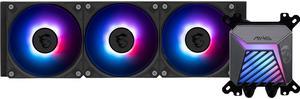
easy install, good rgb, cool temps
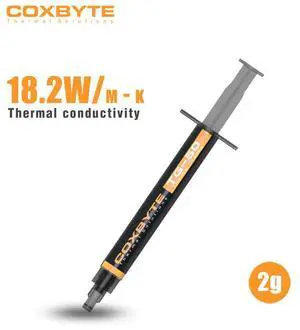
Hight thurmal conductivity, hold my the items. cheap.
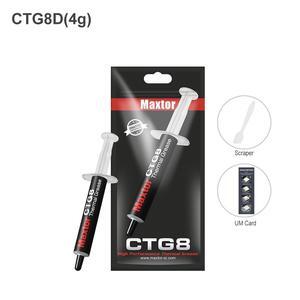
great thermal conductivity, cheap, hold my CPU

Was happy to get this cooler. Placed it in my server PC cooling my Ryzen 9 9950x and idle temps are at 43. When hosting games it stays in the mid 60s.
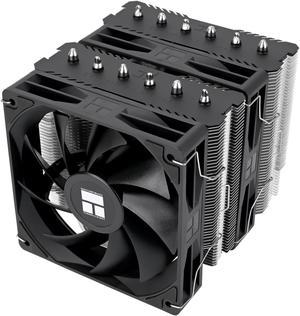
-Price -Easy to install (AMD 4/5) -Nearly as good as Noctua (1-2 degrees less) -Quiet
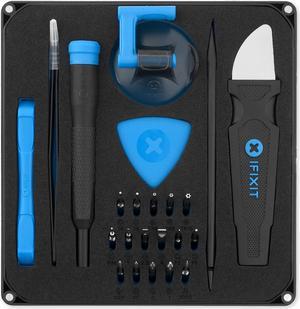
This has everything i need for building and maintaining computers.
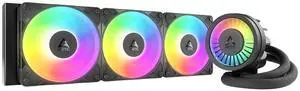
Amazing AIO. Fans already preinstalled. Easy instructions to follow. Cools my CPU no issue
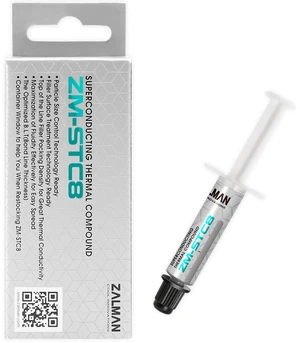
kept my i7 12700k under 100 Fahrenheit (cold) while under 100% load, after a week of use, it cooled down to 70-85 Fahrenheit IDLE!
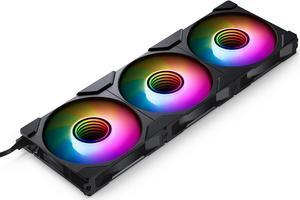
Ease of instillation Easy to daisy chain Looks great Did I mention that are a great value. Ive used theme in both of my current computers
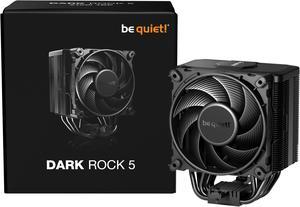
- Size is great, doesn't cover my ram at all - Good cooling power for my Ryzen 7 9800X3D - Quiet fan - Looks great in the case
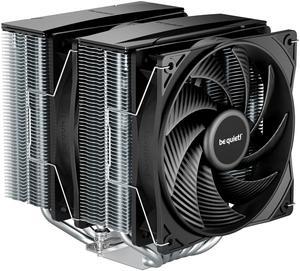
It's huge. Cools well. Comes with hardware for AMD and Intel chips to mount it to the motherboard. Already has thermal paste applied to the cooler.
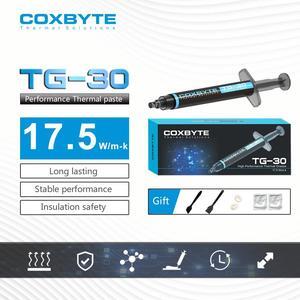
I had looked up some reviews of this that showed before and after operating at 10C cooler and I was skeptical but I am seeing the same results. I used this to replace the manufacturer thermal past on my Asus Tuf F15 laptop. Due to some other maintenance I had done earlier the stock thermal past likely had bubbles and wasn't best utilized but even so I went from 75-85C on my CPU under heavy use to 65-70C and my GPU went from 85C under heavy use to 65C MAX under heavy use. Very effective product. Easy to apply as it came with a brush, applicator and two finger condoms for spreading it out.
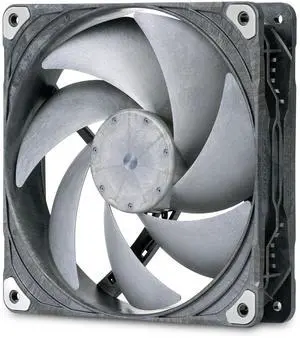
Silent yet powerful
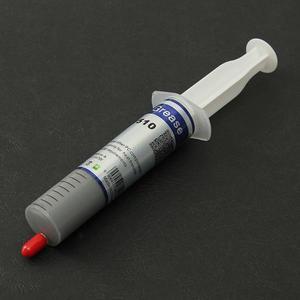
You get 30 grams of thermal grease which is a lot more than other brands and the price is excellent. It's worth buying and having it available for future use. Even at this low selling price, the grease is packaged in a syringe tube for easy application.
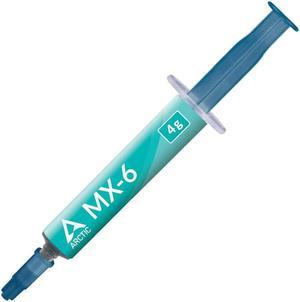
Pros - Very good thermal paste, high performing paste. Great company, they are known to offer you replacements, and or repair kits if a product of theirs has a defect. Very good company, and I would trust my system with them. Non conductive, no need to worry about something shorting!
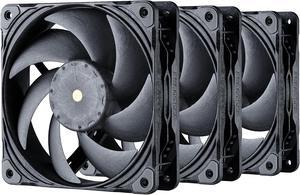
Push a ton of air. High static pressure and high air flow. Very quiet on performance (haven't tried the advance...no need these push more air than other fans already).
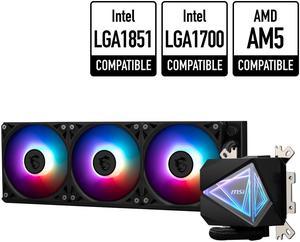
Sleak Straight forward Plenty of parts for odd situations
Shipped fast
Versatile computer accessories are products that help you build laptops and computers to perform functions you need at optimal levels, whether it is for the home or office. Inside the computer case, you'll find the system unit, which organizes many of the accessories that are essential internal components. They provide access to sockets for connecting to internal parts and external peripherals. Accessories can assist in raising the performance of the system, introduce new elements to your computer, keep the operating system cooled down and make sure you have trouble-free installation. Some standard accessories are desktop cooling fans, plug connectors, and a HDD mounting kit.
The motherboard is the central component of the computer, and holds all the CPU accessories within the computer case so they can communicate and work together. The computer accessories can range from what powers the processors to the hard drive. In between, you have RAM, network cards, graphics processing units, patch panels and other hardware that help you connect all these components so they work as one unit. The motherboard includes distinct functionalities, and your computer must have a motherboard that is compatible with the processor. Upgrading your computer requires interchanging desktop accessories, and you need to make sure your upgrades are consistent with the rest of the computer components. For instance, upgrading your processor will give you faster processing, but take into account the power requirements of the other parts, like the graphics processing unit and motherboard.
Storage devices are key for determining how much you can download onto your computer. A solid-state drive (SSD) and a hard disk drive (HDD) are computer accessories that simply store data. Think of the HDD as a mechanical platter that drives the computer as it reads information. The SSD is a newer and faster type of drive that stores bits of information like a flash drive for quick access. The HDD, which is like a vinyl album, has to search for the data. Whichever you choose, there are SSD and HDD accessories needed for the build. Both need mounting kits and brackets to install them in their empty bays. Some computers may require bay adapters for the drives if they are too small for the slot. Other desktop accessories you might also want to consider are disk storage cases that protect drives when you transport them.
Upgrading your computer may require different wired accessories. For instance, if you need to change your desktop cooling fan, you might need to consider wired accessories from DC connectors to rack mounts. Furthermore, understanding which adaptor to use to convert connections smoothly is essential. Some common wired accessories to consider for upgrading are power cables, shielded jacks and keystone jacks. Some of these desktop accessories come in different colors to help you organize and group or match them by color.


