




 here!
here!
I’m your shopping assistant for PC builds, upgrades, and everything tech.
Got questions? Ask away!
Start a conversation
here!
I’m your shopping assistant for PC builds, upgrades, and everything tech.
Got questions? Ask away!
Start a conversation

In Computer Accessories
Our most popular products, based on sales and updated frequently.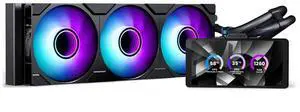
The LCD display looks great not a secondary monitor but a independent screen
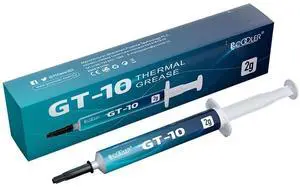

pro = performance
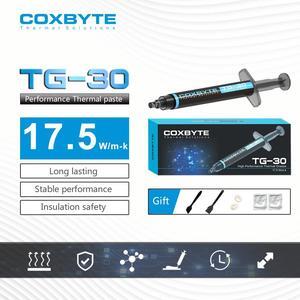
emit heat fast, hold PC componence, cheap.

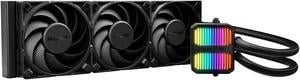
You can pay more, you can pay less. But eventually you have to settle on one choice. I went with Be Quiet because I have experience with the brand and trust it. I also went with Be Quiet because it does NOT come with proprietary software, and so proprietary software is not required. I control pump and fan speeds with my mobo BIOS. Works fine. I would like to have a visible temperature display (my previous AIO was a Corsair and could control the front fan colors to show CPU temp, so I could always see my system temp health). But the simplicity of the Be Quiet won me over. The LED display on the pump body is simple, but elegant. Has a Knight Rider/Cylon vibe. It's supposedly software controllable but I don't want to throw software into an otherwise rock solid cooling system. So I just go with the pretty rolling rainbow color on the pump that is default. Note: The fans are not ARGB, nor RGB, nor lighted in any way. That didn't matter for me. I COMPUTE with my computer, not SHOW OFF. I'll save the blinking lights for my Christmas tree.

Heat sink, high read and write speed up to the maximum 1000 Mbps.
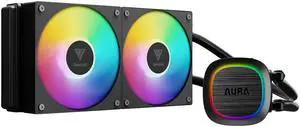
Had to take it apart and separate the fans from the radiator but everything mounted up and worked.
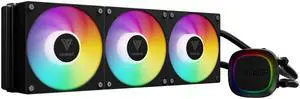
Feels well made. Easy to install. LEDs look great. Super quiet, even when set to performance mode cooling in BIOS. Temps are nice and cool.
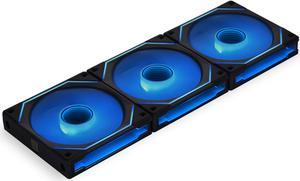
Great Quality build. Ease of Use Cables are very neat and clean
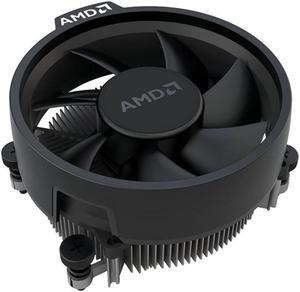
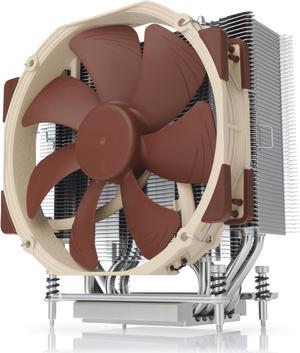
with a Noctua NF-A14 iPPC-3000 PWM, 4-Pin, Heavy Duty Cooling Fan with 3000RPM (140mm, Black) pulls 42C on a x399 system
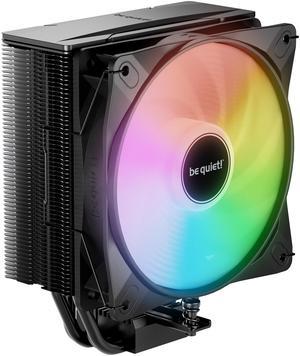
I had a double heat sink and dual fan before this, but it was too bulky and hard to work with a ram upgrade. Prior sink would sit at 32 degrees idle, this one sits at 35 degrees, no biggie. Runs about 45 degrees gaming, playing COD. Very quiet!
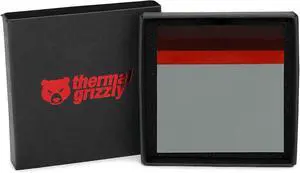
the sheet is durable and the size you need. worked well in my cpu and does what it's supposed to do. i have no complaints.
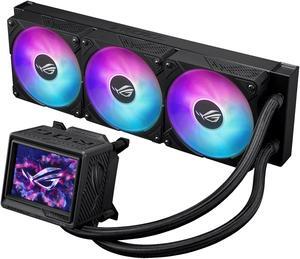
This was very easy to install has less cables to for ease of install . Works very well cools my system very well and is very well made . The fans are just beefy and well made they move allot more air than i expected .
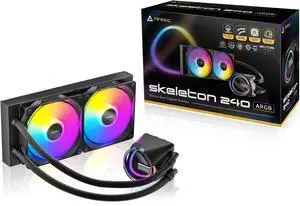
- Awesome price - Easy to set up - Long cables to reach around full ATX boards - Cooling my CPU!
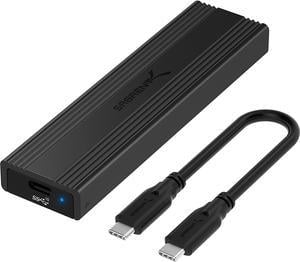
Cheap but excellent SSD enclosure
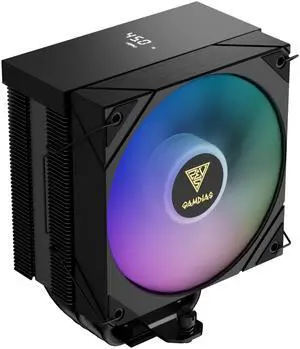
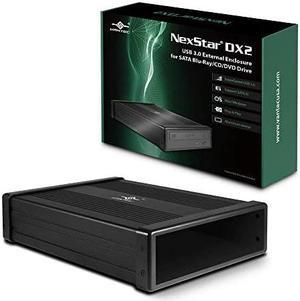
Install is pretty simple and using is as easy as any other USB device
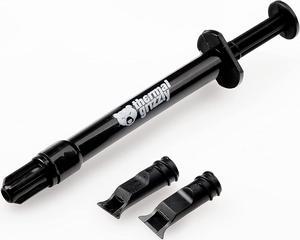
- High quality thermal compound - Doesn't run too much before you can get the cooler attached.
Versatile computer accessories are products that help you build laptops and computers to perform functions you need at optimal levels, whether it is for the home or office. Inside the computer case, you'll find the system unit, which organizes many of the accessories that are essential internal components. They provide access to sockets for connecting to internal parts and external peripherals. Accessories can assist in raising the performance of the system, introduce new elements to your computer, keep the operating system cooled down and make sure you have trouble-free installation. Some standard accessories are desktop cooling fans, plug connectors, and a HDD mounting kit.
The motherboard is the central component of the computer, and holds all the CPU accessories within the computer case so they can communicate and work together. The computer accessories can range from what powers the processors to the hard drive. In between, you have RAM, network cards, graphics processing units, patch panels and other hardware that help you connect all these components so they work as one unit. The motherboard includes distinct functionalities, and your computer must have a motherboard that is compatible with the processor. Upgrading your computer requires interchanging desktop accessories, and you need to make sure your upgrades are consistent with the rest of the computer components. For instance, upgrading your processor will give you faster processing, but take into account the power requirements of the other parts, like the graphics processing unit and motherboard.
Storage devices are key for determining how much you can download onto your computer. A solid-state drive (SSD) and a hard disk drive (HDD) are computer accessories that simply store data. Think of the HDD as a mechanical platter that drives the computer as it reads information. The SSD is a newer and faster type of drive that stores bits of information like a flash drive for quick access. The HDD, which is like a vinyl album, has to search for the data. Whichever you choose, there are SSD and HDD accessories needed for the build. Both need mounting kits and brackets to install them in their empty bays. Some computers may require bay adapters for the drives if they are too small for the slot. Other desktop accessories you might also want to consider are disk storage cases that protect drives when you transport them.
Upgrading your computer may require different wired accessories. For instance, if you need to change your desktop cooling fan, you might need to consider wired accessories from DC connectors to rack mounts. Furthermore, understanding which adaptor to use to convert connections smoothly is essential. Some common wired accessories to consider for upgrading are power cables, shielded jacks and keystone jacks. Some of these desktop accessories come in different colors to help you organize and group or match them by color.


