




 here!
here!
I’m your shopping assistant for PC builds, upgrades, and everything tech.
Got questions? Ask away!
Start a conversation
here!
I’m your shopping assistant for PC builds, upgrades, and everything tech.
Got questions? Ask away!
Start a conversation

In Computer Accessories
Our most popular products, based on sales and updated frequently.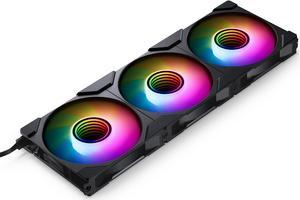
Solid Build, LEDs are great!
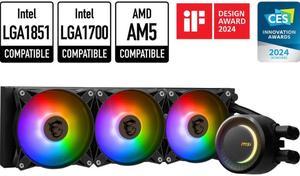
Installation was relatively simple Even without 'Quiet Operation' taken into consideration and left to make as much noise as possible, they are super-quiet RGB effects look awesome
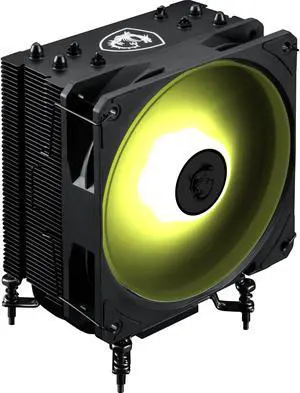
The cooler comes with easy to change CPU socket adapters. The fan is easy to attach/detach. It uses the same fan as the MSI AIO Radiators. (Good Fan)
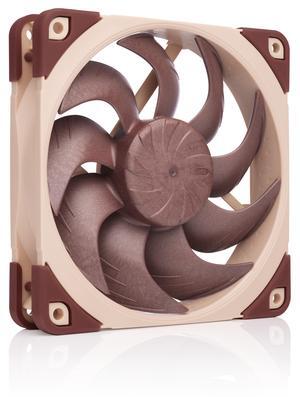
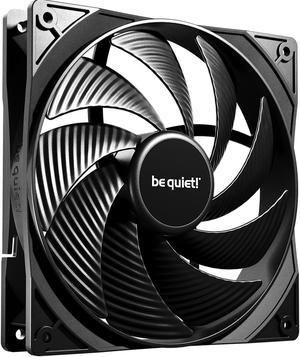
4 mounting screws are provided. They are black in color.
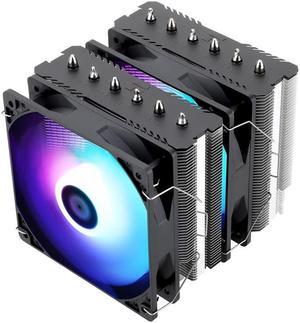
Drop my computer temperature from idling at 90C(bad stock CPU fan) to idling at around 40C after installation. it also includes a tube of thermal paste in it.
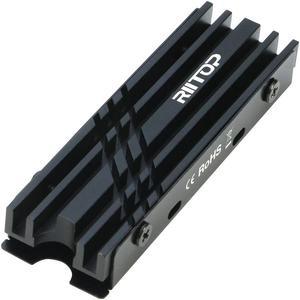
Good SSD cooler with one caveat. Comes with several heat pads of different thickness and even includes a mini screwdriver. Installing a single-sided SSD will have no issues whatsoever.
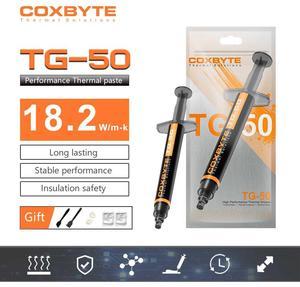
Inexpensive. Does the job.
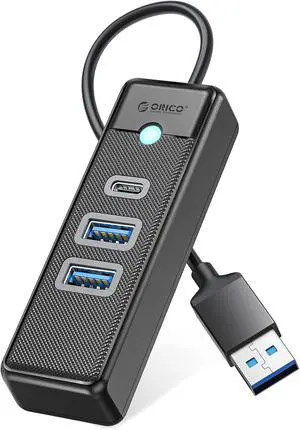
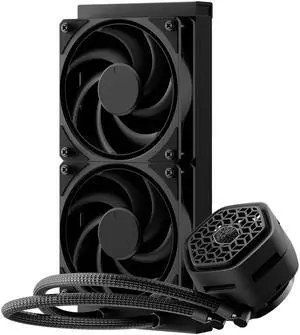
- Low profile pump - Quiet pump - Quiet fans - Easy cable management - Easy install - Optional VRM fan - Two pump block covers - No RGB - Pre mounted fans as exhaust - Plug and play
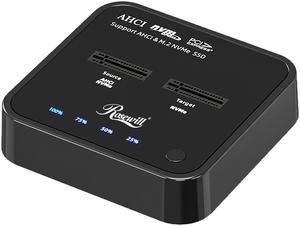
So easy to use
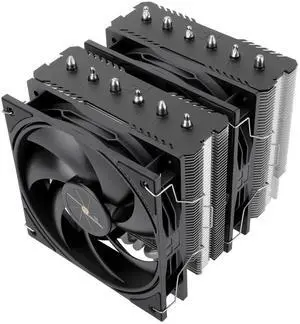
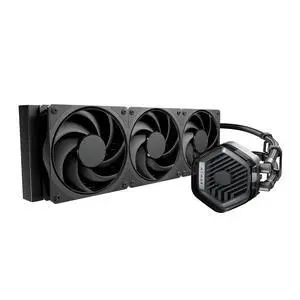
- It's an attractive AIO - It's easy to assemble - It has clean instructions and extra thermal paste - The fans that come with it are quiet and effecient
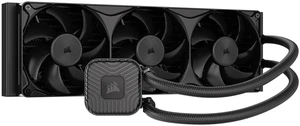
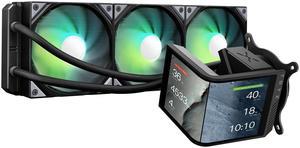
Everything! Performance, style and power!
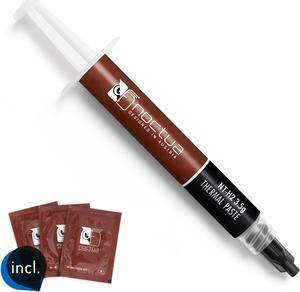
Easy to work with, performs very very well.
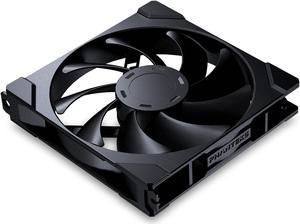
I like the convenience of having one module instead of 2 plus in parts. The fans work as intended, and I have used these fans in 3 builds so far. They are responsive to selected fan curves and are quiet, even at high RPMs (1800 max). Because they are daisy-chained, there are fewer wires to chase, a good thing in an SFF.
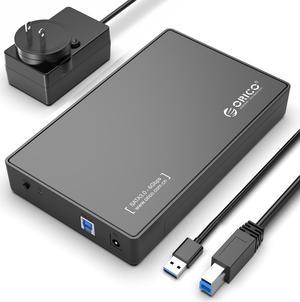
ORICO Tool Free USB 3.0 to SATA External Hard Drive Enclosure case for 3.5inch SATA HDD and SSD -Black (3588US3) These low-cost, tool free enclosures are lightweight easy to work with. We have used them: as quick SATA docks for transferring data from old hard drives, as network storage by attaching unit to our router's USB port, as OS boot drive for a Rockstor NAS installation with WD Velociraptor 160gb drives. Being self powered (12V2.5A Power Adapter included) they work well with Raspberry PI computers. Have one attached to Raspberry PI 3 LibreELEC HTPC. It is quick work to connect a hard drive via USB 3.0 - take cover off, slide drive in, put cover back on, connect to USB port, plug in wall wart, and voilà you're in business.
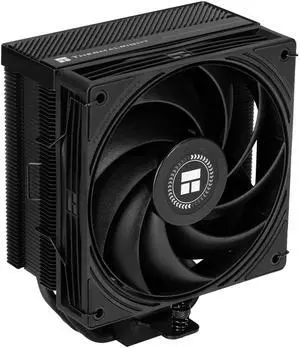

Performs well, temps have been good while gaming. It was easy to install. Looks very nice in my case.
Versatile computer accessories are products that help you build laptops and computers to perform functions you need at optimal levels, whether it is for the home or office. Inside the computer case, you'll find the system unit, which organizes many of the accessories that are essential internal components. They provide access to sockets for connecting to internal parts and external peripherals. Accessories can assist in raising the performance of the system, introduce new elements to your computer, keep the operating system cooled down and make sure you have trouble-free installation. Some standard accessories are desktop cooling fans, plug connectors, and a HDD mounting kit.
The motherboard is the central component of the computer, and holds all the CPU accessories within the computer case so they can communicate and work together. The computer accessories can range from what powers the processors to the hard drive. In between, you have RAM, network cards, graphics processing units, patch panels and other hardware that help you connect all these components so they work as one unit. The motherboard includes distinct functionalities, and your computer must have a motherboard that is compatible with the processor. Upgrading your computer requires interchanging desktop accessories, and you need to make sure your upgrades are consistent with the rest of the computer components. For instance, upgrading your processor will give you faster processing, but take into account the power requirements of the other parts, like the graphics processing unit and motherboard.
Storage devices are key for determining how much you can download onto your computer. A solid-state drive (SSD) and a hard disk drive (HDD) are computer accessories that simply store data. Think of the HDD as a mechanical platter that drives the computer as it reads information. The SSD is a newer and faster type of drive that stores bits of information like a flash drive for quick access. The HDD, which is like a vinyl album, has to search for the data. Whichever you choose, there are SSD and HDD accessories needed for the build. Both need mounting kits and brackets to install them in their empty bays. Some computers may require bay adapters for the drives if they are too small for the slot. Other desktop accessories you might also want to consider are disk storage cases that protect drives when you transport them.
Upgrading your computer may require different wired accessories. For instance, if you need to change your desktop cooling fan, you might need to consider wired accessories from DC connectors to rack mounts. Furthermore, understanding which adaptor to use to convert connections smoothly is essential. Some common wired accessories to consider for upgrading are power cables, shielded jacks and keystone jacks. Some of these desktop accessories come in different colors to help you organize and group or match them by color.


