




 here!
here!
I’m your shopping assistant for PC builds, upgrades, and everything tech.
Got questions? Ask away!
Start a conversation
here!
I’m your shopping assistant for PC builds, upgrades, and everything tech.
Got questions? Ask away!
Start a conversation

In Computer Accessories
Our most popular products, based on sales and updated frequently.
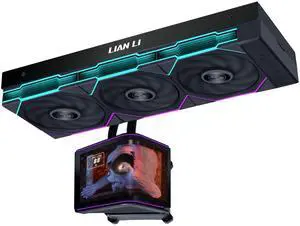
The amount of customization that this aio offers is unreal Amazing display Easy set up
Does its job
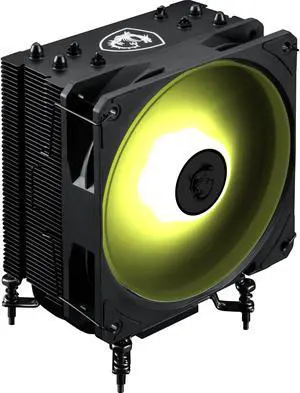
The cooler comes with easy to change CPU socket adapters. The fan is easy to attach/detach. It uses the same fan as the MSI AIO Radiators. (Good Fan)
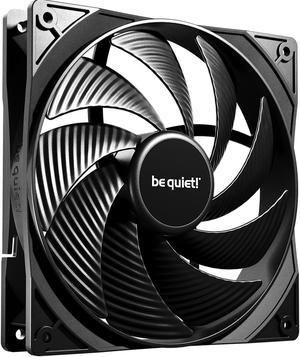
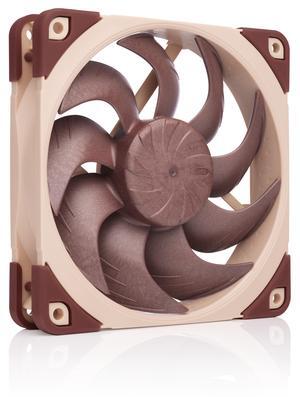
High quality fan. Works silently and and variable speed. A steal on special. Get them while they last.
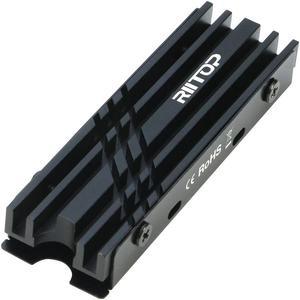
Good SSD cooler with one caveat. Comes with several heat pads of different thickness and even includes a mini screwdriver. Installing a single-sided SSD will have no issues whatsoever.
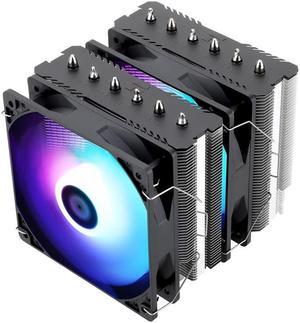
- It keeps the processor at a good temperature
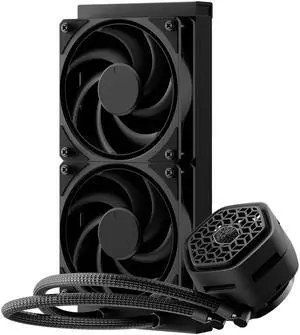
- Low profile pump - Quiet pump - Quiet fans - Easy cable management - Easy install - Optional VRM fan - Two pump block covers - No RGB - Pre mounted fans as exhaust - Plug and play
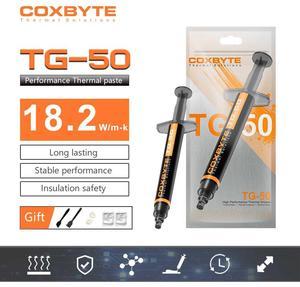
Inexpensive. Does the job.
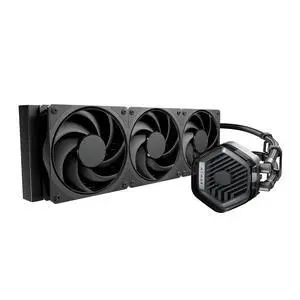
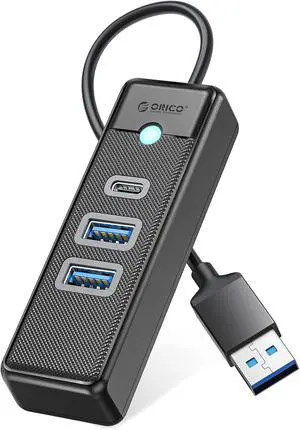
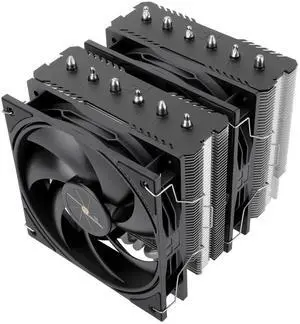
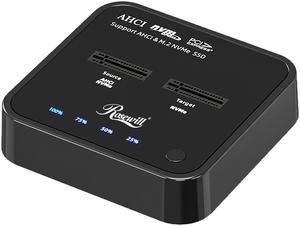
Just works. Comes with clear instructions (once you read the correct side) and feels fairly durable. The lights for the % done is bright enough and clear.
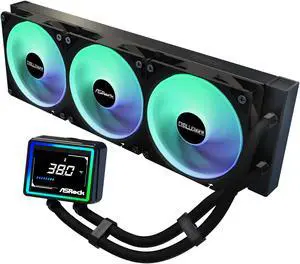
1. Looks nice with a full Challenger line and not paying too much for plastic cheese on the GPU if you know what I mean. 2. my i5 13400f never goes over 60C usually 23C idal 57C super Max. 3. Quiet like it says or at least quiet enough for me 5 *'s on noise level.(im not super picky about noise levels).
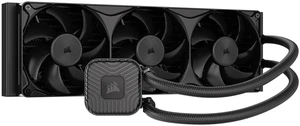
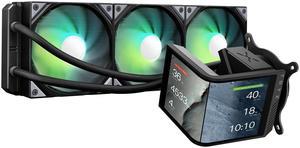
Quick and easy to install with good and simple instructions. Took me approximately 20 minutes to remove an existing AIO and install this AIO. The 2K screen is BEAUTIFUL with its AMOLED screen. The fans are quiet and have rubber corners to minimize rattle noise. The KANALI software to control the screen is user-friendly and works well. Thought and time was spent on the application unlike other barebone controllers. You can do a 2:1 screen or two 1:1 screens on the 2K display. Displayable Date & Time, Motherboard temperature, and CPU/GPU/Memory temperature, frequency, usage, voltage, , Branding is not over the top! I can appreciate that there logo is not blaring in my build and taking attention away from the display.
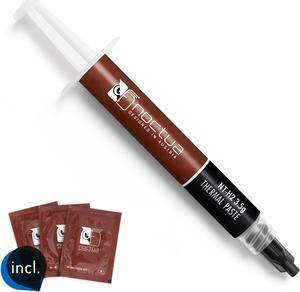
-Kept my temps lower than stock Thermal paste included in four different coolers, and ran cooler than another popular brands thermal paste, verified multiple times. -Will only use this Thermal paste on all my other builds in the future. -Comes with cleaning wipes that makes it easier than other traditional methods of removing Thermal paste on CPUs
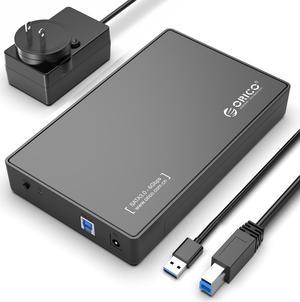
Good transfer speed

Good cooling and screen is big and crisp along with the light ring
Versatile computer accessories are products that help you build laptops and computers to perform functions you need at optimal levels, whether it is for the home or office. Inside the computer case, you'll find the system unit, which organizes many of the accessories that are essential internal components. They provide access to sockets for connecting to internal parts and external peripherals. Accessories can assist in raising the performance of the system, introduce new elements to your computer, keep the operating system cooled down and make sure you have trouble-free installation. Some standard accessories are desktop cooling fans, plug connectors, and a HDD mounting kit.
The motherboard is the central component of the computer, and holds all the CPU accessories within the computer case so they can communicate and work together. The computer accessories can range from what powers the processors to the hard drive. In between, you have RAM, network cards, graphics processing units, patch panels and other hardware that help you connect all these components so they work as one unit. The motherboard includes distinct functionalities, and your computer must have a motherboard that is compatible with the processor. Upgrading your computer requires interchanging desktop accessories, and you need to make sure your upgrades are consistent with the rest of the computer components. For instance, upgrading your processor will give you faster processing, but take into account the power requirements of the other parts, like the graphics processing unit and motherboard.
Storage devices are key for determining how much you can download onto your computer. A solid-state drive (SSD) and a hard disk drive (HDD) are computer accessories that simply store data. Think of the HDD as a mechanical platter that drives the computer as it reads information. The SSD is a newer and faster type of drive that stores bits of information like a flash drive for quick access. The HDD, which is like a vinyl album, has to search for the data. Whichever you choose, there are SSD and HDD accessories needed for the build. Both need mounting kits and brackets to install them in their empty bays. Some computers may require bay adapters for the drives if they are too small for the slot. Other desktop accessories you might also want to consider are disk storage cases that protect drives when you transport them.
Upgrading your computer may require different wired accessories. For instance, if you need to change your desktop cooling fan, you might need to consider wired accessories from DC connectors to rack mounts. Furthermore, understanding which adaptor to use to convert connections smoothly is essential. Some common wired accessories to consider for upgrading are power cables, shielded jacks and keystone jacks. Some of these desktop accessories come in different colors to help you organize and group or match them by color.


