here!
here!
I’m your shopping assistant for PC builds, upgrades, and everything tech.
Got questions? Ask away!
Start a conversation
here!
I’m your shopping assistant for PC builds, upgrades, and everything tech.
Got questions? Ask away!
Start a conversation

In Serial Cables
Our most popular products, based on sales and updated frequently.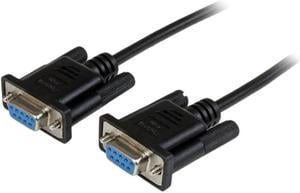
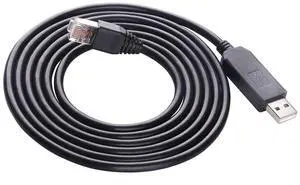
Configured my dell switch with no issues.
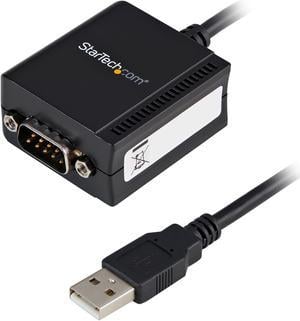
Works out of the box. Did not have to download or install any software
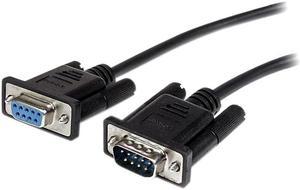
Nothing much except it works
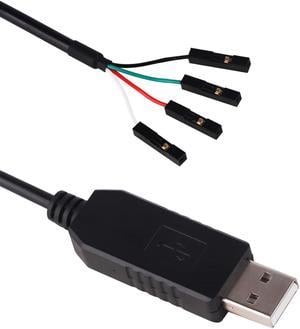
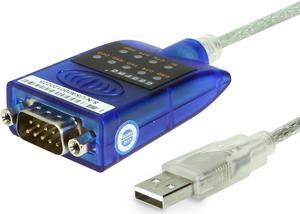
![SABRENT USB 2.0 to Serial (9-Pin) DB-9 RS-232 Converter Cable, Prolific Chipset, - HEXNUTS - , [Windows 10/8.1/8/7/VISTA/XP, Mac OS X 10.6 and Above] 2.5 Feet (CB-DB9P)](https://c1.neweggimages.com/productimage/nb300/AME8S200810dkrU4.jpg "SABRENT USB 2.0 to Serial (9-Pin) DB-9 RS-232 Converter Cable, Prolific Chipset, - HEXNUTS - , [Windows 10/8.1/8/7/VISTA/XP, Mac OS X 10.6 and Above] 2.5 Feet (CB-DB9P)")
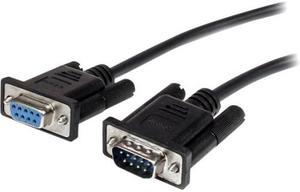
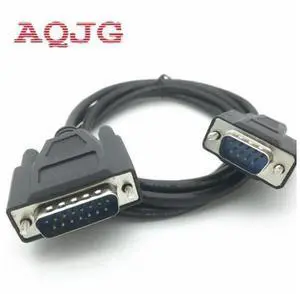
This really is a 1 meter long F/F null modem cable; it appears to be well-made. I used a continuity tester on it and found that all nine pins are cross-connected appropriately.
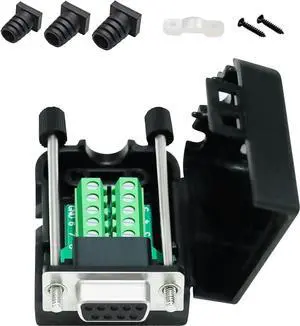
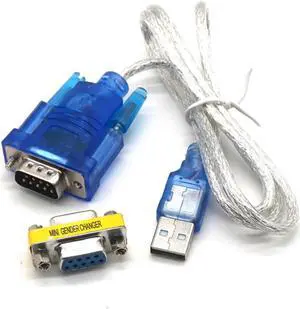
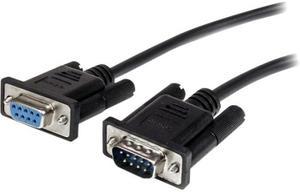
Just what I needed, as described
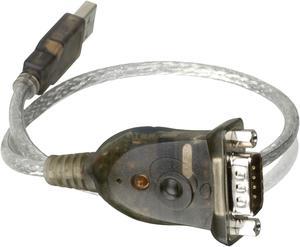
Works with everything I've tried.
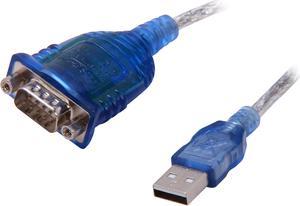
Works fine. I don't have to use cdrom to install driver. Win XP Tablet . Connected Tablet PC USB port to Sartorius scale RS232 port