here!
here!
I’m your shopping assistant for PC builds, upgrades, and everything tech.
Got questions? Ask away!
Start a conversation
here!
I’m your shopping assistant for PC builds, upgrades, and everything tech.
Got questions? Ask away!
Start a conversation

In Serial Cables
Our most popular products, based on sales and updated frequently.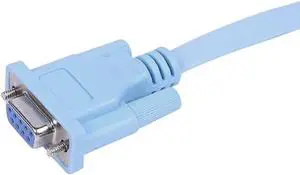
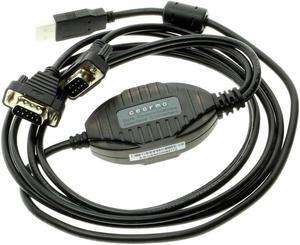
![SABRENT USB 2.0 to Serial (9-Pin) DB-9 RS-232 Converter Cable, Prolific Chipset, HEXNUTS, [Windows 10/8.1/8/7/VISTA/XP, Mac OS X 10.6 and Above] 6-Feet (CB-9P6F)](https://c1.neweggimages.com/productimage/nb300/AME8_1_20200103361459832.jpg "SABRENT USB 2.0 to Serial (9-Pin) DB-9 RS-232 Converter Cable, Prolific Chipset, HEXNUTS, [Windows 10/8.1/8/7/VISTA/XP, Mac OS X 10.6 and Above] 6-Feet (CB-9P6F)")
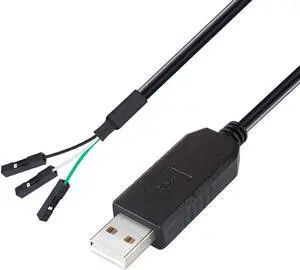
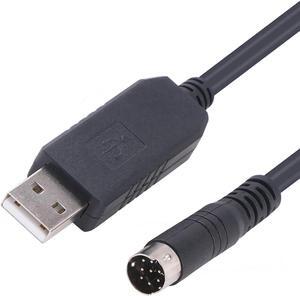
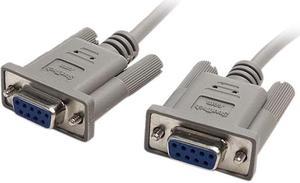
it's a serial cable...nuff said.
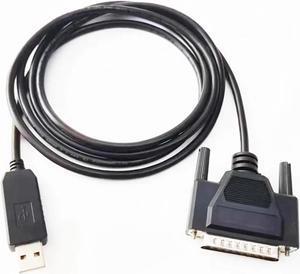
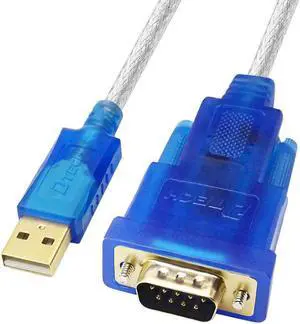
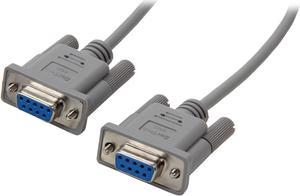
Exactly as described, the perfect straight through extension cable.
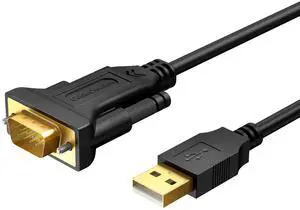
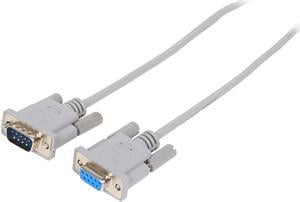
I stick data in one end and it comes out looking the same on the other end. These work fine
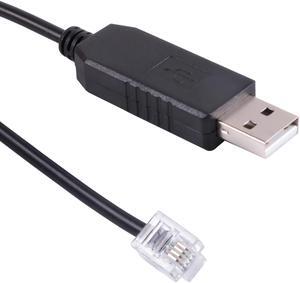
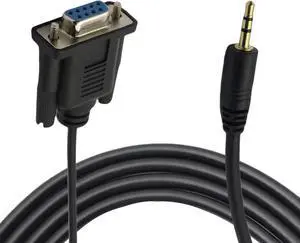
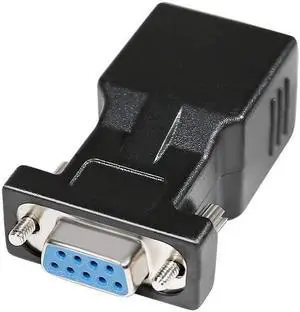
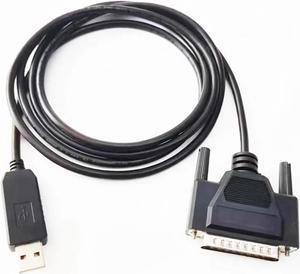
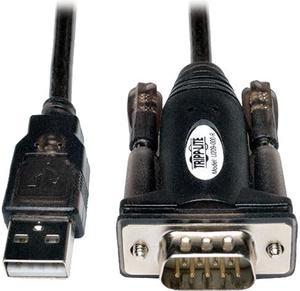
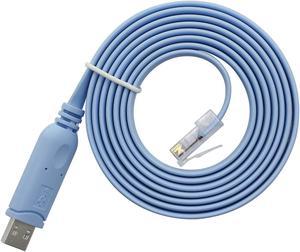
This USB/serial port was easy to install, it came with the classic MP3 disk. I needed a serial port for my Cisco router because I am practicing for my CCNT. This works great because I just used a USB port in the front of my rig and connected into the routers cord, so I didn't need to do much as far a hardware for my PC. I use PUTTY and the response time is great, no issues on my end. Shipping was fast and I had no issues, plus I got this on the cheap so its great.